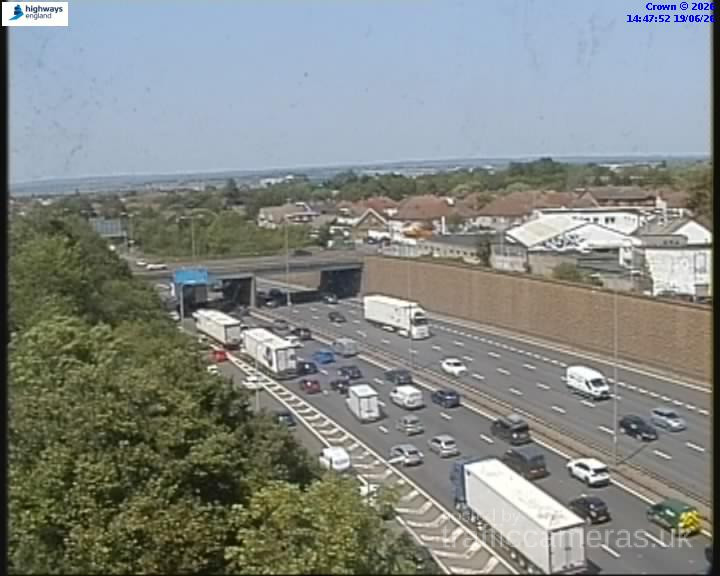
M20 Junction 1
M20 · Direction unavailable
Status: Online
Updated 1 min ago

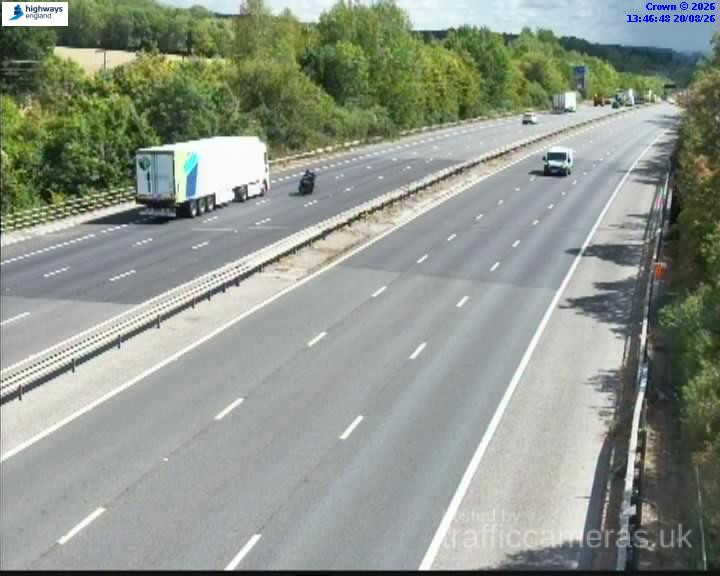
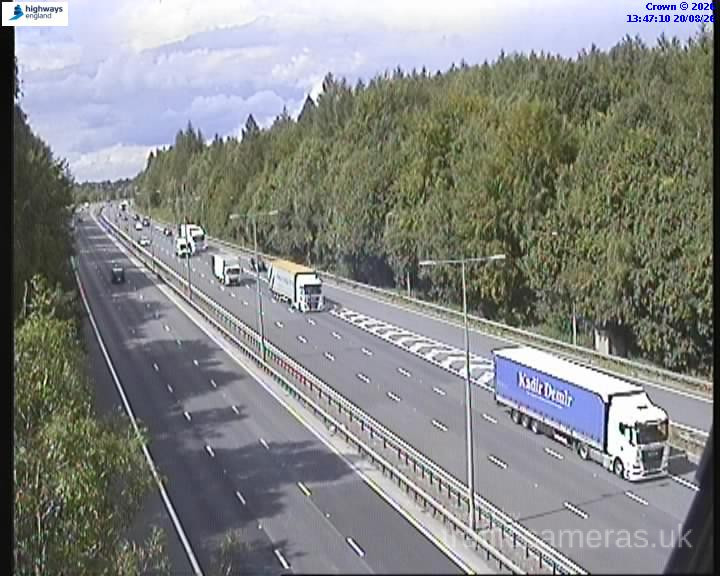
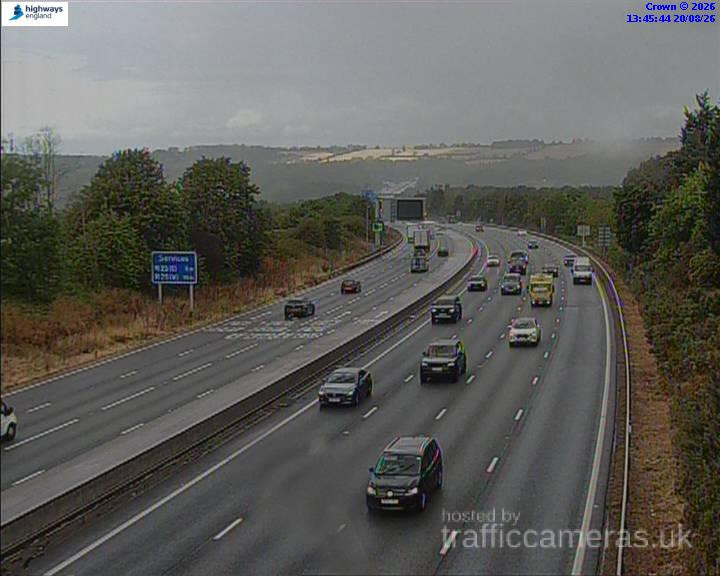
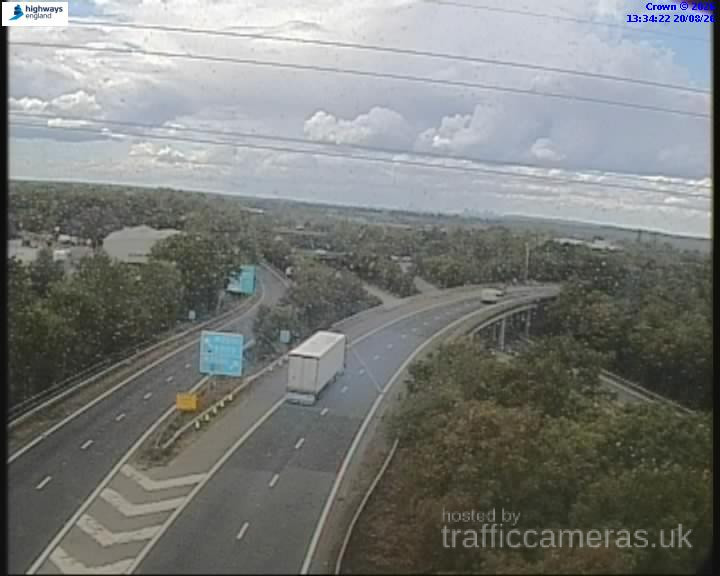
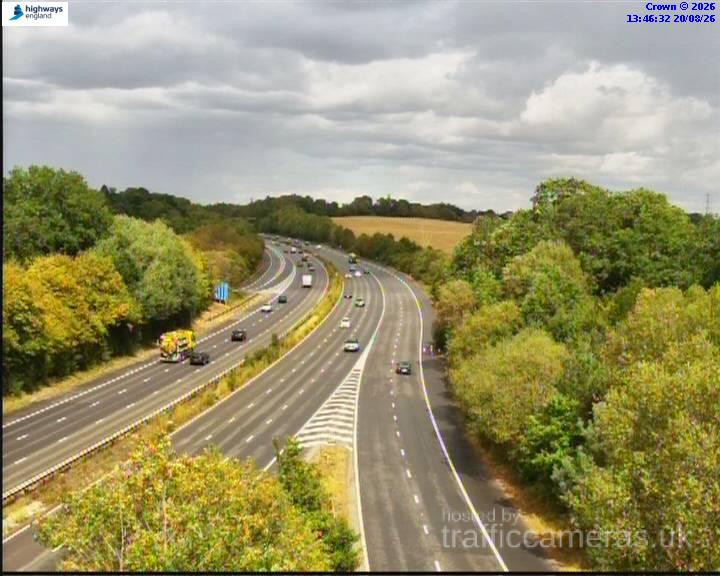
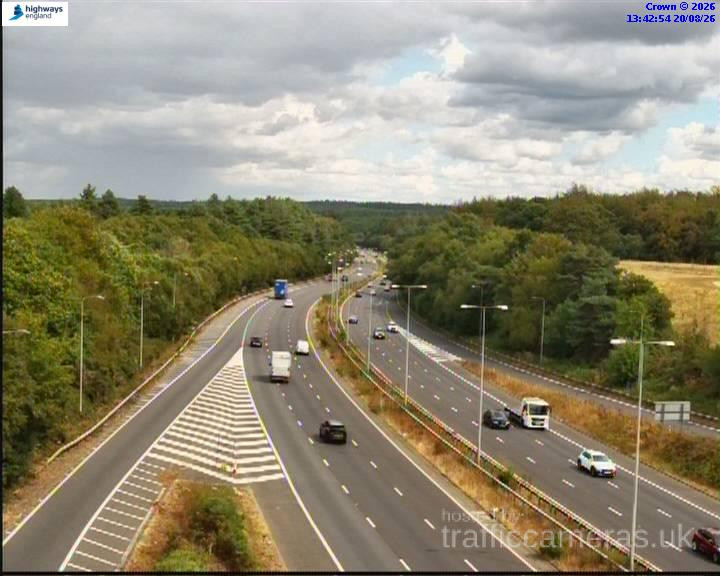
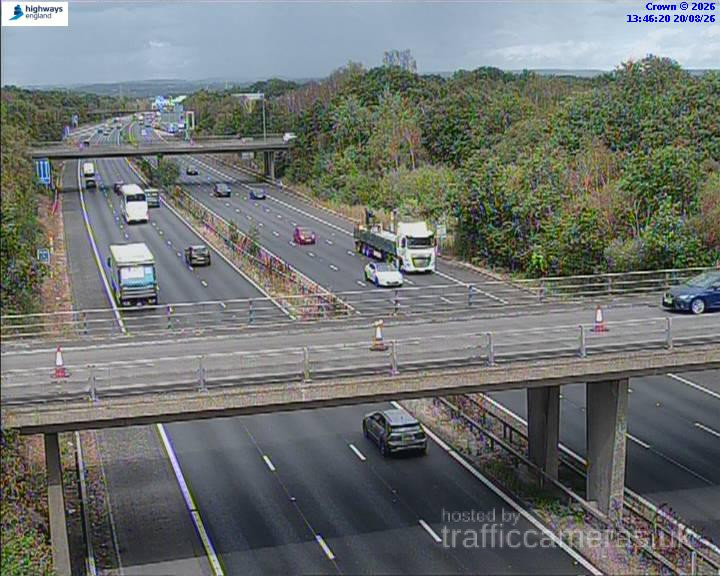
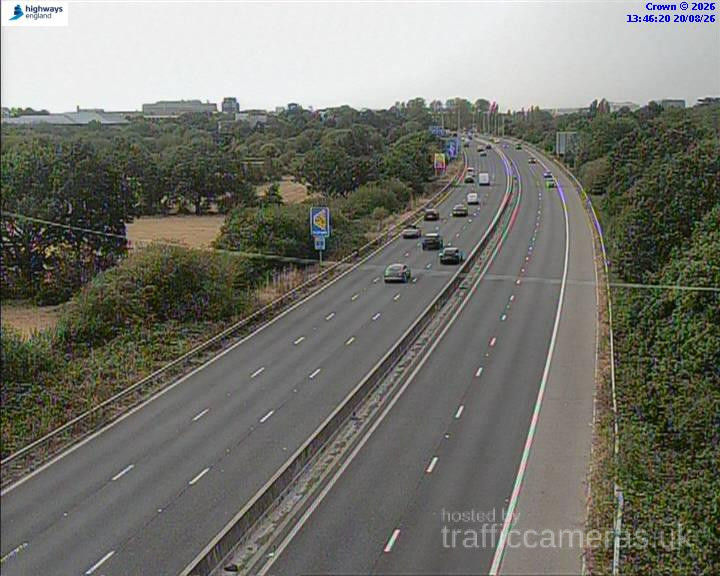
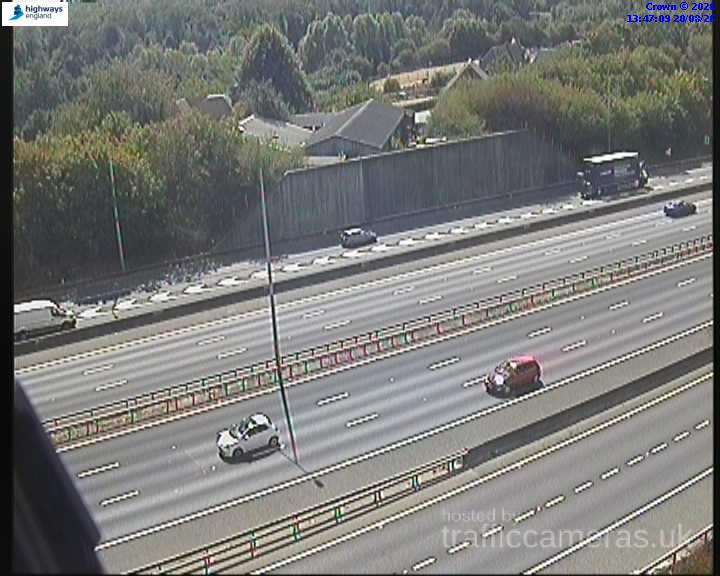
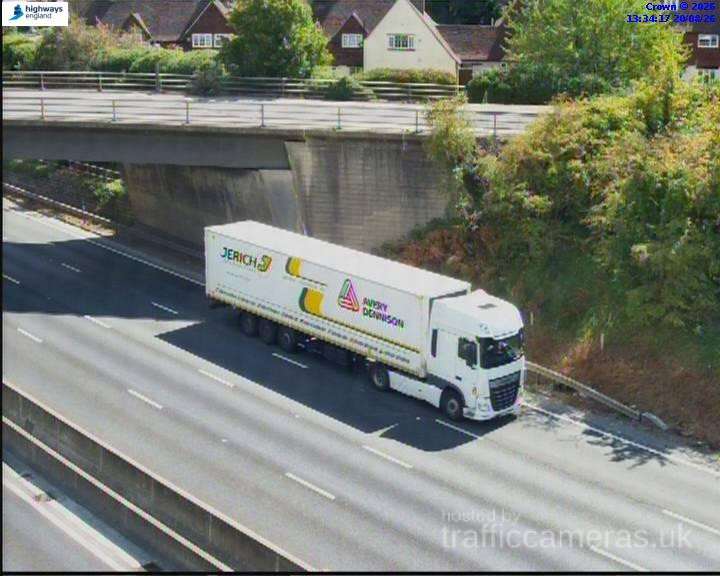
Check M20 Traffic Cameras across the UK to see live road conditions, traffic flow, congestion and incidents along one of Britain’s busiest motorways. Live M20 CCTV views can help you understand current traffic conditions before setting off, whether you are commuting, travelling for work or making a longer journey.
Live route weather
Updated 01:45 UK time
No significant weather-related driving risk is indicated for this route snapshot.
Approved driver reports for this route.
M20 · Direction unavailable
Status: Online
Updated 1 min ago
M20 · Direction unavailable
Status: Online
Updated 1 min ago
M20 · Direction unavailable
Status: Online
Updated 1 min ago
M20 · Direction unavailable
Status: Online
Updated 1 min ago
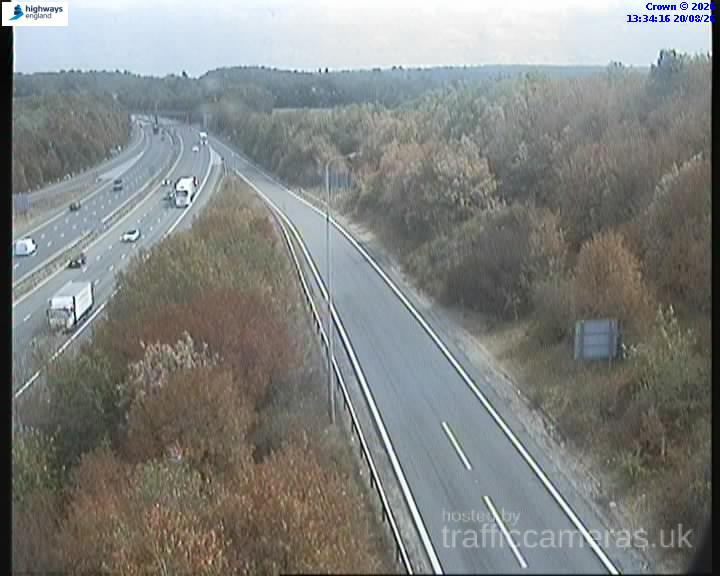
M20 · Direction unavailable
Status: Online
Updated 1 min ago
M20 · Direction unavailable
Status: Online
Updated 1 min ago
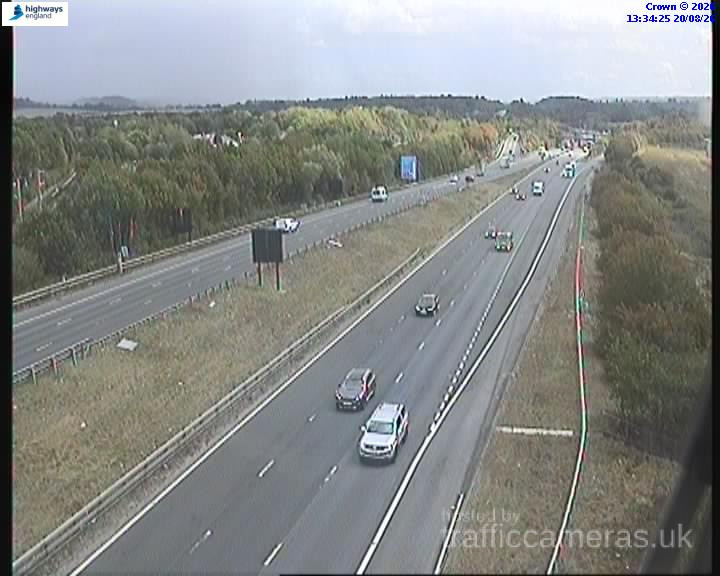
M20 · Direction unavailable
Status: Online
Updated 1 min ago
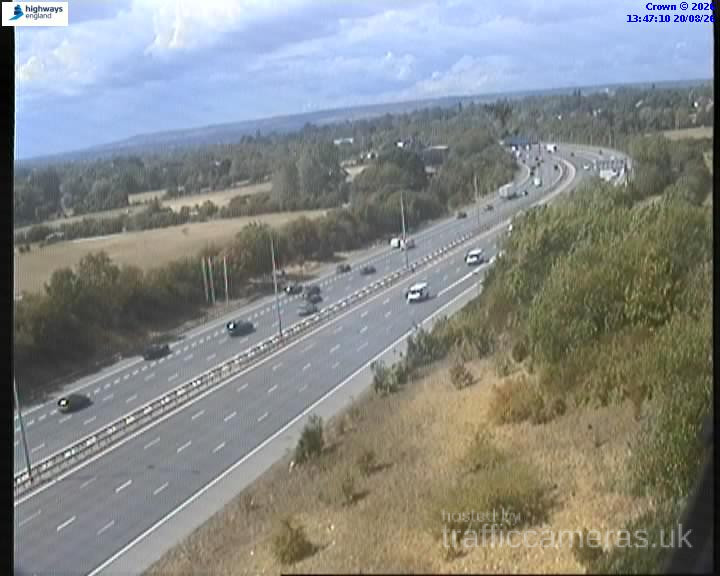
M20 · Direction unavailable
Status: Online
Updated 1 min ago
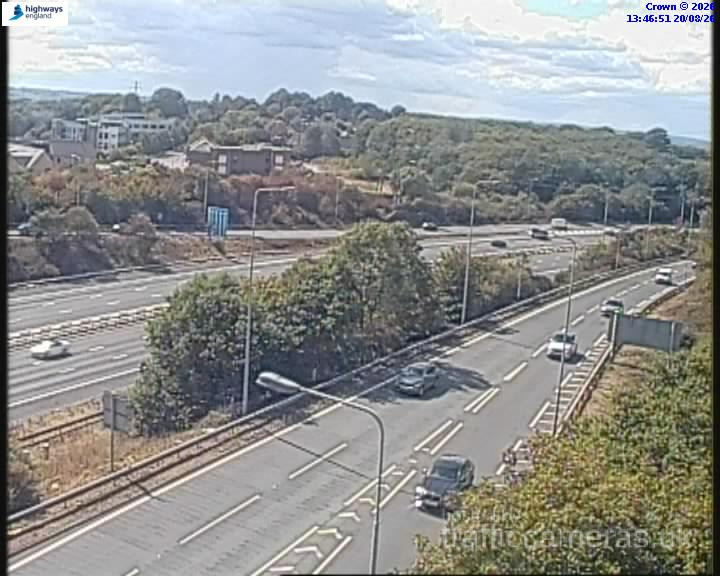
M20 · Direction unavailable
Status: Online
Updated 1 min ago
M20 · Direction unavailable
Status: Online
Updated 1 min ago
M20 · Direction unavailable
Status: Online
Updated 1 min ago
M20 · Direction unavailable
Status: Online
Updated 1 min ago

M20 · Direction unavailable
Status: Online
Updated 1 min ago
M20 · Direction unavailable
Status: Online
Updated 1 min ago
M20 · Direction unavailable
Status: Online
Updated 1 min ago
M20 · Direction unavailable
Status: Online
Updated 1 min ago
M20 · Direction unavailable
Status: Online
Updated 1 min ago
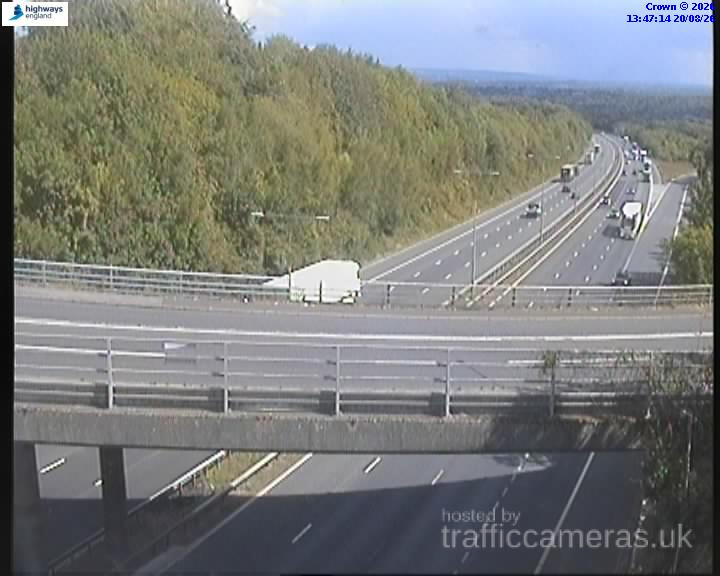
M20 · Direction unavailable
Status: Online
Updated 1 min ago
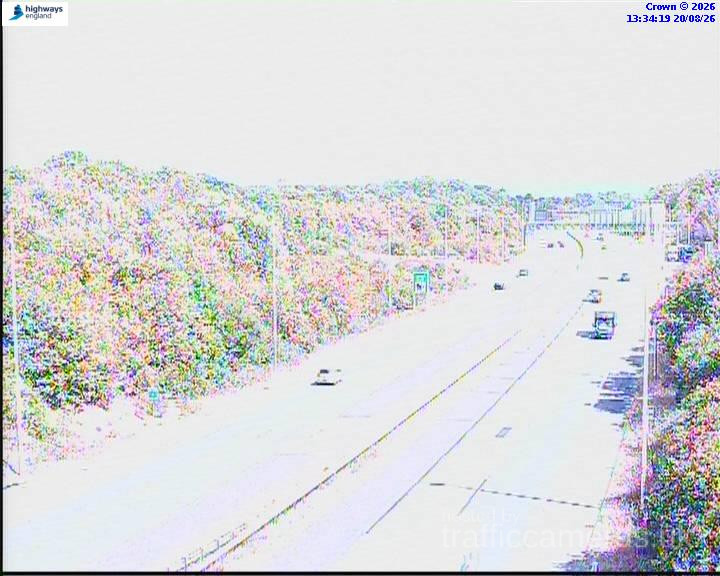
M20 · Direction unavailable
Status: Online
Updated 1 min ago
M20 · Direction unavailable
Status: Online
Updated 1 min ago
M20 · Direction unavailable
Status: Online
Updated 1 min ago
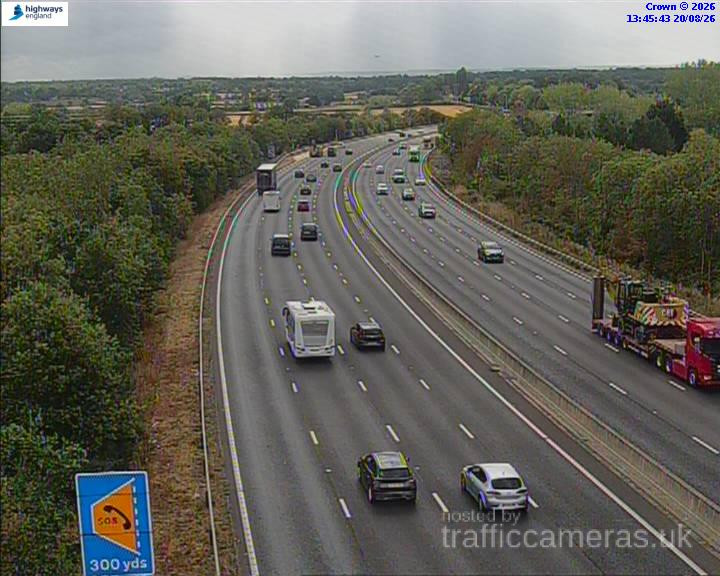
M20 · Direction unavailable
Status: Online
Updated 1 min ago
M20 · Direction unavailable
Status: Online
Updated 1 min ago
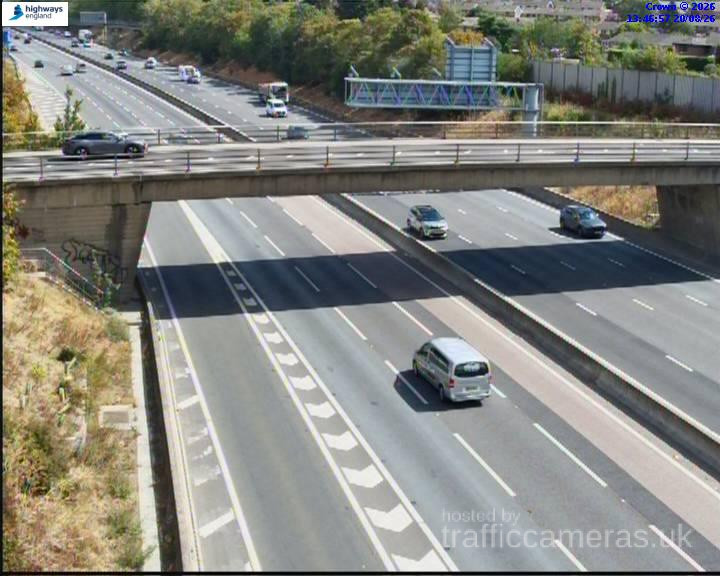
M20 · Direction unavailable
Status: Online
Updated 1 min ago
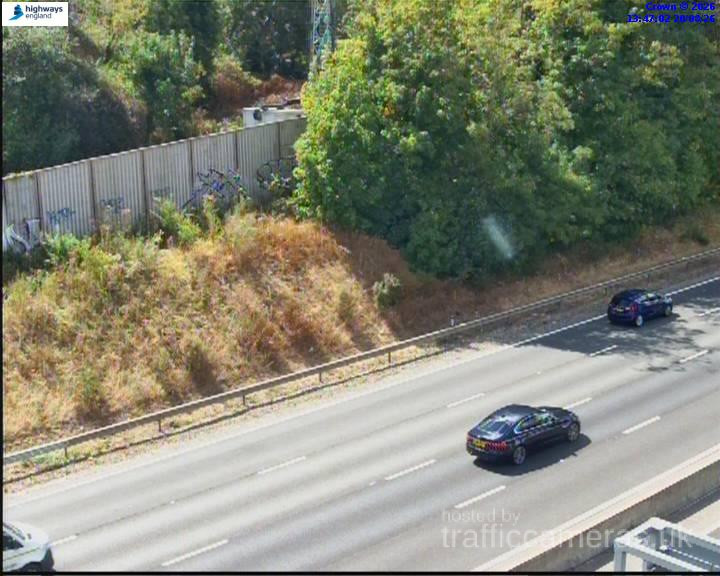
M20 · Direction unavailable
Status: Online
Updated 1 min ago
M20 · Direction unavailable
Status: Online
Updated 1 min ago
M20 · Direction unavailable
Status: Online
Updated 1 min ago
M20 · Direction unavailable
Status: Online
Updated 1 min ago
M20 · Direction unavailable
Status: Online
Updated 1 min ago
M20 · Direction unavailable
Status: Online
Updated 1 min ago
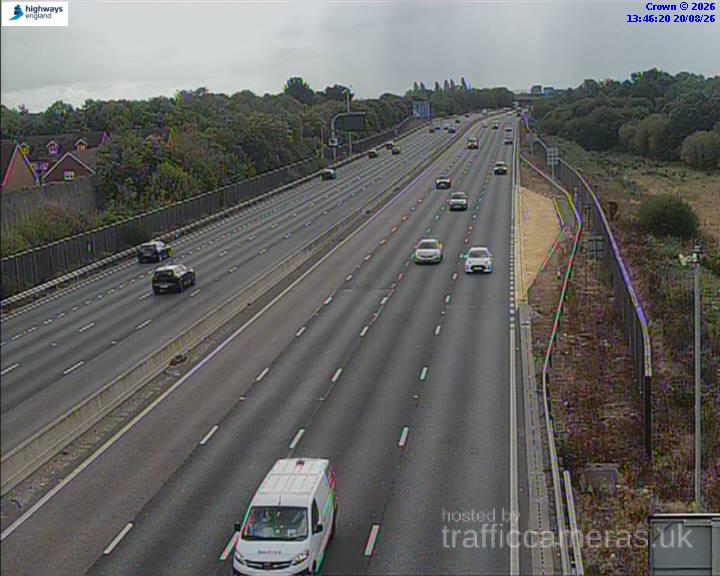
M20 · Direction unavailable
Status: Online
Updated 1 min ago
M20 · Direction unavailable
Status: Online
Updated 1 min ago
M20 · Direction unavailable
Status: Online
Updated 1 min ago
M20 · Direction unavailable
Status: Online
Updated 1 min ago

M20 · Direction unavailable
Status: Online
Updated 1 min ago
M20 · Direction unavailable
Status: Online
Updated 1 min ago
M20 · Direction unavailable
Status: Online
Updated 1 min ago
M20 · Direction unavailable
Status: Online
Updated 1 min ago

M20 · Direction unavailable
Status: Online
Updated 1 min ago
Unlike a typical commuter motorway, the M20’s daily rhythm is shaped almost as much by cross-Channel freight and ferry scheduling as it is by rush hour. A quiet morning can turn into a congested afternoon if Operation Brock activates or customs processing slows at the terminal. Checking conditions once in the morning and assuming they’ll hold for an afternoon trip is a common mistake on this particular road.
Depending on your route, different camera clusters will tell you more than others:
If your journey only touches one of these zones, there’s little value in scanning the whole route. Go straight to the relevant cluster.
A camera view shows you a snapshot, not a trend. If you’re unsure whether conditions are improving or worsening, checking the same camera twice, ten or fifteen minutes apart, tells you more than a single look ever will. This is particularly useful around the terminal, where conditions can shift as ferry loading windows open and close.
The North Downs stretch of the M20 sees more fog than most of Kent’s other routes. On mornings with reduced visibility, expect camera images from this section to look hazier than usual, this isn’t a technical fault, it’s an accurate reflection of driving conditions at that point.
We review and refresh this page regularly using established UK traffic monitoring data.
Why does M20 traffic change so much throughout a single day?
Freight volume and Channel crossing schedules affect the M20 in ways that don’t apply to typical commuter motorways, so conditions can shift significantly between morning and afternoon.
Which M20 camera cluster should I check for Channel Tunnel traffic?
The Folkestone and terminal cameras near junctions 12-13 give the clearest picture of crossing-related congestion.
Is checking traffic once in the morning enough for an afternoon M20 journey?
Not reliably, conditions on this route can change substantially within a few hours, especially near the terminal.
How do I know if M20 congestion is building or clearing?
Check the same camera twice a short time apart. A single image only shows a moment, not a direction of change.
Why do M20 camera images sometimes look hazy?
Fog is common on the North Downs section, and reduced camera visibility usually reflects genuinely reduced driving visibility.
Is it safe to check M20 cameras while driving?
No. Check before you set off, or ask a passenger to check for you.