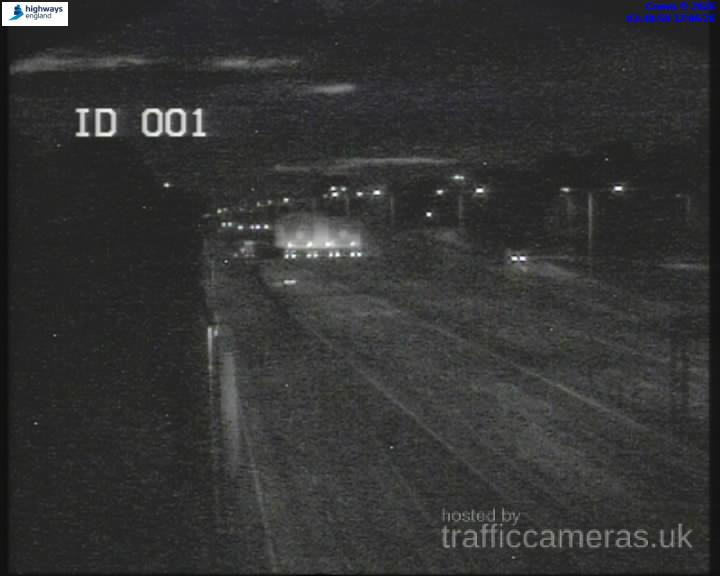
M23 Junction 7
M23 · Direction unavailable
Status: Online
Updated 1 min ago

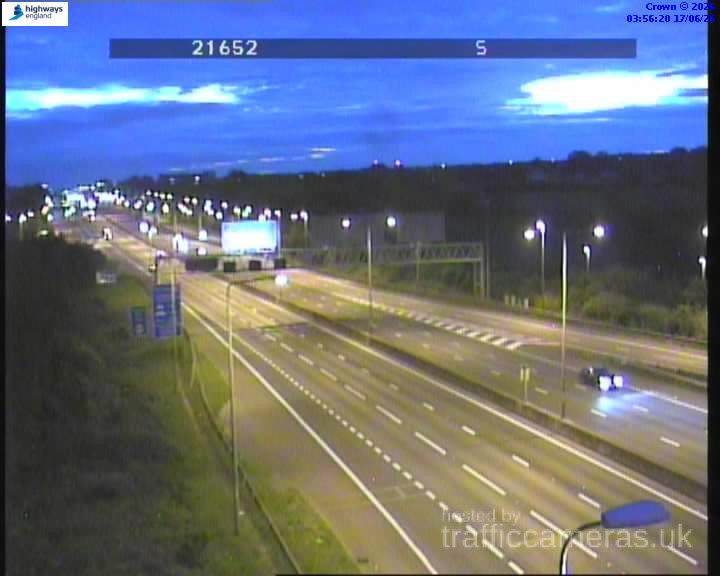
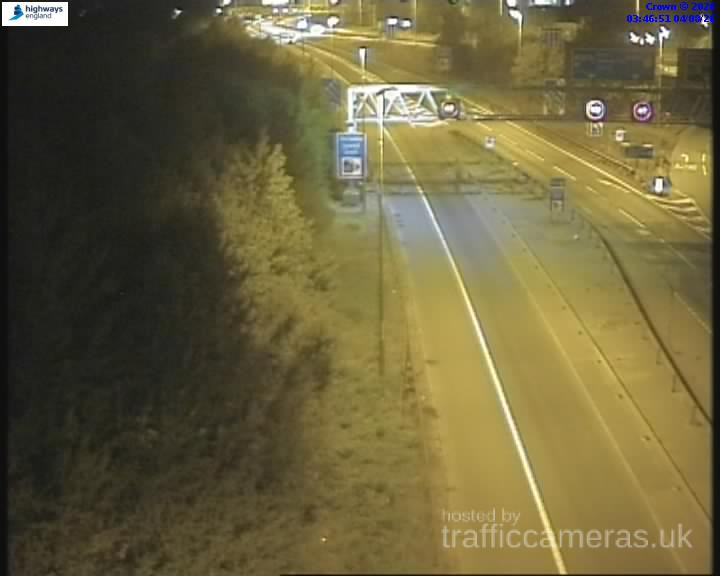
Check M23 Traffic Cameras across the UK to see live road conditions, traffic flow, congestion and incidents along one of Britain’s busiest motorways. Live M23 CCTV views can help you understand current traffic conditions before setting off, whether you are commuting, travelling for work or making a longer journey.
Live route weather
Updated 01:45 UK time
No significant weather-related driving risk is indicated for this route snapshot.
Approved driver reports for this route.
M23 · Direction unavailable
Status: Online
Updated 1 min ago
M23 · Direction unavailable
Status: Online
Updated 1 min ago
M23 · Direction unavailable
Status: Online
Updated 1 min ago

M23 · Direction unavailable
Status: Online
Updated 1 min ago
M23 · Direction unavailable
Status: Online
Updated 1 min ago
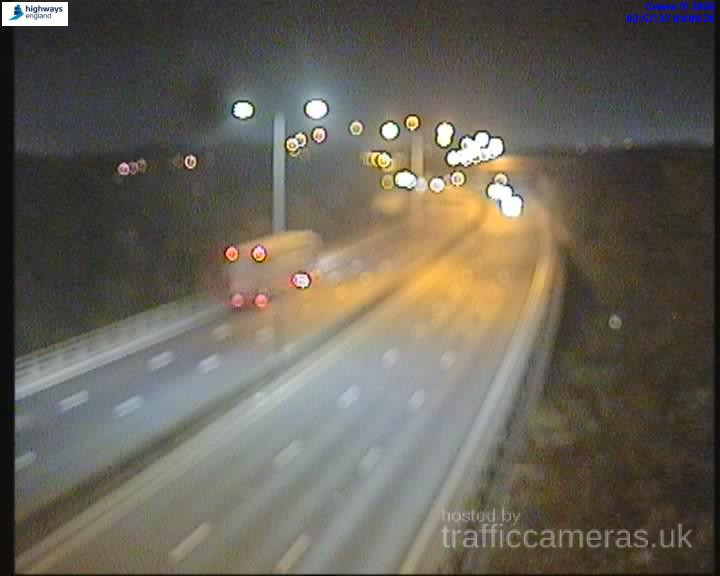
M23 · Direction unavailable
Status: Online
Updated 1 min ago
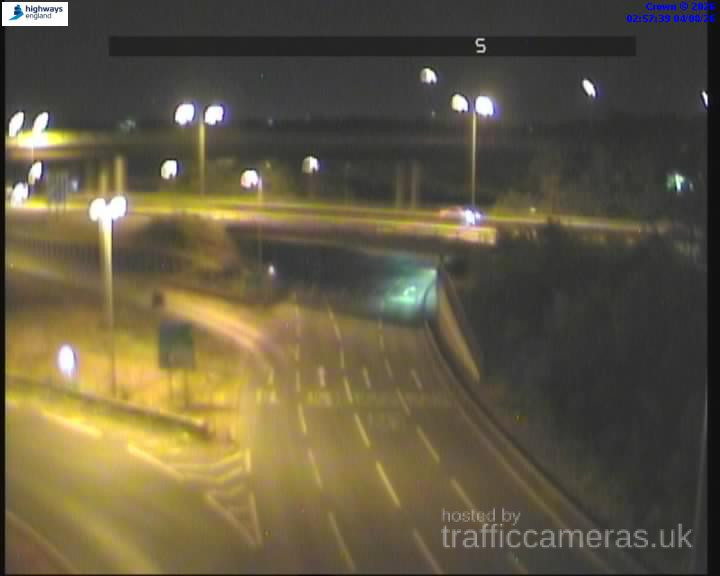
M23 · Direction unavailable
Status: Online
Updated 1 min ago
Running about 18 miles from the M25 near Merstham to Pease Pottage near Crawley, the M23 is short enough that its traffic patterns are dominated by two things: the M25 interchange at the northern end, and airport-related traffic clustering around junctions 9 and 9a for Gatwick. A quiet mid-morning can still see a noticeable spike if a wave of early flights has just landed, something a standard rush-hour assumption won’t predict.
Given the route’s short length, a targeted check usually beats scanning the whole motorway:
If your journey is airport-related specifically, checking junctions 9-9a gives you far more relevant information than a general route overview would.
Because the M23 covers relatively little distance, an incident anywhere along it tends to have an outsized effect on the whole route compared to a longer motorway where traffic can disperse. This is part of why checking live conditions close to departure matters more here than the road’s modest length might suggest.
South of the Gatwick junctions, the M23 settles into more typical through-traffic behaviour, connecting to the A23 toward Brighton and the south coast. Weekend and summer holiday traffic heading to the coast can add a seasonal layer to this section that’s separate from the airport-driven patterns further north.
This page is reviewed and updated regularly using established UK traffic monitoring infrastructure.
Why does M23 traffic sometimes spike outside normal rush hour?
Gatwick Airport traffic near junctions 9-9a can create congestion tied to flight arrival and departure waves, independent of typical commuter timing.
Which M23 junction sees the most consistent congestion?
Junction 7, where the M23 meets the M25, is typically the busiest point regardless of airport activity.
Does the M23 connect directly to Gatwick Airport?
Yes, junctions 9 and 9a provide direct access to the airport, making this the most traffic-relevant section for air travellers.
Why does a short motorway like the M23 still need regular checks?
Its limited length means an incident anywhere along the route can affect a large proportion of the total journey compared to longer motorways.
Is traffic south of Gatwick different from the airport section?
Yes, it behaves more like typical through-traffic heading toward the A23 and the south coast, with its own seasonal patterns.
Is it safe to check live M23 traffic while driving?
No. Always check before setting off, or ask a passenger to check for you.