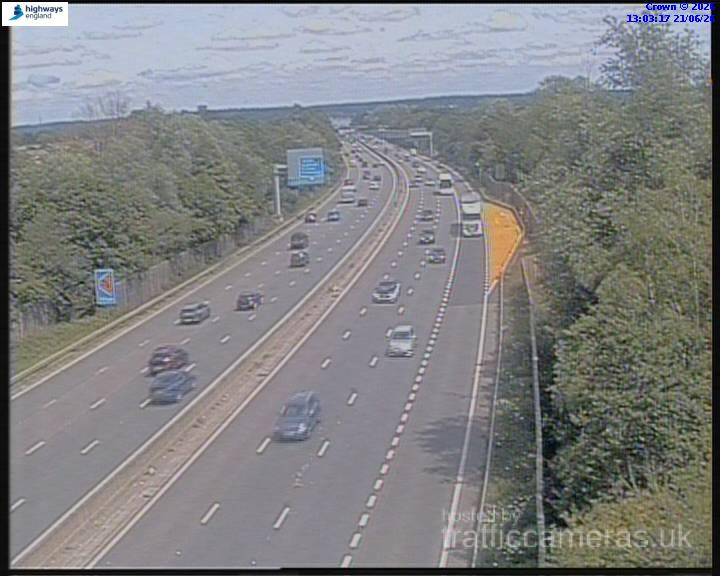
M3 Junction 2
M3 · Direction unavailable
Status: Online
Updated 1 min ago

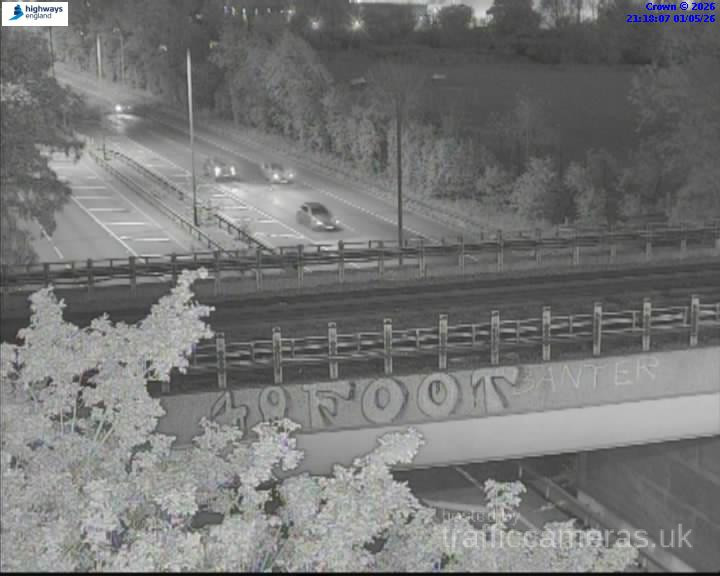
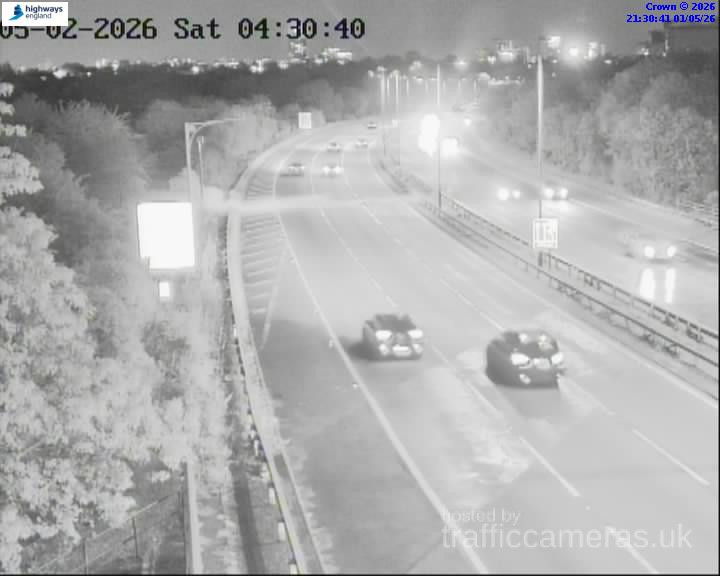
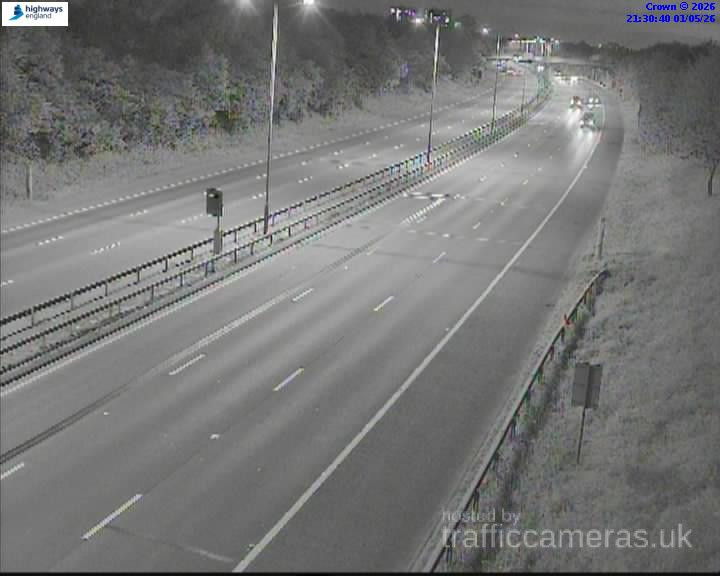
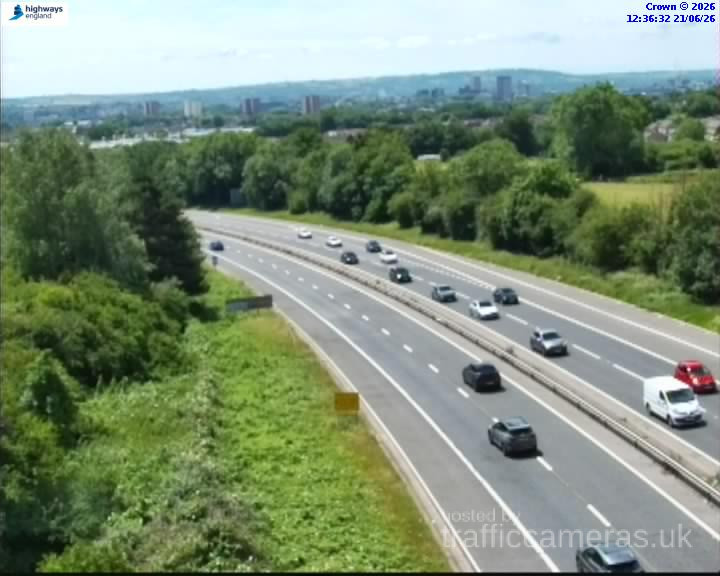
Check M3 traffic cameras to view current road conditions, traffic flow and congestion along the motorway. Use the available live M3 cameras to check the latest images near your route before travelling between London, Surrey, Hampshire and other destinations along the M3.
Use the M3 cameras above to check traffic conditions at different points along the motorway. The available camera views can help you see queues, congestion and general road activity before starting your journey.
If you are looking for M3 cameras live, select a camera above to view the latest available image from that location. Checking cameras near your starting point, destination or a busy junction can help you understand traffic conditions along your planned route.
The M3 is an important route connecting the London area with Hampshire and the South Coast. Traffic conditions can change throughout the day because of commuting, roadworks, incidents and adverse weather. For a broader view of road conditions, you can also check our live traffic map.
Live route weather
Updated 01:15 UK time
Possible icy patches, especially on bridges.
Approved driver reports for this route.
M3 · Direction unavailable
Status: Online
Updated 1 min ago
M3 · Direction unavailable
Status: Online
Updated 1 min ago
M3 · Direction unavailable
Status: Online
Updated 1 min ago
M3 · Direction unavailable
Status: Online
Updated 1 min ago

M3 · Direction unavailable
Status: Online
Updated 1 min ago

M3 · Direction unavailable
Status: Online
Updated 1 min ago
M3 · Direction unavailable
Status: Online
Updated 1 min ago

M3 · Direction unavailable
Status: Online
Updated 1 min ago

M3 · Direction unavailable
Status: Online
Updated 1 min ago

M3 · Direction unavailable
Status: Online
Updated 1 min ago

M3 · Direction unavailable
Status: Online
Updated 1 min ago

M3 · Direction unavailable
Status: Online
Updated 1 min ago
M3 · Direction unavailable
Status: Online
Updated 1 min ago

M3 · Direction unavailable
Status: Online
Updated 1 min ago
M3 · Direction unavailable
Status: Online
Updated 1 min ago

M3 · Direction unavailable
Status: Online
Updated 1 min ago

M3 · Direction unavailable
Status: Online
Updated 1 min ago
M3 · Direction unavailable
Status: Online
Updated 1 min ago
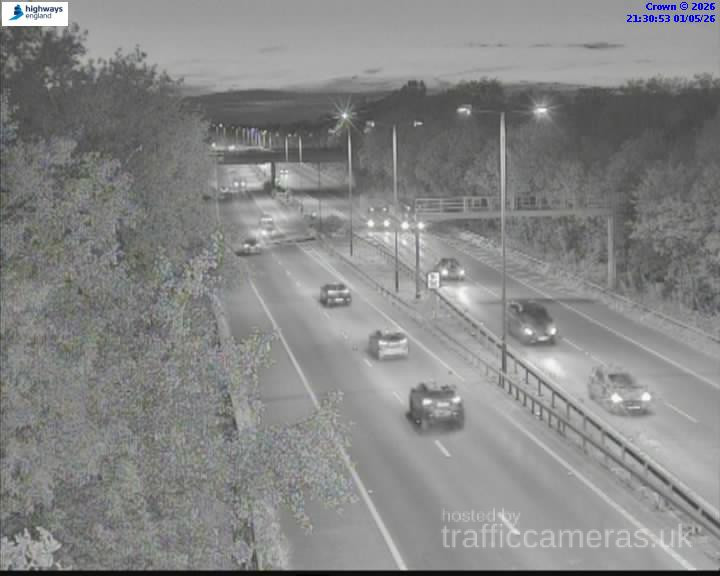
M3 · Direction unavailable
Status: Online
Updated 1 min ago

M3 · Direction unavailable
Status: Online
Updated 1 min ago

M3 · Direction unavailable
Status: Online
Updated 1 min ago

M3 · Direction unavailable
Status: Online
Updated 1 min ago

M3 · Direction unavailable
Status: Online
Updated 1 min ago

M3 · Direction unavailable
Status: Online
Updated 1 min ago

M3 · Direction unavailable
Status: Online
Updated 1 min ago
M3 · Direction unavailable
Status: Online
Updated 1 min ago

M3 · Direction unavailable
Status: Online
Updated 1 min ago

M3 · Direction unavailable
Status: Online
Updated 1 min ago

M3 · Direction unavailable
Status: Online
Updated 1 min ago

M3 · Direction unavailable
Status: Online
Updated 1 min ago

M3 · Direction unavailable
Status: Online
Updated 1 min ago

M3 · Direction unavailable
Status: Online
Updated 1 min ago

M3 · Direction unavailable
Status: Online
Updated 1 min ago

M3 · Direction unavailable
Status: Online
Updated 1 min ago

M3 · Direction unavailable
Status: Online
Updated 1 min ago

M3 · Direction unavailable
Status: Online
Updated 1 min ago

M3 · Direction unavailable
Status: Online
Updated 1 min ago

M3 · Direction unavailable
Status: Online
Updated 1 min ago

M3 · Direction unavailable
Status: Online
Updated 1 min ago

M3 · Direction unavailable
Status: Online
Updated 1 min ago

M3 · Direction unavailable
Status: Online
Updated 1 min ago

M3 · Direction unavailable
Status: Online
Updated 1 min ago

M3 · Direction unavailable
Status: Online
Updated 1 min ago

M3 · Direction unavailable
Status: Online
Updated 1 min ago

M3 · Direction unavailable
Status: Online
Updated 1 min ago

M3 · Direction unavailable
Status: Online
Updated 1 min ago

M3 · Direction unavailable
Status: Online
Updated 1 min ago

M3 · Direction unavailable
Status: Online
Updated 1 min ago

M3 · Direction unavailable
Status: Online
Updated 1 min ago

M3 · Direction unavailable
Status: Online
Updated 1 min ago
M3 · Direction unavailable
Status: Online
Updated 1 min ago

M3 · Direction unavailable
Status: Online
Updated 1 min ago

M3 · Direction unavailable
Status: Online
Updated 1 min ago

M3 · Direction unavailable
Status: Online
Updated 1 min ago

M3 · Direction unavailable
Status: Online
Updated 1 min ago

M3 · Direction unavailable
Status: Online
Updated 1 min ago

M3 · Direction unavailable
Status: Online
Updated 1 min ago

M3 · Direction unavailable
Status: Online
Updated 1 min ago
M3 · Direction unavailable
Status: Online
Updated 1 min ago
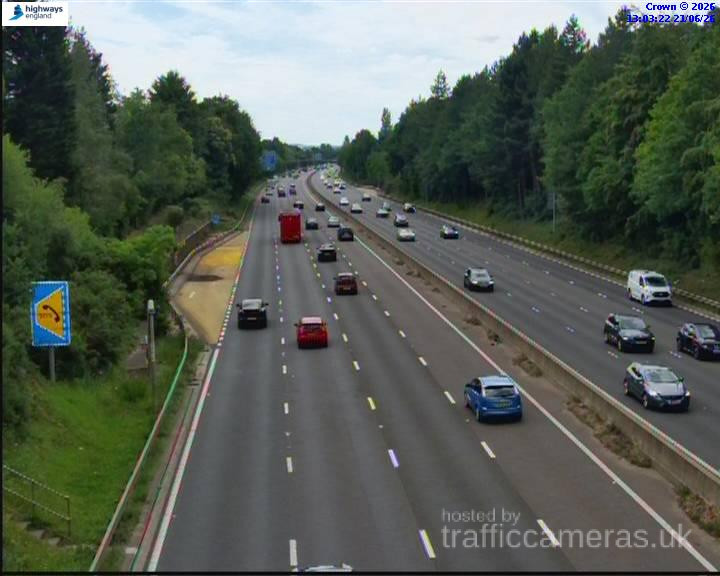
M3 · Direction unavailable
Status: Online
Updated 1 min ago
M3 live cameras show conditions at specific locations along the motorway. Checking several camera views can give you a better understanding of traffic along your route and help you identify sections where queues may be developing.
If you are planning a longer journey, check available M3 traffic cameras near the junctions you expect to use. This can be particularly useful during busy periods, when traffic conditions may change quickly.
Camera images represent individual locations and may not show conditions across the entire motorway. Availability and update times can also vary between cameras. Select the relevant camera above to view the latest available image, and consult current road information when checking for incidents or closures.
The M3 motorway cameras listed above cover available locations along the route, including views near junctions and other key sections. Checking a camera close to your intended junction can help you assess traffic conditions before joining or leaving the motorway.
For longer journeys, compare cameras at different points along the M3 rather than relying on one view. This can help you understand whether congestion is limited to one location or appears to affect a longer section.
Before setting off, use our journey planner to plan your route and allow enough time for your journey.
Some drivers search for an M3 webcam when they want to check current motorway conditions. The available camera views above can help you see traffic flow and queues at covered locations. However, images may not update continuously, so check the latest available view rather than assuming it is a real-time video stream.
Traffic cameras and speed cameras serve different purposes. Traffic cameras help drivers view road conditions, while speed cameras are used for enforcement. Always follow posted speed limits, road signs and any temporary restrictions.
You can also browse traffic cameras on other UK roads if your journey continues beyond the M3.
Can I check M3 cameras live?
Yes. You can select an available camera above to view the latest image for that location. Update frequency varies by camera.
Where can I find M3 traffic cameras?
This page lists available M3 traffic cameras. Choose a camera to check traffic conditions at the relevant point along the motorway.
Are M3 traffic cameras updated in real time?
Camera update times vary. Some provide regularly refreshed images rather than continuous live video, so check the latest available image and timestamp where shown.
Can I check traffic near M3 junctions?
Yes, where camera coverage is available. Check the listings above for camera views near the junctions relevant to your journey.
Are M3 traffic cameras the same as speed cameras?
No. Traffic cameras provide views of road conditions, while speed cameras are used for enforcement. Always obey the speed limits displayed on road signs.