
Check M5 Traffic Cameras across the UK to see live road conditions, traffic flow, congestion and incidents along one of Britain’s busiest motorways. Live M5 CCTV views can help you understand current traffic conditions before setting off, whether you are commuting, travelling for work or making a longer journey.
Live route weather
M5 Weather & Driving Conditions
Updated 22:00 UK time
No significant weather-related driving risk is indicated for this route snapshot.
Active M5 Road Hazards
Approved driver reports for this route.
M5 live camera feeds
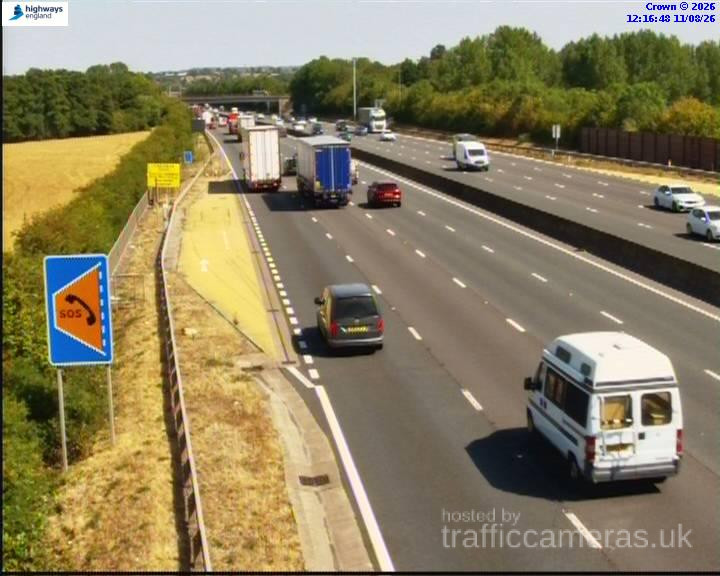
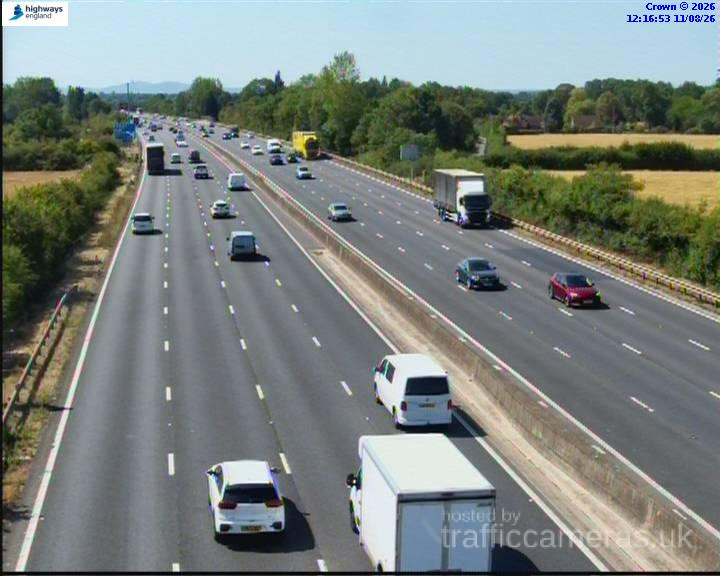
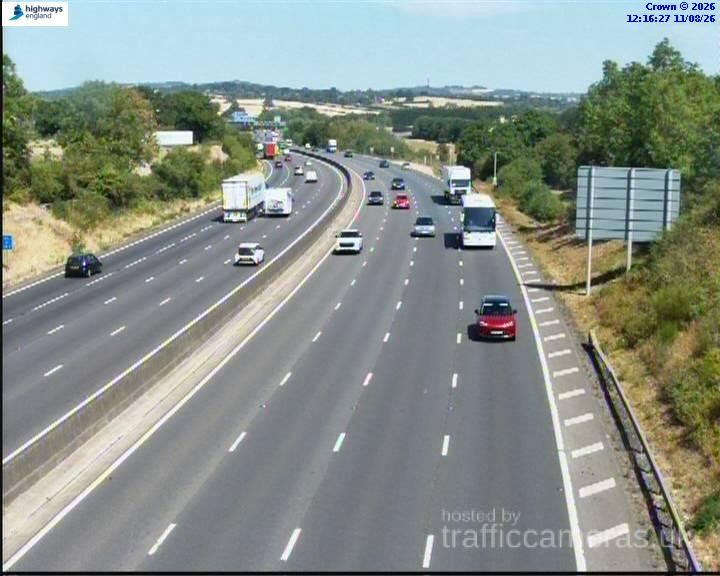
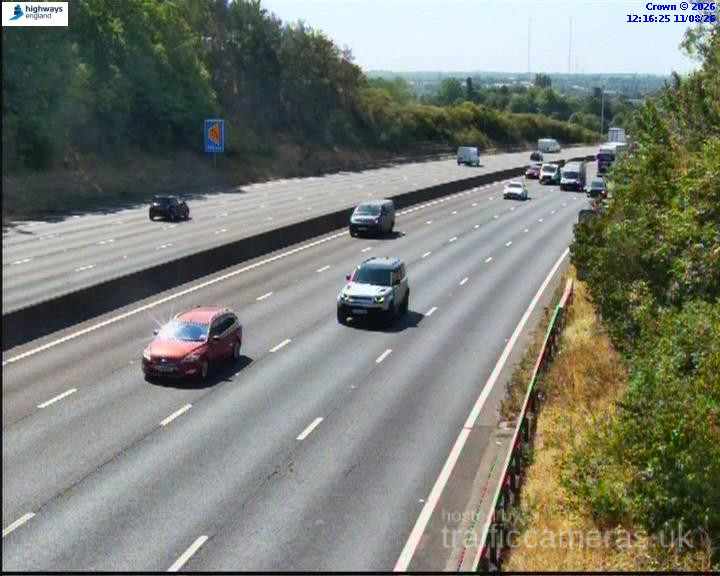
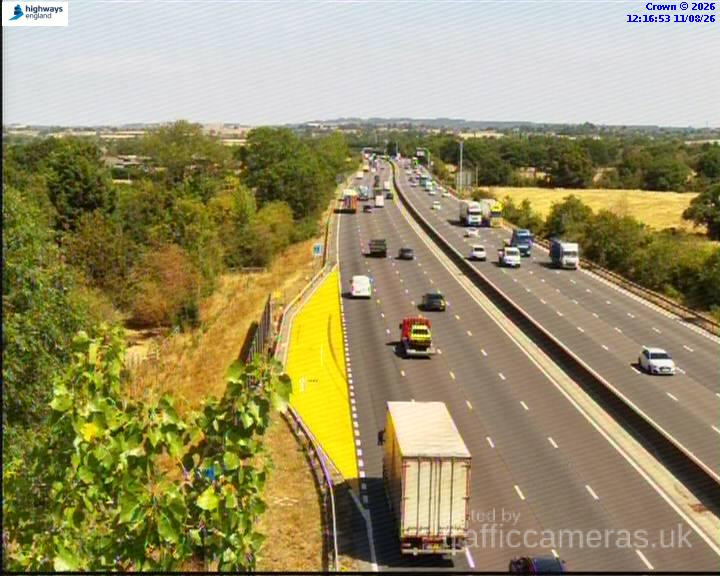
M5 Junction 3
M5 · Direction unavailable
Status: Online
Updated 1 min ago
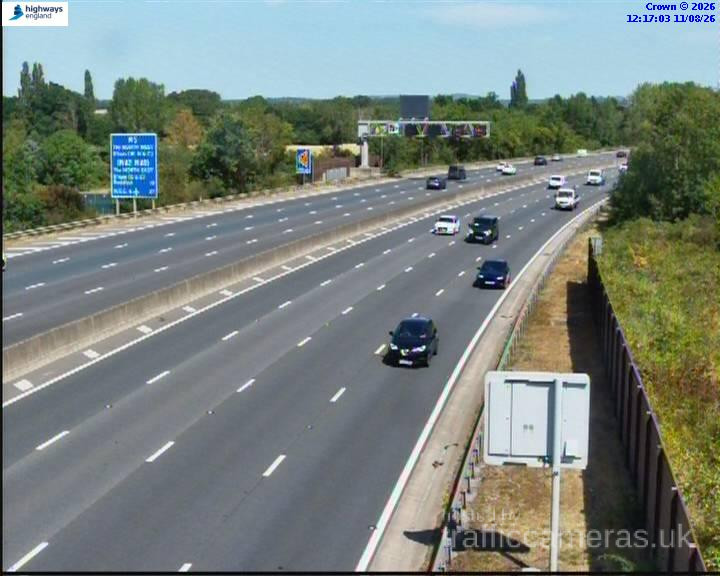
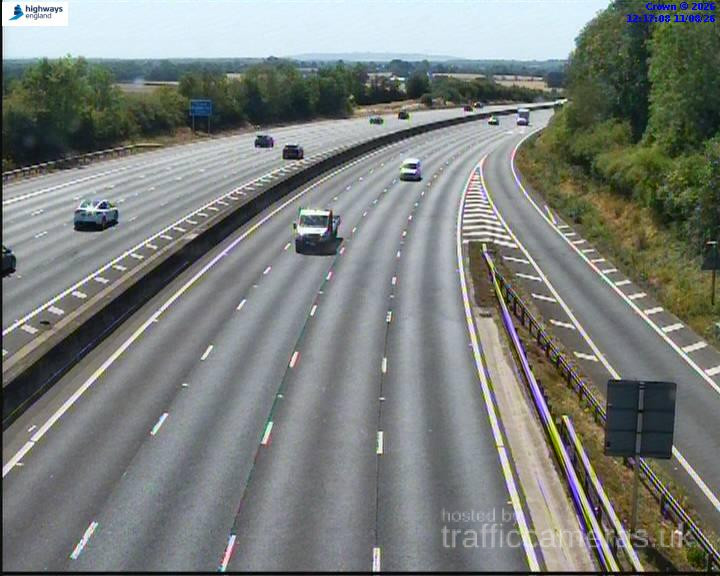
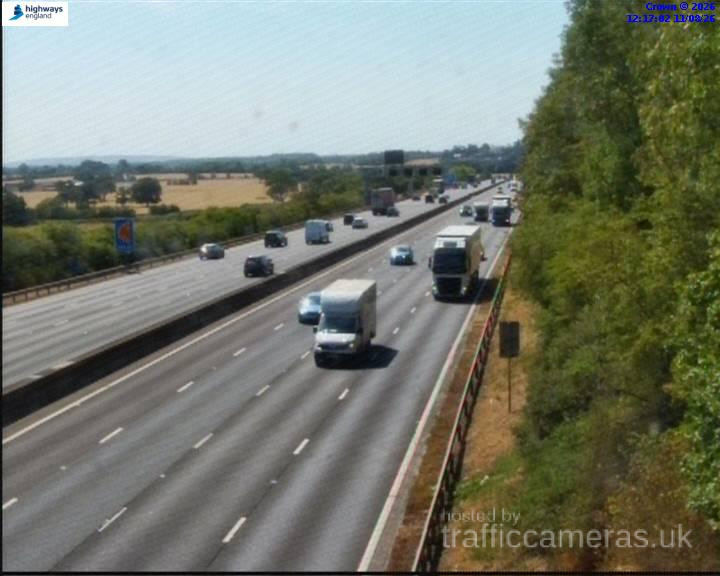
M5 Junction 4
M5 · Direction unavailable
Status: Online
Updated 1 min ago
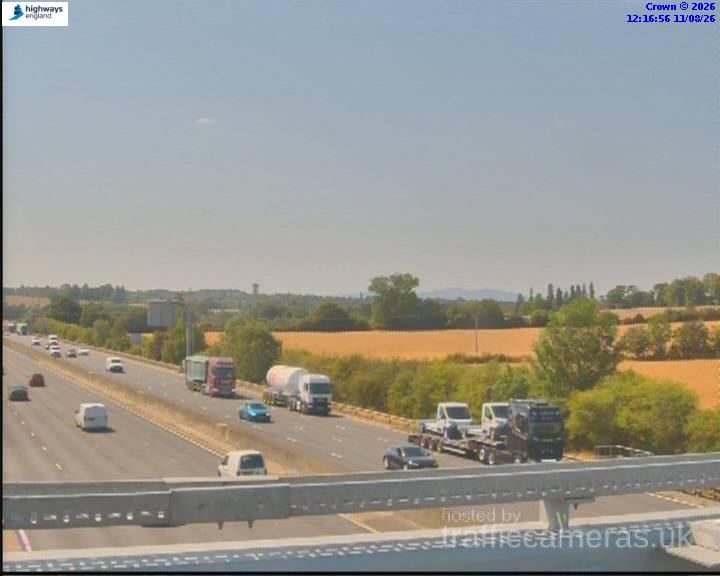
M5 Junction 4
M5 · Direction unavailable
Status: Online
Updated 1 min ago
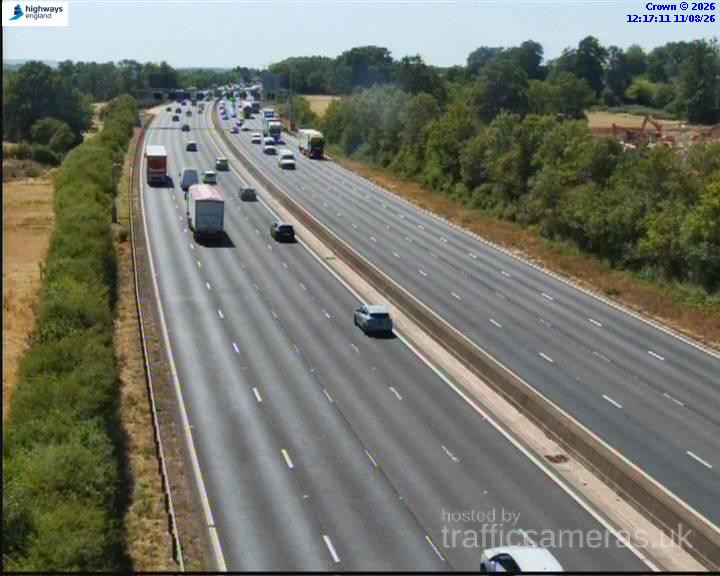
M5 Junction 4A
M5 · Direction unavailable
Status: Online
Updated 1 min ago
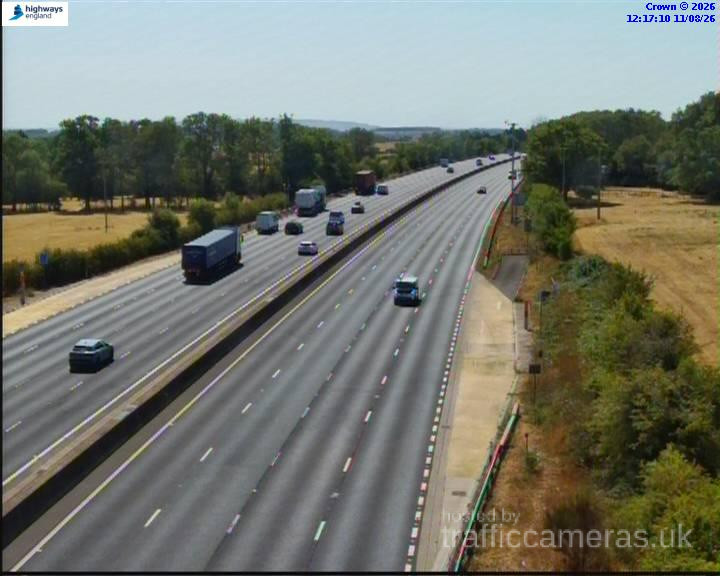
M5 Junction 4B
M5 · Direction unavailable
Status: Online
Updated 1 min ago
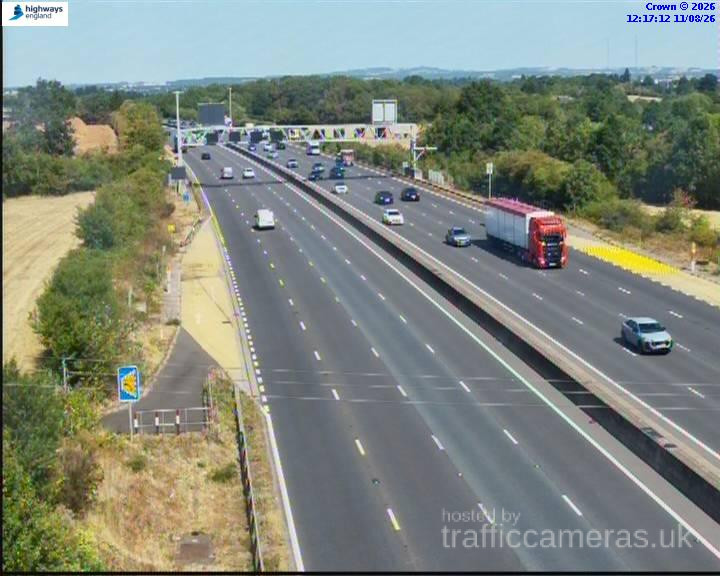
M5 Junction 4A
M5 · Direction unavailable
Status: Online
Updated 1 min ago
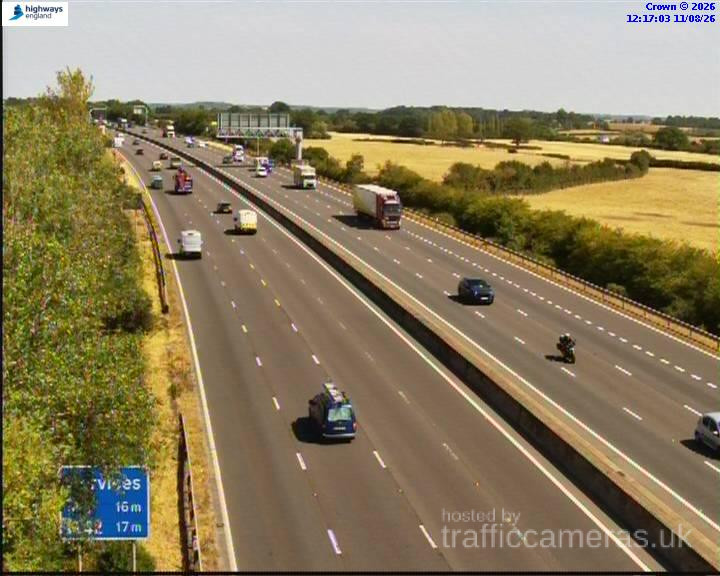
M5 Junction 4A
M5 · Direction unavailable
Status: Online
Updated 1 min ago
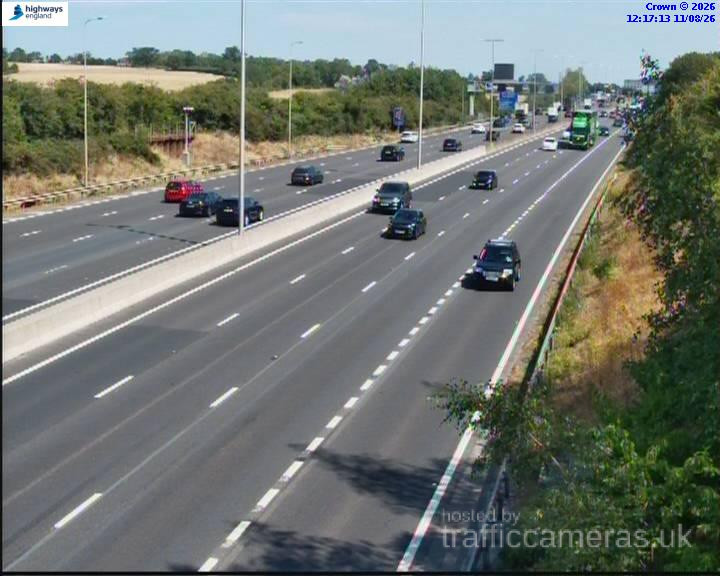
M5 Junction 4A
M5 · Direction unavailable
Status: Online
Updated 1 min ago
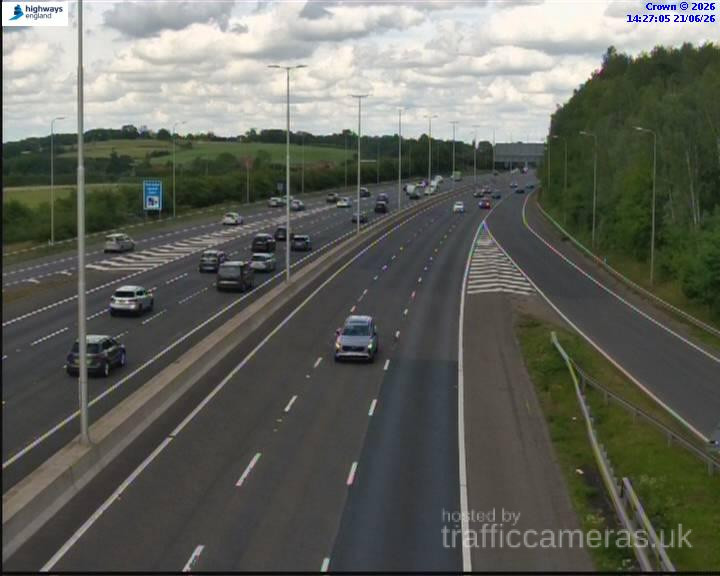
M5 Junction 4A
M5 · Direction unavailable
Status: Online
Updated 1 min ago
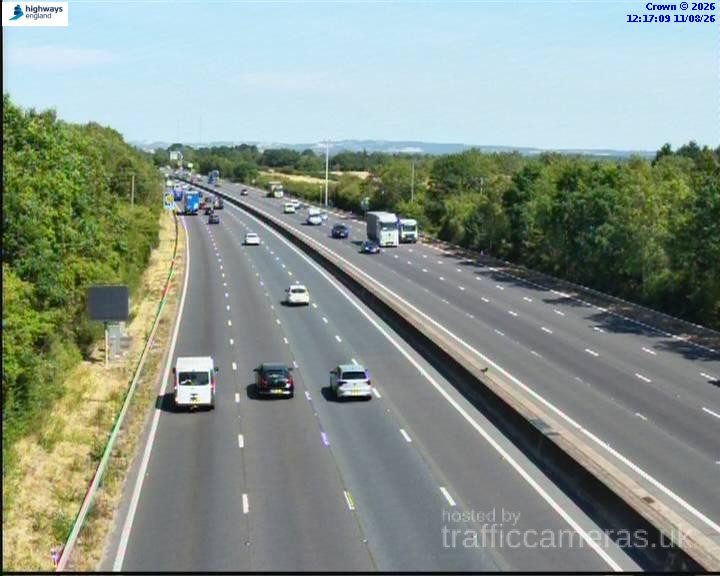
M5 Junction 4A
M5 · Direction unavailable
Status: Online
Updated 1 min ago
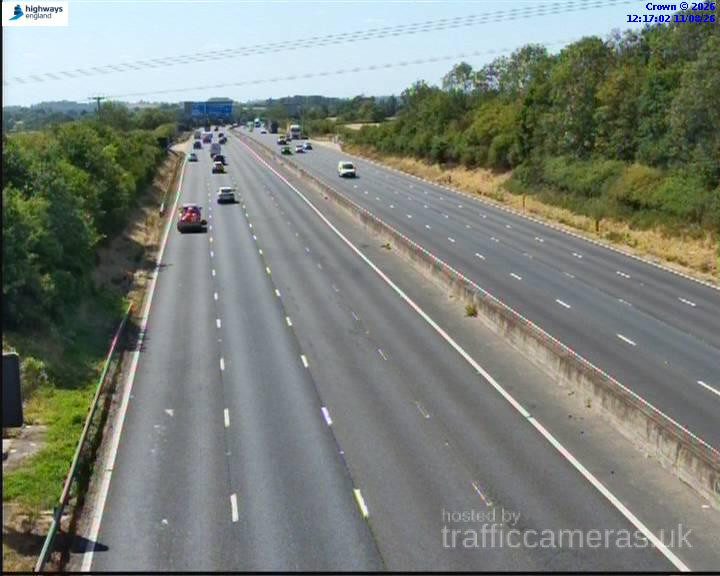
M5 Junction 4A
M5 · Direction unavailable
Status: Online
Updated 1 min ago
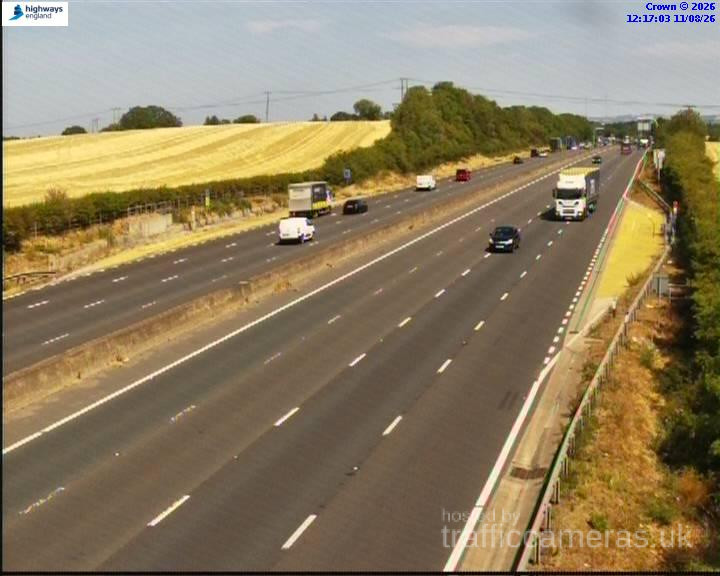
M5 Junction 4A
M5 · Direction unavailable
Status: Online
Updated 1 min ago
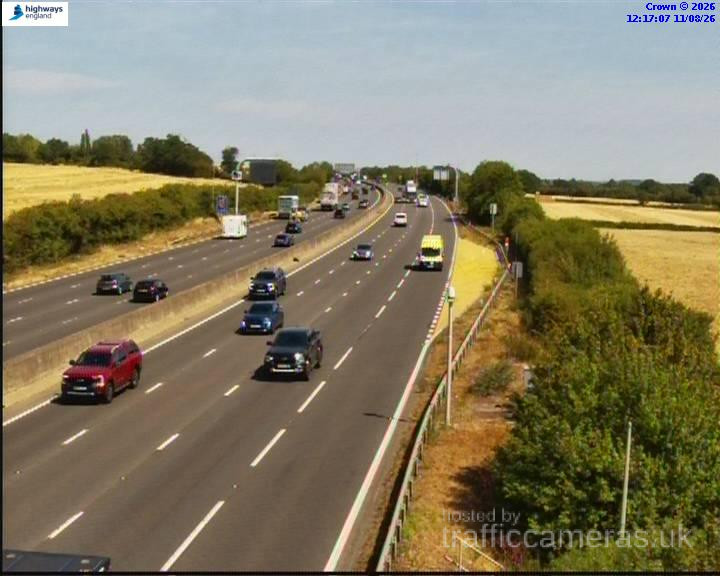
M5 Junction 4A
M5 · Direction unavailable
Status: Online
Updated 1 min ago
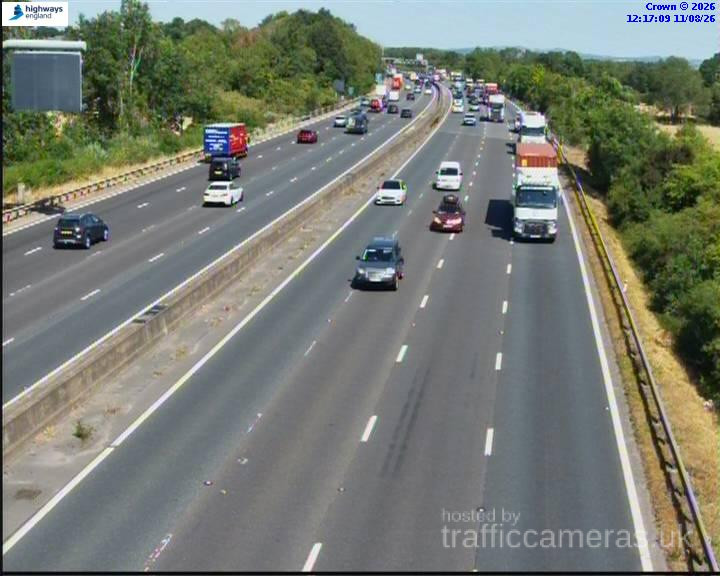
M5 Junction 4A
M5 · Direction unavailable
Status: Online
Updated 1 min ago

M5 Junction 4A
M5 · Direction unavailable
Status: Online
Updated 1 min ago
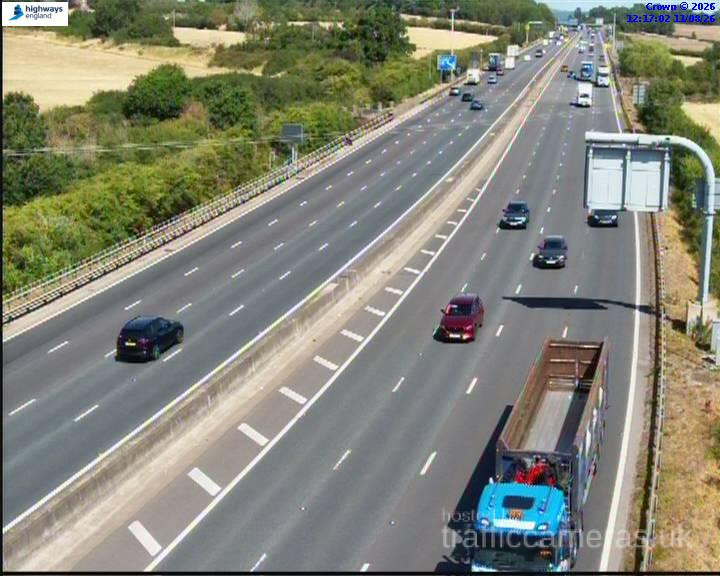
M5 Junction 4A
M5 · Direction unavailable
Status: Online
Updated 1 min ago
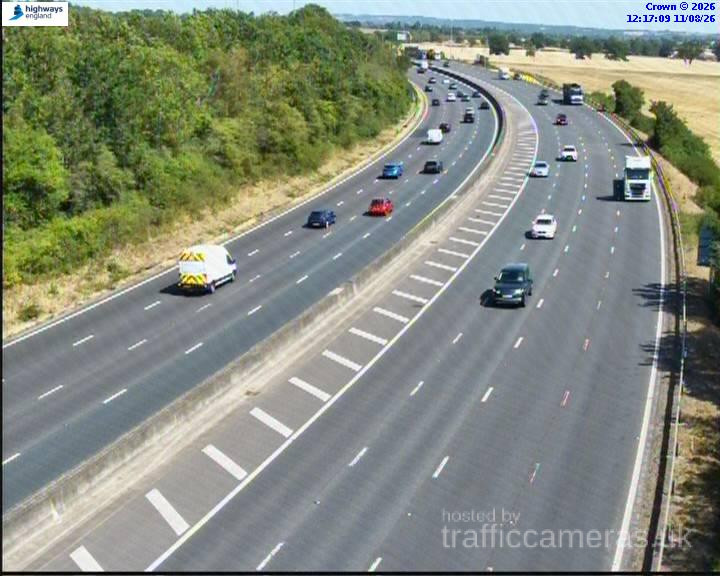
M5 Junction 4A
M5 · Direction unavailable
Status: Online
Updated 1 min ago
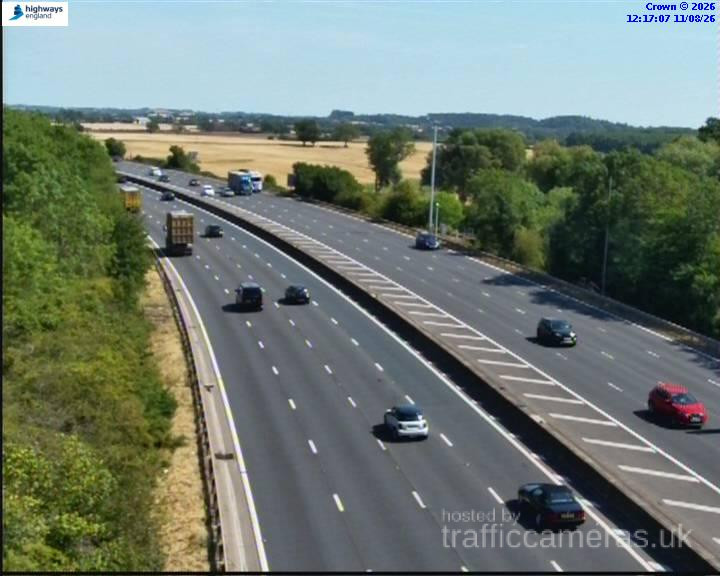
M5 Junction 4A
M5 · Direction unavailable
Status: Online
Updated 1 min ago
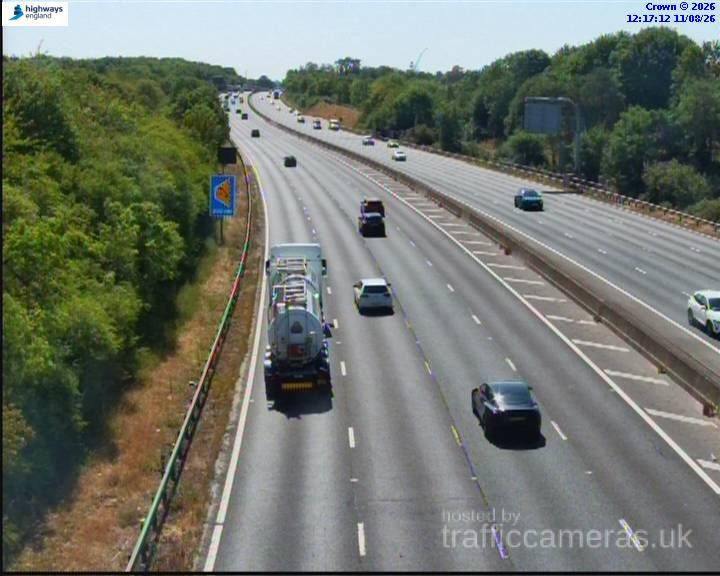
M5 Junction 4A
M5 · Direction unavailable
Status: Online
Updated 1 min ago
M5 Junction 4A
M5 · Direction unavailable
Status: Online
Updated 1 min ago
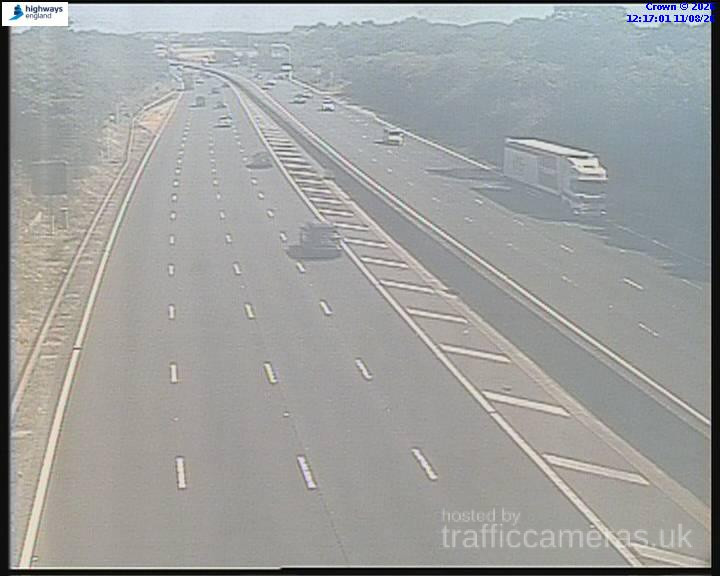
M5 Junction 4A
M5 · Direction unavailable
Status: Online
Updated 1 min ago
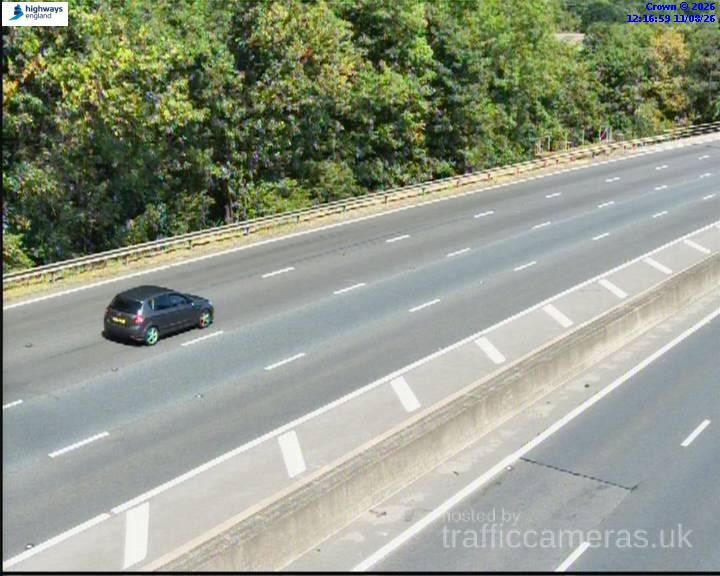
M5 Junction 4A
M5 · Direction unavailable
Status: Online
Updated 1 min ago
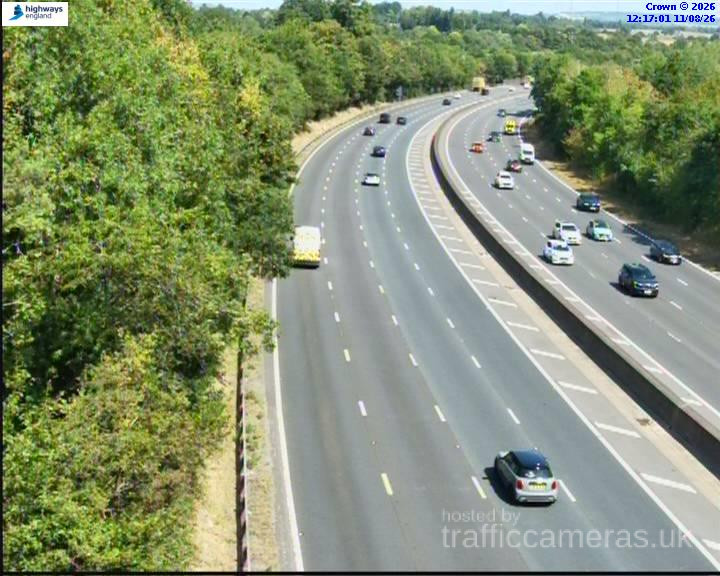
M5 Junction 4A
M5 · Direction unavailable
Status: Online
Updated 1 min ago
M5 Junction 4A
M5 · Direction unavailable
Status: Online
Updated 1 min ago
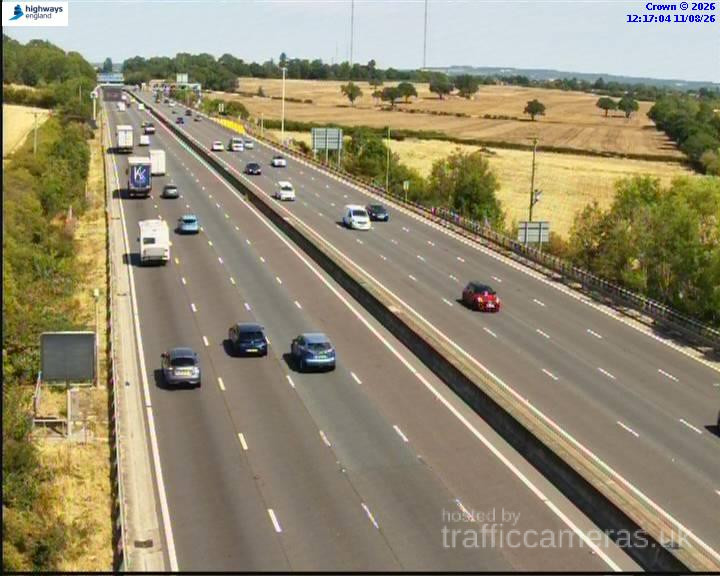
M5 Junction 4A
M5 · Direction unavailable
Status: Online
Updated 1 min ago
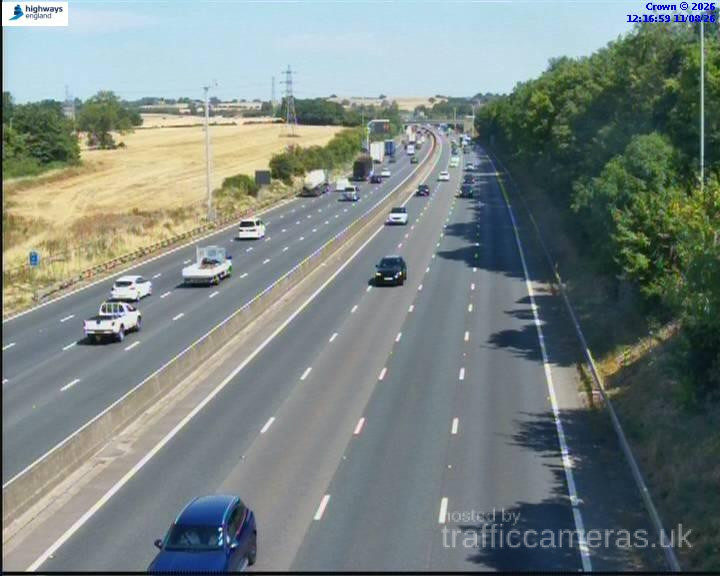
M5 Junction 3
M5 · Direction unavailable
Status: Online
Updated 1 min ago
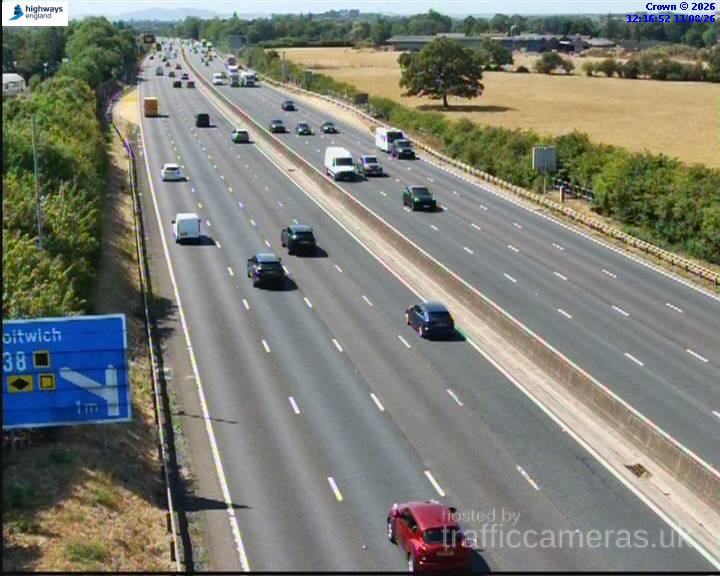
M5 Junction 3
M5 · Direction unavailable
Status: Online
Updated 1 min ago
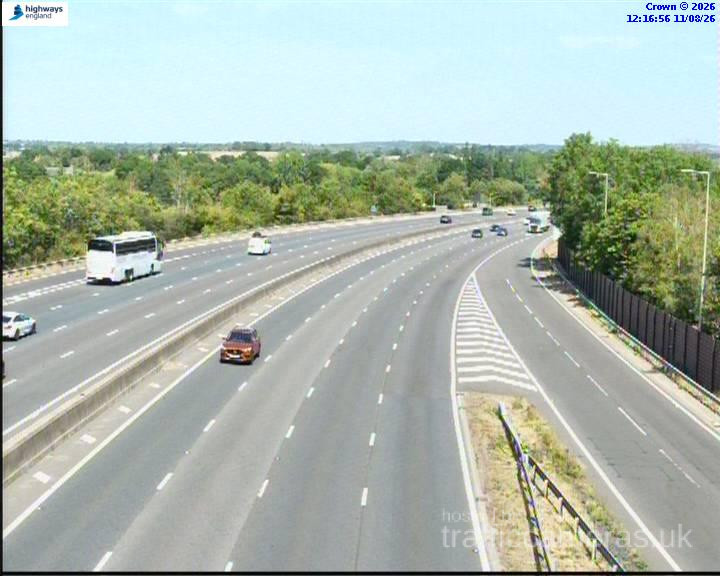
M5 Junction 4
M5 · Direction unavailable
Status: Online
Updated 1 min ago
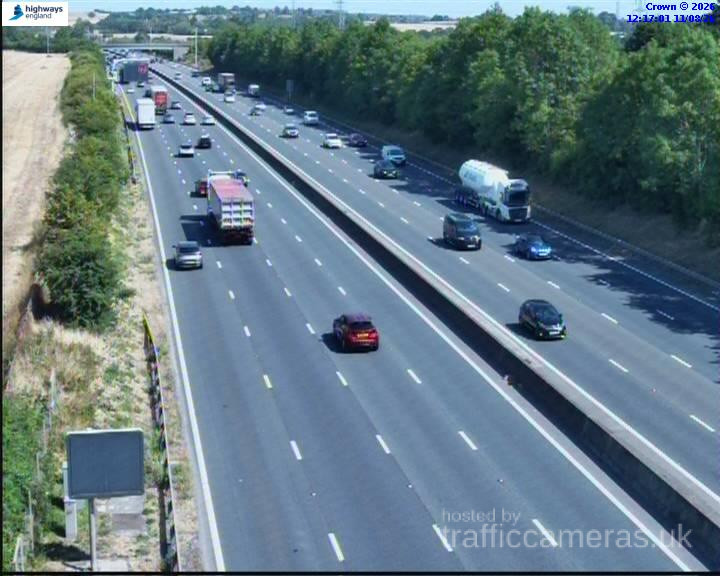
M5 Junction 2
M5 · Direction unavailable
Status: Online
Updated 1 min ago
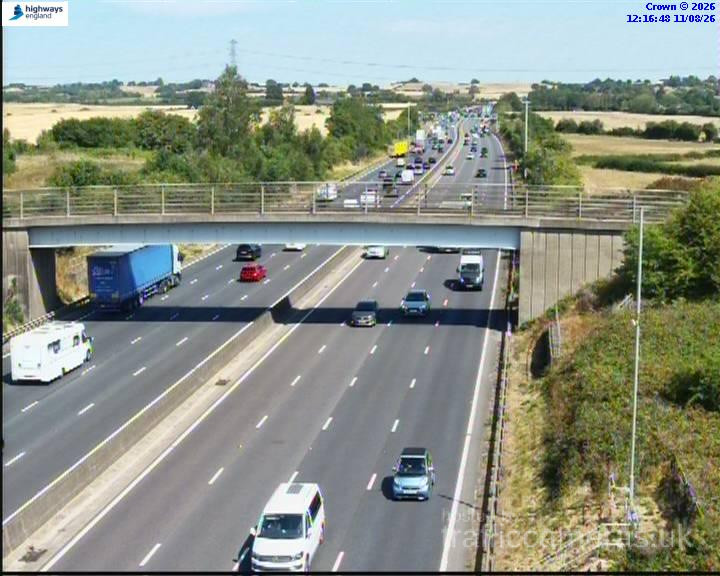
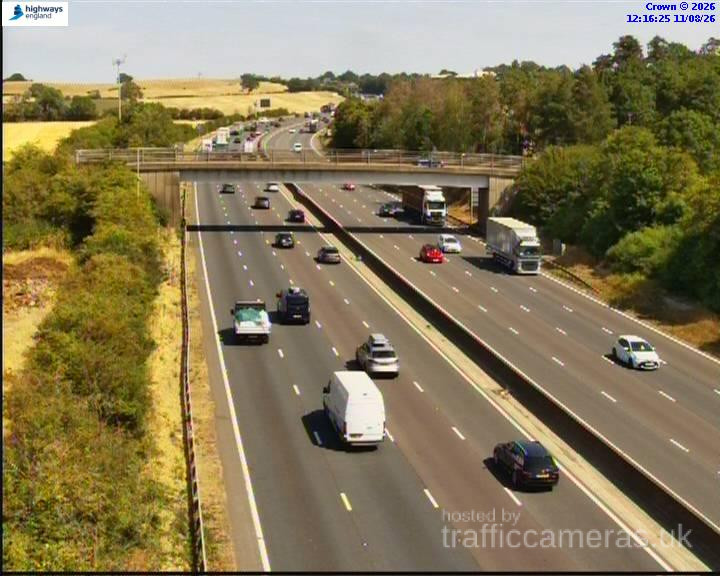
M5 Junction 1
M5 · Direction unavailable
Status: Online
Updated 1 min ago
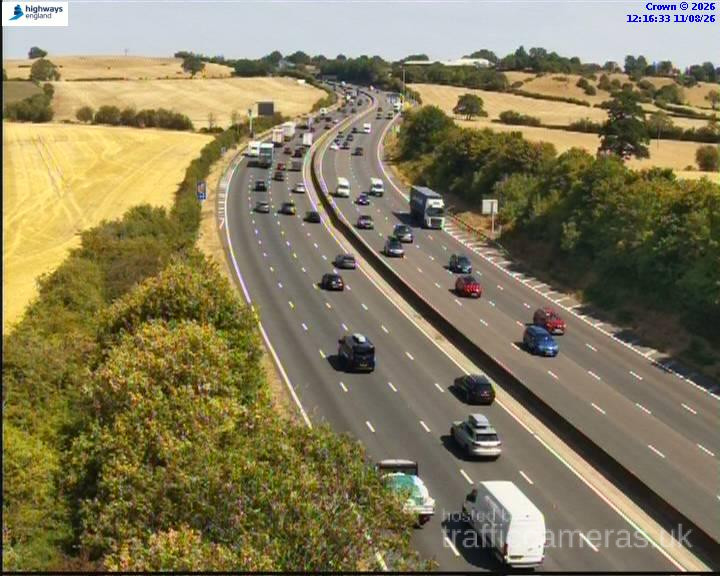
M5 Junction 1
M5 · Direction unavailable
Status: Online
Updated 1 min ago
M5 Junction 18
M5 · Direction unavailable
Status: Online
Updated 1 min ago
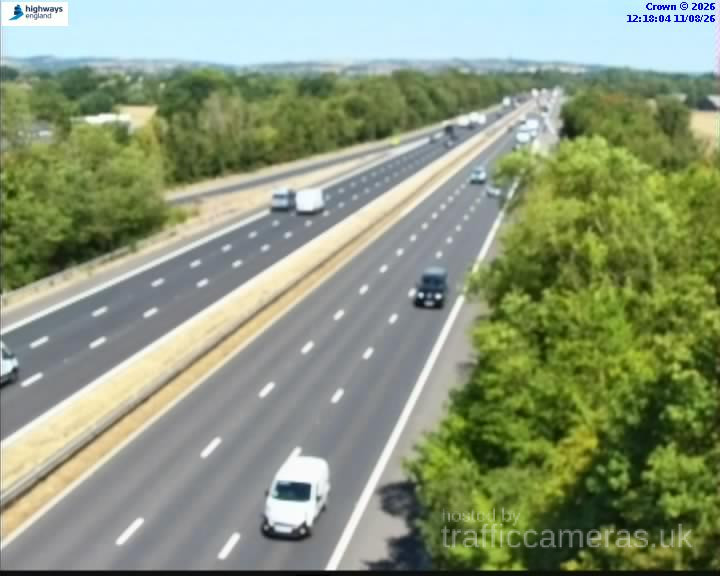
M5 135 2a Ptz
M5 · Direction unavailable
Status: Online
Updated 1 min ago
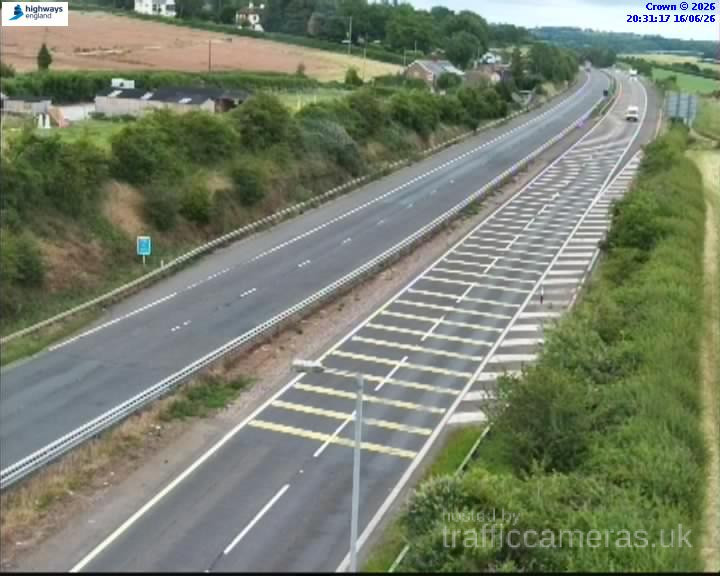
M5 Junction 19
M5 · Direction unavailable
Status: Online
Updated 1 min ago
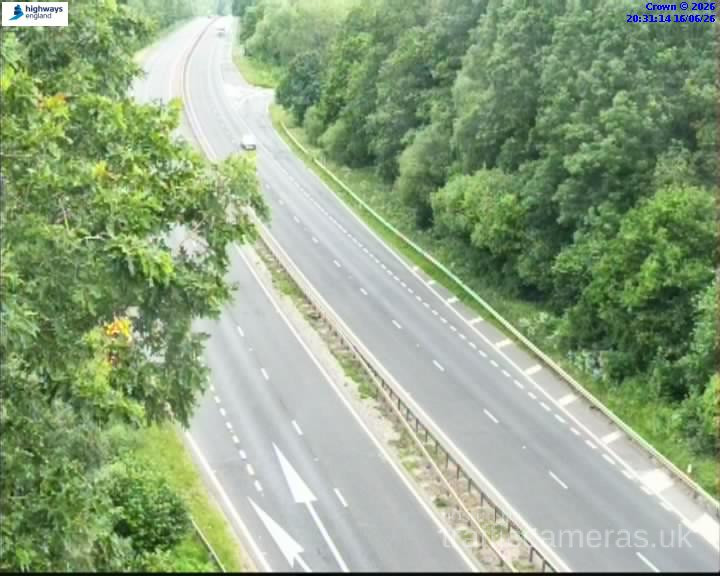
M5 Junction 19
M5 · Direction unavailable
Status: Online
Updated 1 min ago
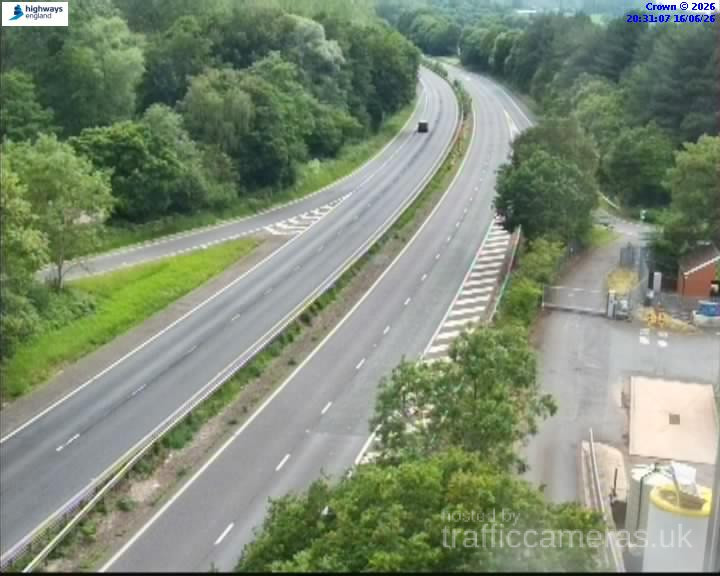
M5 Junction 20
M5 · Direction unavailable
Status: Online
Updated 1 min ago

M5 Junction 19
M5 · Direction unavailable
Status: Online
Updated 1 min ago
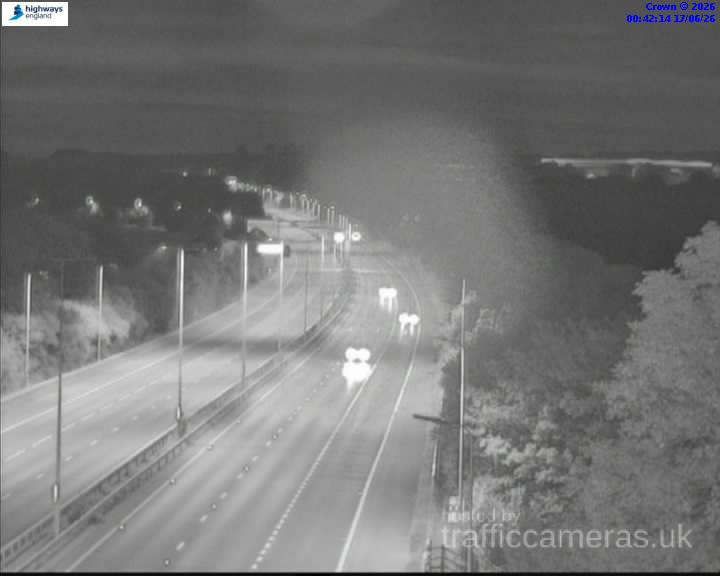
M5 Junction 20
M5 · Direction unavailable
Status: Online
Updated 1 min ago
M5 Junction 21
M5 · Direction unavailable
Status: Online
Updated 1 min ago
M5 Junction 21
M5 · Direction unavailable
Status: Online
Updated 1 min ago
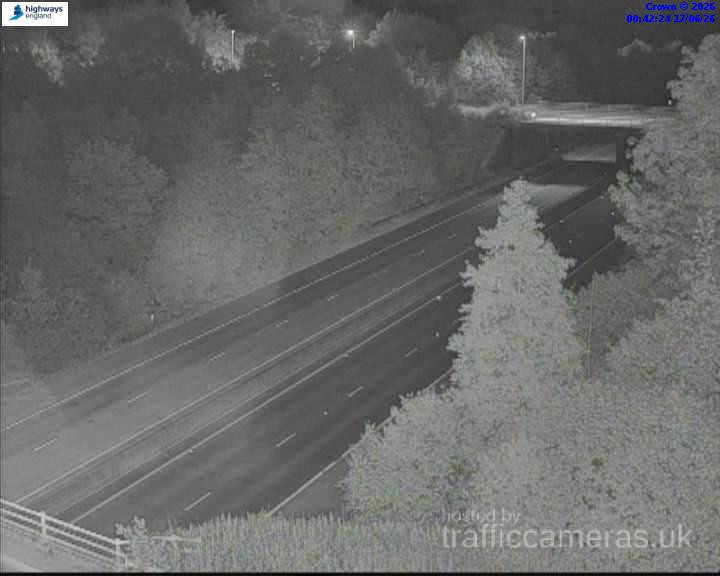
M5 Junction 22
M5 · Direction unavailable
Status: Online
Updated 1 min ago
M5 Junction 21
M5 · Direction unavailable
Status: Online
Updated 1 min ago
M5 132 0m junction
M5 · Direction unavailable
Status: Online
Updated 1 min ago
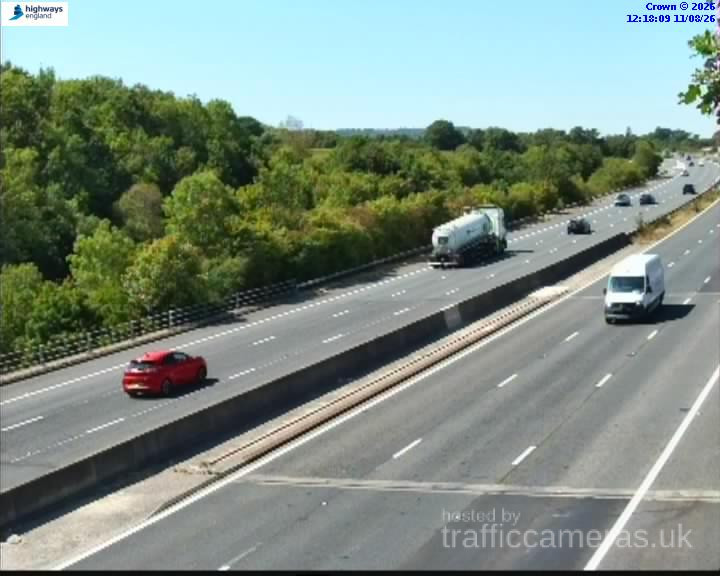
M5 132 7b Ptz
M5 · Direction unavailable
Status: Online
Updated 1 min ago
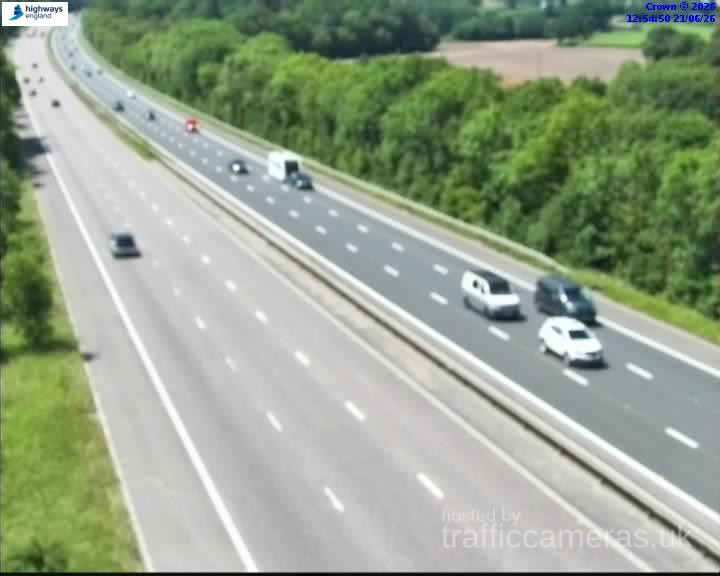
M5 133 5b Ptz
M5 · Direction unavailable
Status: Online
Updated 1 min ago
M5 Junction 15
M5 · Direction unavailable
Status: Online
Updated 1 min ago
M5 131 3b Ptz
M5 · Direction unavailable
Status: Online
Updated 1 min ago
M5 134 3a Ptz
M5 · Direction unavailable
Status: Online
Updated 1 min ago
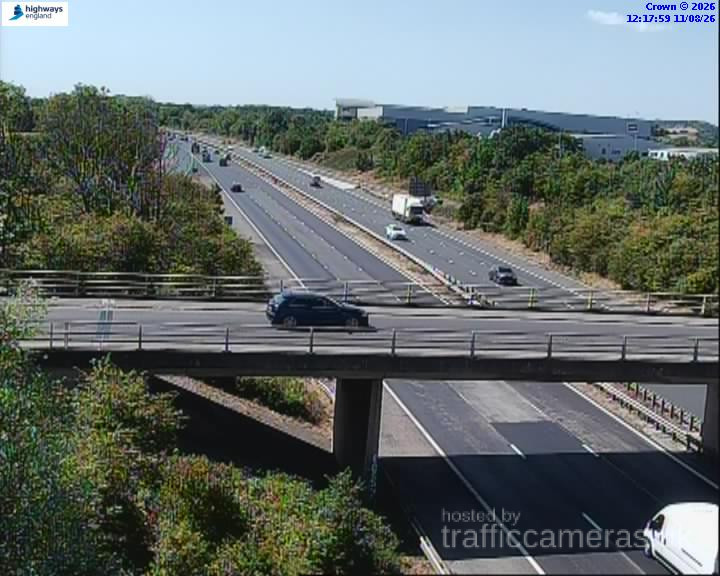
M5 130 3a Ptz
M5 · Direction unavailable
Status: Online
Updated 1 min ago
M5 Junction 14
M5 · Direction unavailable
Status: Online
Updated 1 min ago
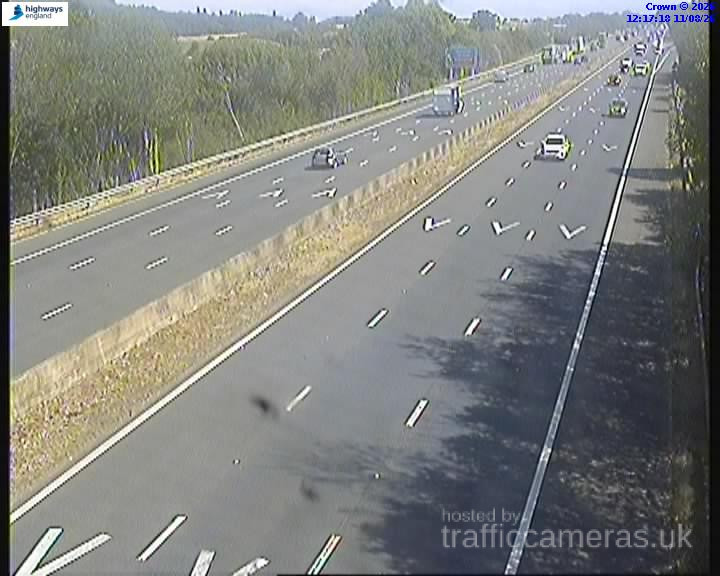
M5 Junction 5
M5 · Direction unavailable
Status: Online
Updated 1 min ago
M5 Junction 5
M5 · Direction unavailable
Status: Online
Updated 1 min ago
M5 Junction 6
M5 · Direction unavailable
Status: Online
Updated 1 min ago
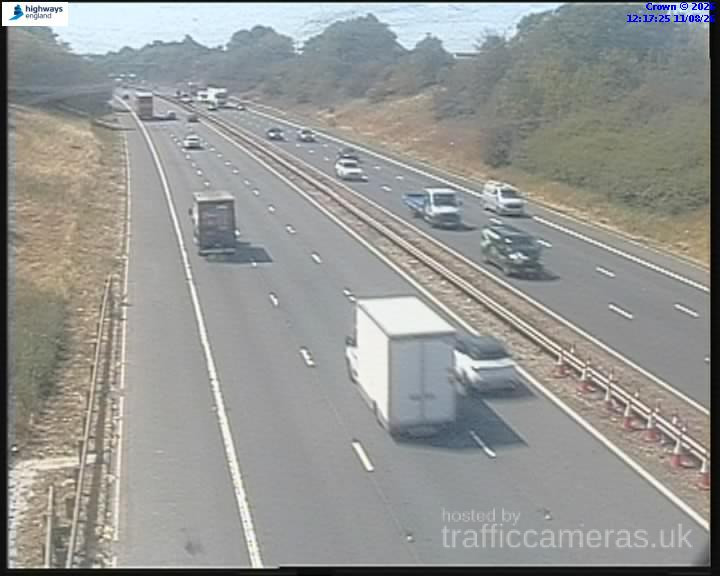
M5 Junction 6
M5 · Direction unavailable
Status: Online
Updated 1 min ago
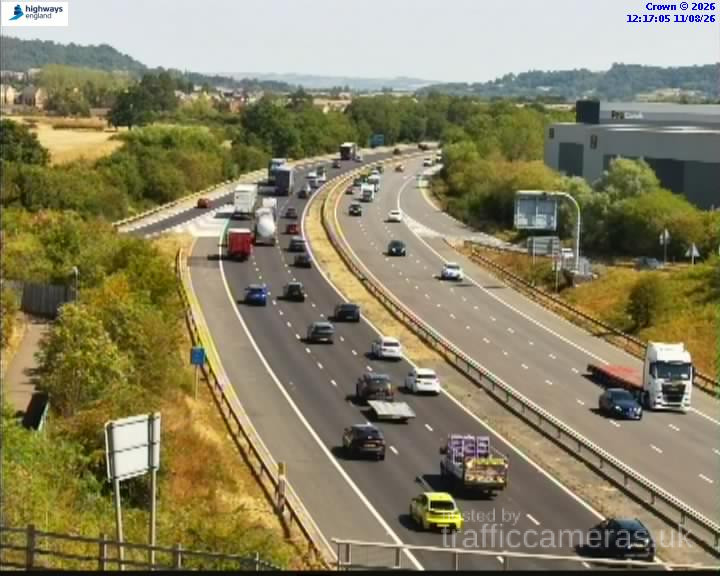
M5 Junction 5
M5 · Direction unavailable
Status: Online
Updated 1 min ago
M5 Junction 18
M5 · Direction unavailable
Status: Online
Updated 1 min ago
M5 Junction 10
M5 · Direction unavailable
Status: Online
Updated 1 min ago
M5 2Junction 29
M5 · Direction unavailable
Status: Online
Updated 1 min ago
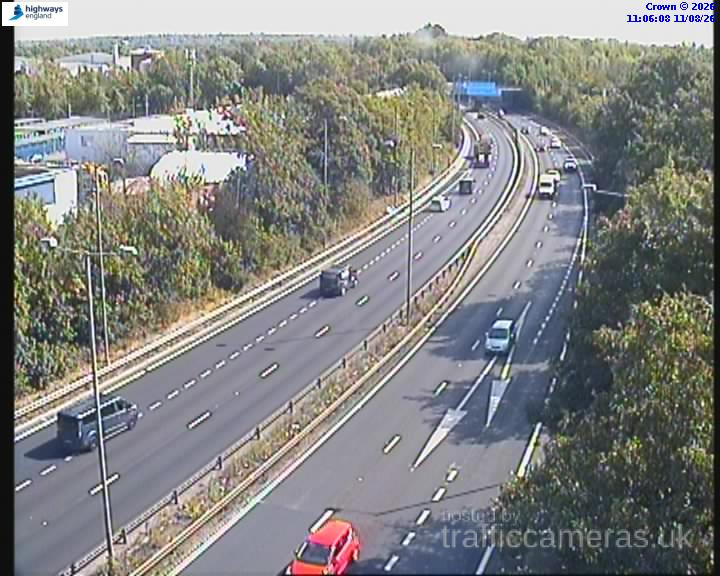
M5 Junction 28
M5 · Direction unavailable
Status: Online
Updated 1 min ago
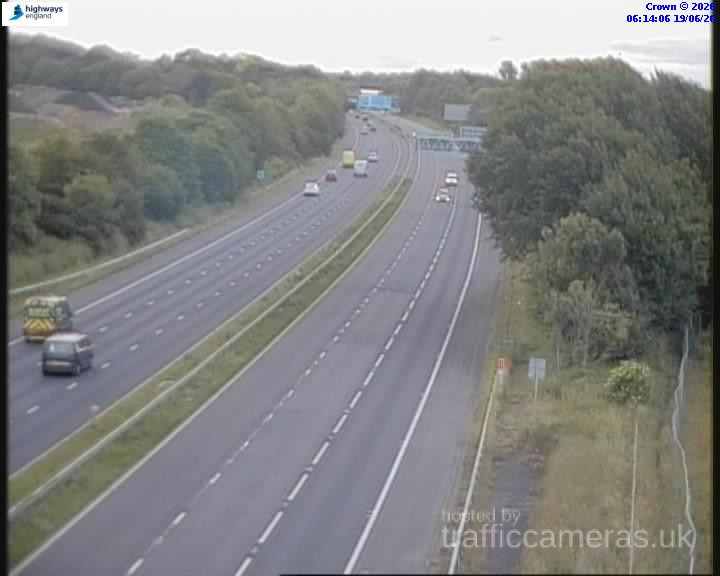
M5 Junction 27
M5 · Direction unavailable
Status: Online
Updated 1 min ago
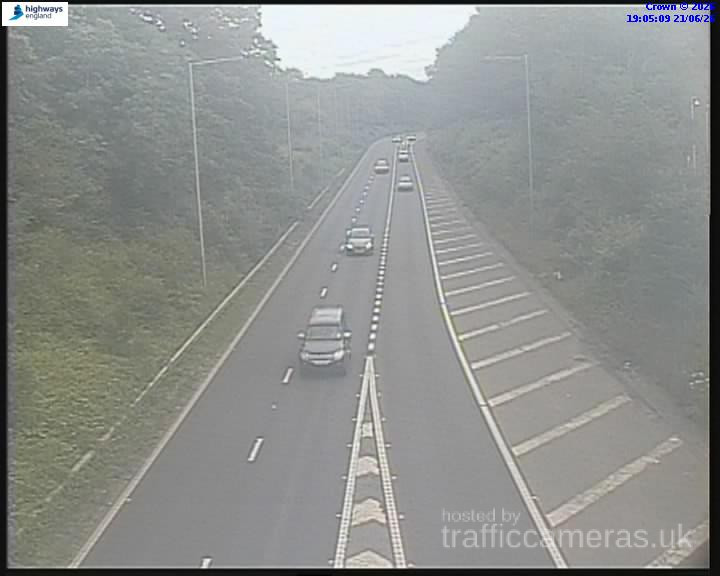
M5 Junction 30
M5 · Direction unavailable
Status: Online
Updated 1 min ago
M5 Junction 30
M5 · Direction unavailable
Status: Online
Updated 1 min ago
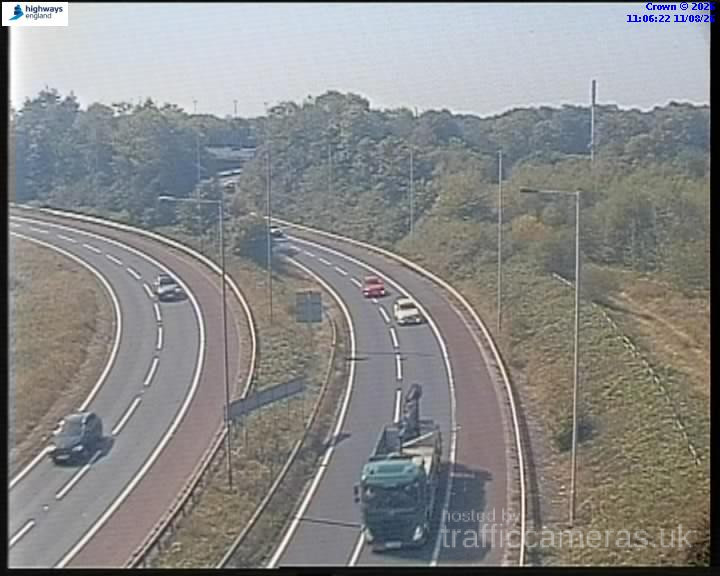
M5 Junction 30
M5 · Direction unavailable
Status: Online
Updated 1 min ago
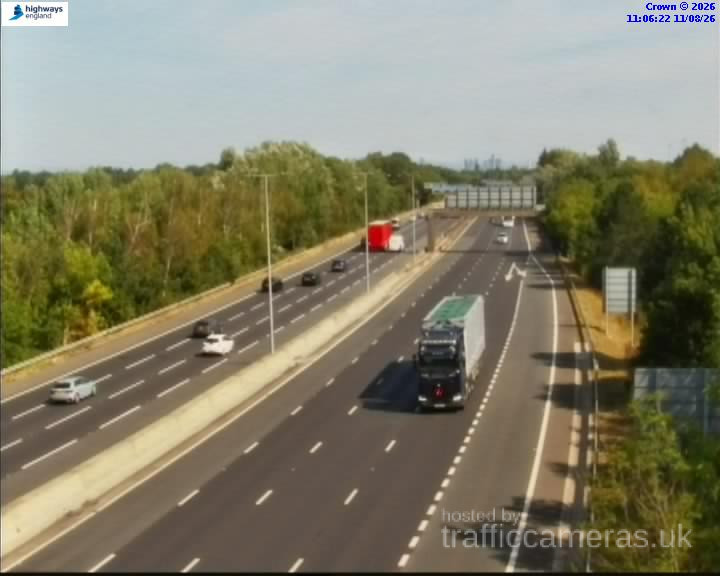
M5 Junction 31
M5 · Direction unavailable
Status: Online
Updated 1 min ago
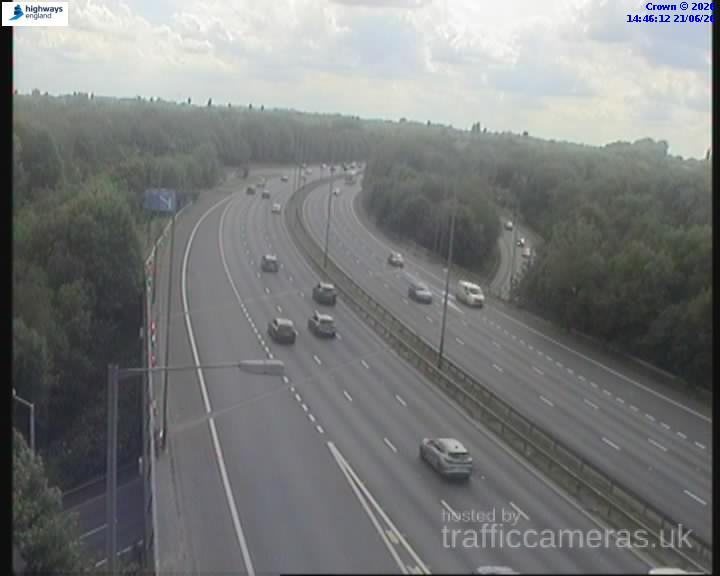
M5 Junction 28
M5 · Direction unavailable
Status: Online
Updated 1 min ago
M5 Junction 28
M5 · Direction unavailable
Status: Online
Updated 1 min ago
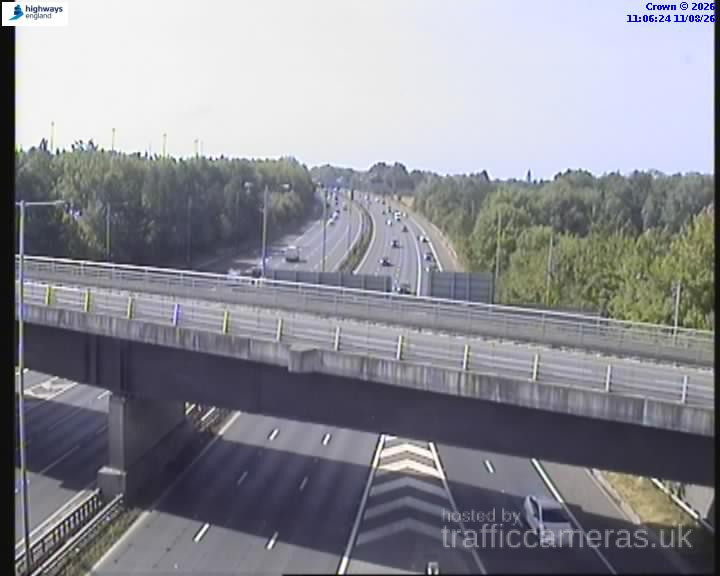
M5 Junction 31
M5 · Direction unavailable
Status: Online
Updated 1 min ago
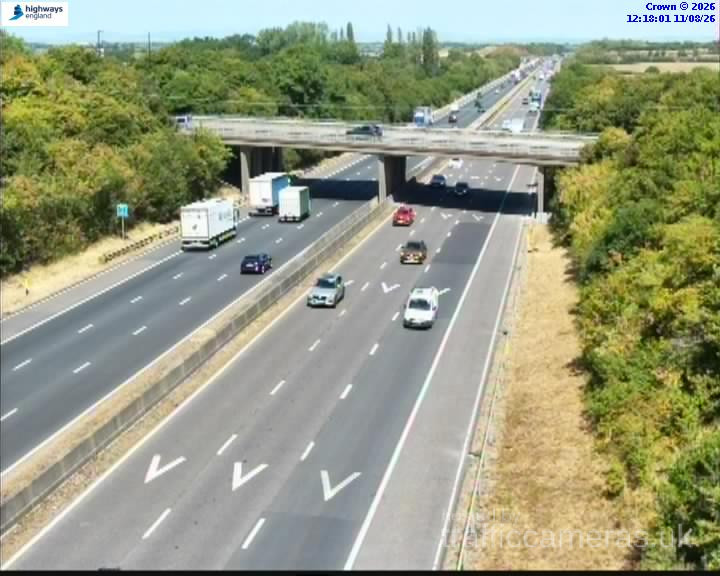
M5 Junction 13
M5 · Direction unavailable
Status: Online
Updated 1 min ago
M5 Junction 13
M5 · Direction unavailable
Status: Online
Updated 1 min ago
M5 Junction 14
M5 · Direction unavailable
Status: Online
Updated 1 min ago
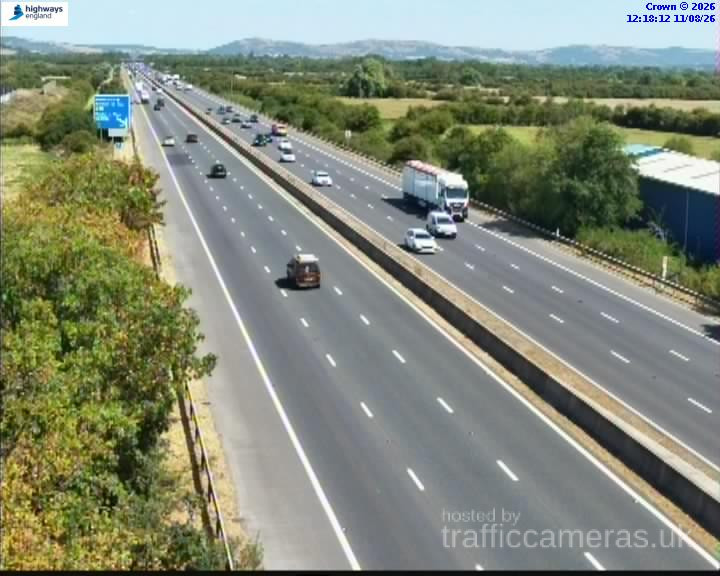
M5 Junction 14
M5 · Direction unavailable
Status: Online
Updated 1 min ago

M5 Junction 8
M5 · Direction unavailable
Status: Online
Updated 1 min ago
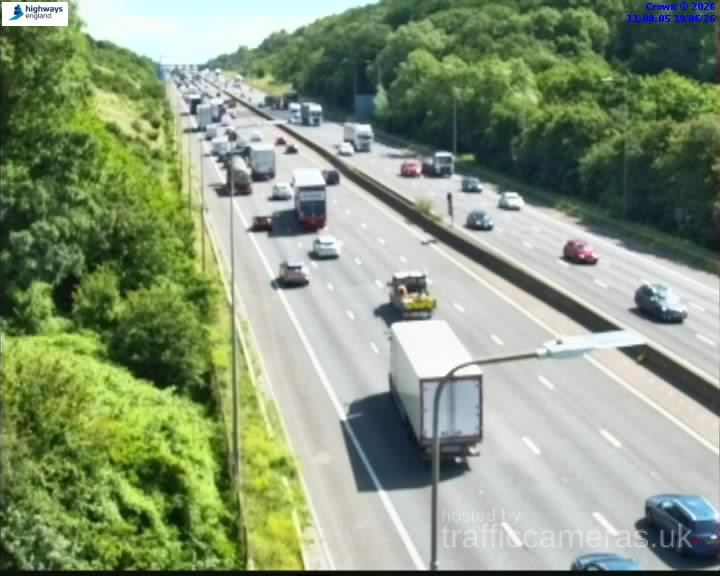
M5 Junction 8
M5 · Direction unavailable
Status: Online
Updated 1 min ago
M5 Junction 10
M5 · Direction unavailable
Status: Online
Updated 1 min ago
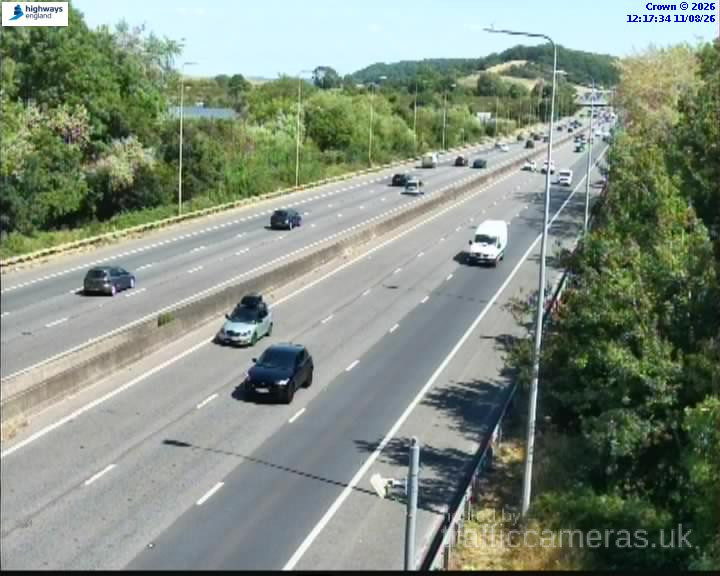
M5 Junction 8
M5 · Direction unavailable
Status: Online
Updated 1 min ago
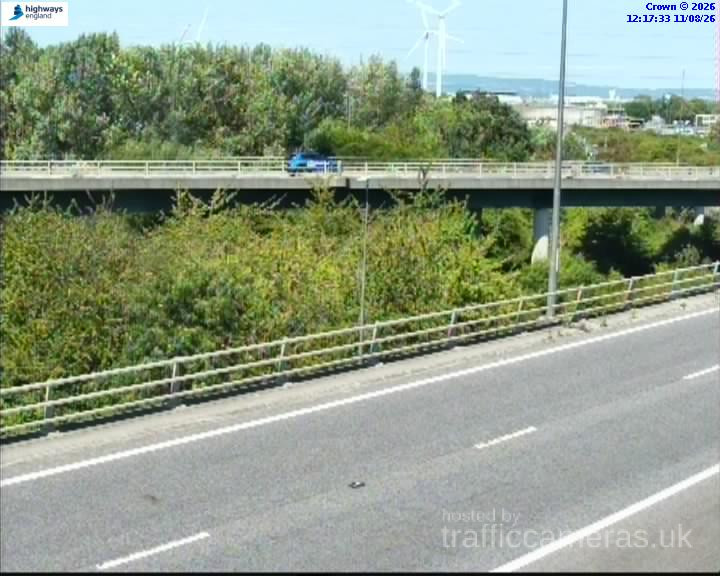
M5 Junction 9
M5 · Direction unavailable
Status: Online
Updated 1 min ago
M5 Junction 11
M5 · Direction unavailable
Status: Online
Updated 1 min ago
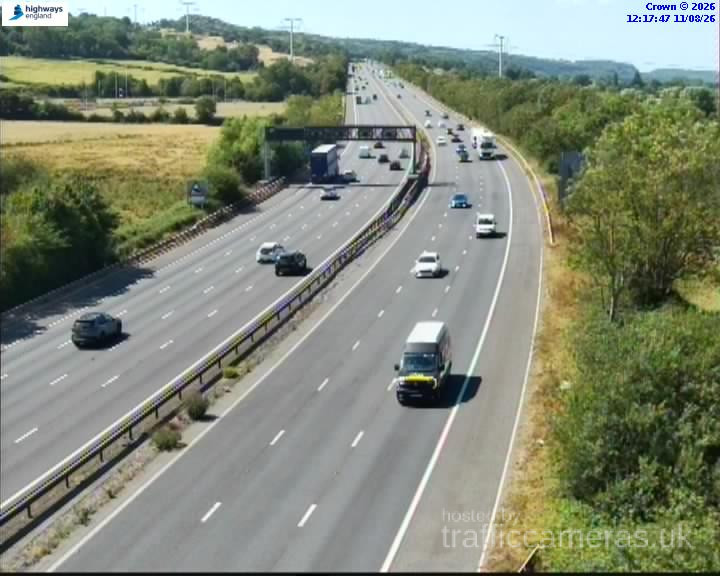
M5 Junction 11A
M5 · Direction unavailable
Status: Online
Updated 1 min ago
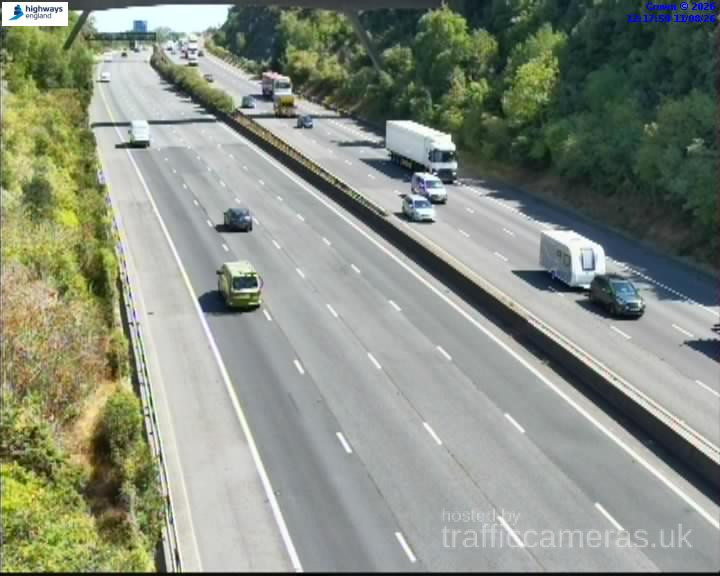
M5 Junction 11A
M5 · Direction unavailable
Status: Online
Updated 1 min ago
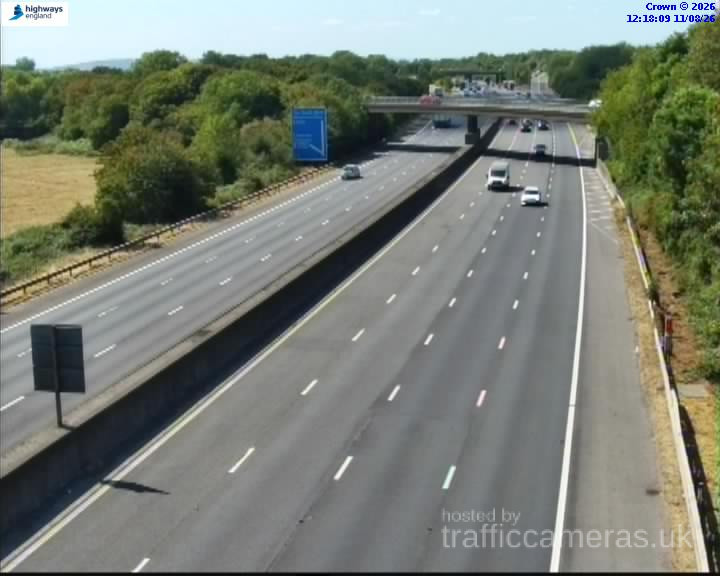
M5 Junction 11A
M5 · Direction unavailable
Status: Online
Updated 1 min ago
M5 Junction 11A
M5 · Direction unavailable
Status: Online
Updated 1 min ago
M5 Junction 11A
M5 · Direction unavailable
Status: Online
Updated 1 min ago
M5 Junction 10
M5 · Direction unavailable
Status: Online
Updated 1 min ago
M5 Junction 11
M5 · Direction unavailable
Status: Online
Updated 1 min ago
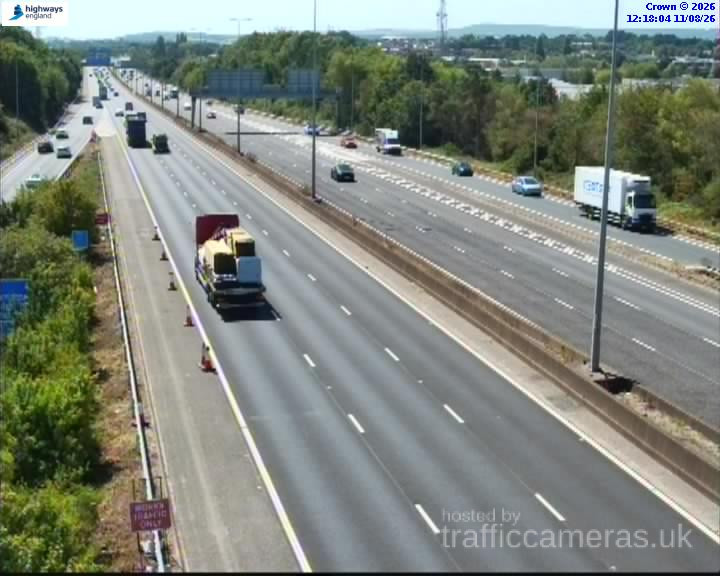
M5 Junction 17
M5 · Direction unavailable
Status: Online
Updated 1 min ago
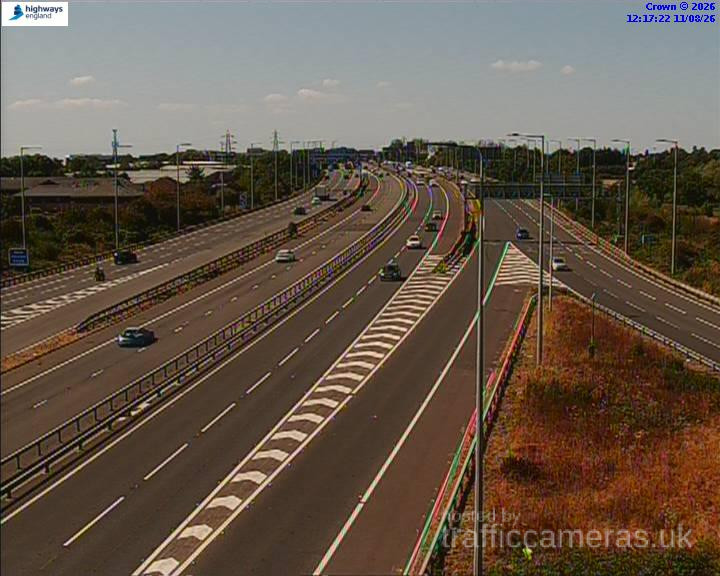
M5 Junction 8
M5 · Direction unavailable
Status: Online
Updated 1 min ago
M5 Junction 9
M5 · Direction unavailable
Status: Online
Updated 1 min ago

M5 Junction 5
M5 · Direction unavailable
Status: Online
Updated 1 min ago
M5 Junction 5
M5 · Direction unavailable
Status: Online
Updated 1 min ago
M5 Junction 5
M5 · Direction unavailable
Status: Online
Updated 1 min ago
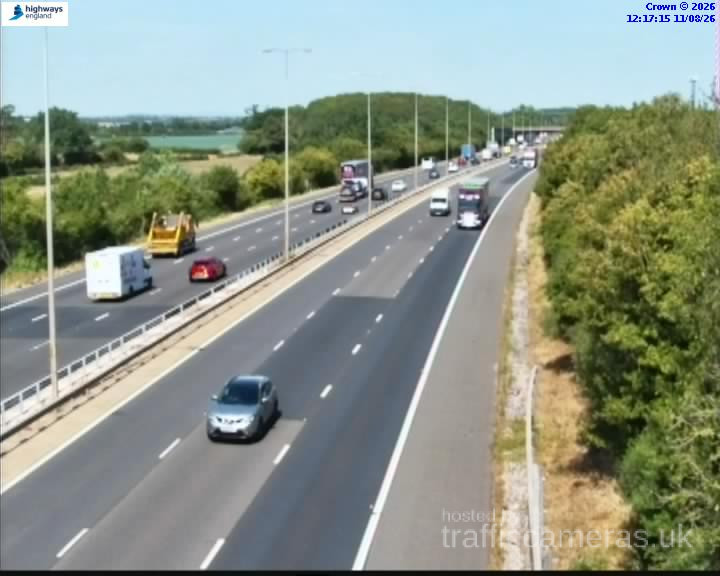
M5 Junction 5
M5 · Direction unavailable
Status: Online
Updated 1 min ago
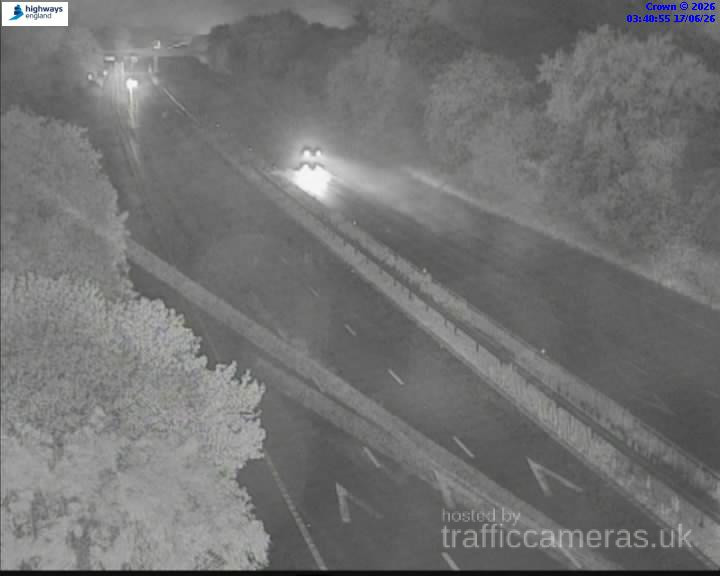
M5 Junction 14
M5 · Direction unavailable
Status: Online
Updated 1 min ago
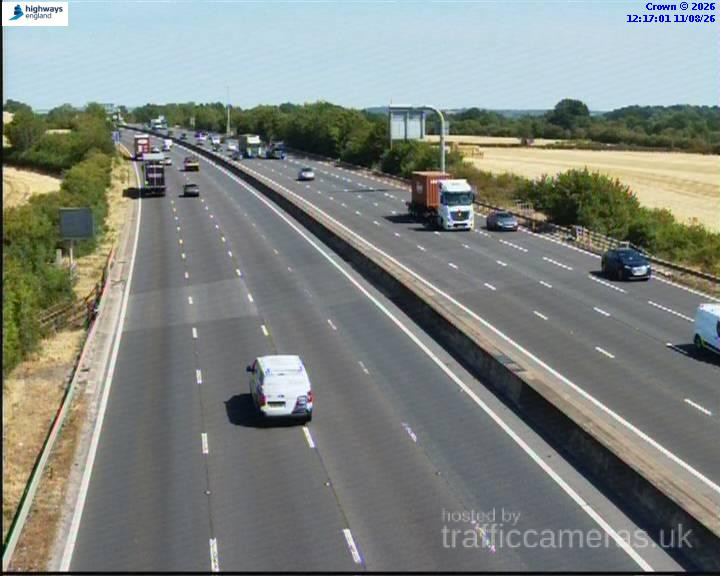
M5 Junction 4A
M5 · Direction unavailable
Status: Online
Updated 1 min ago
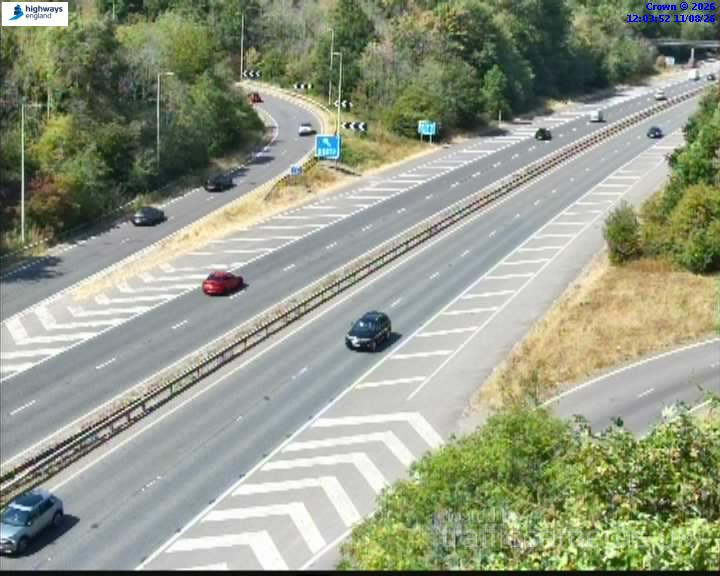
M5 Junction 22
M5 · Direction unavailable
Status: Online
Updated 1 min ago
M5 Junction 18
M5 · Direction unavailable
Status: Online
Updated 1 min ago
M5 Junction 18
M5 · Direction unavailable
Status: Online
Updated 1 min ago
M5 Junction 18
M5 · Direction unavailable
Status: Online
Updated 1 min ago
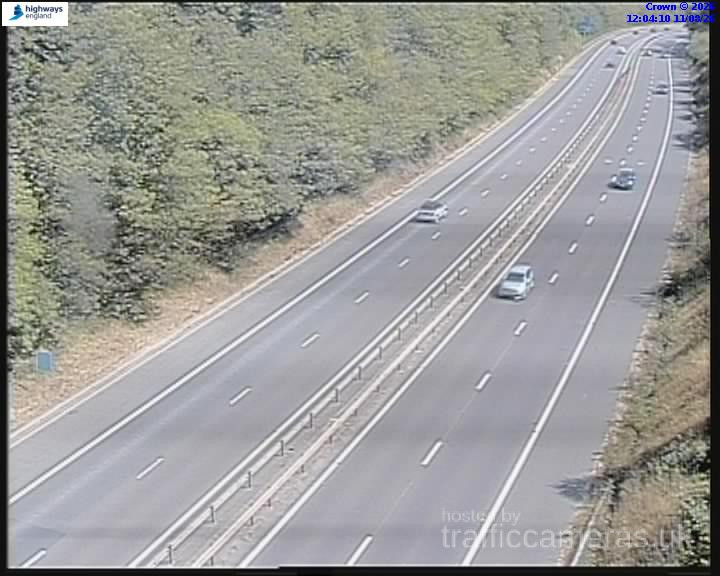
M5 Junction 25
M5 · Direction unavailable
Status: Online
Updated 1 min ago
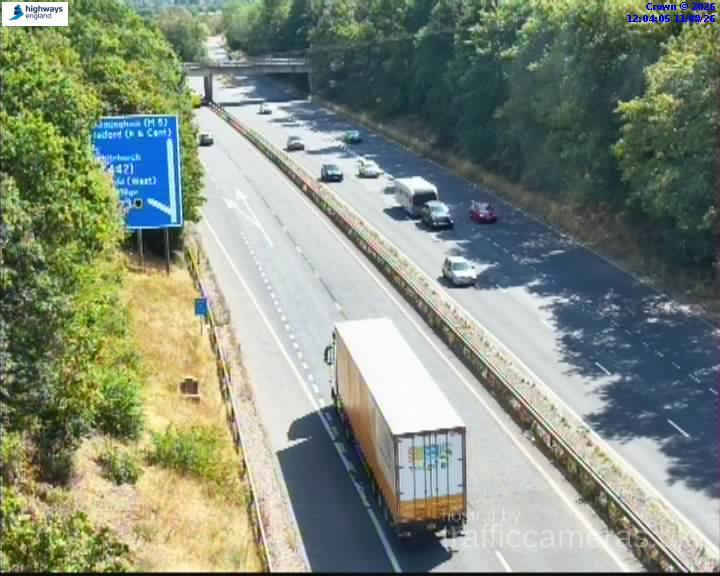
M5 Junction 25
M5 · Direction unavailable
Status: Online
Updated 1 min ago
M5 Junction 26
M5 · Direction unavailable
Status: Online
Updated 1 min ago
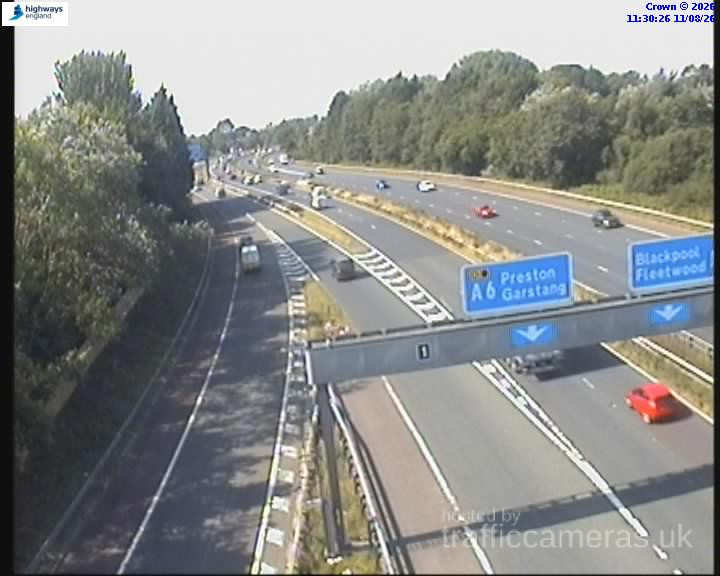
M5 Junction 26
M5 · Direction unavailable
Status: Online
Updated 1 min ago
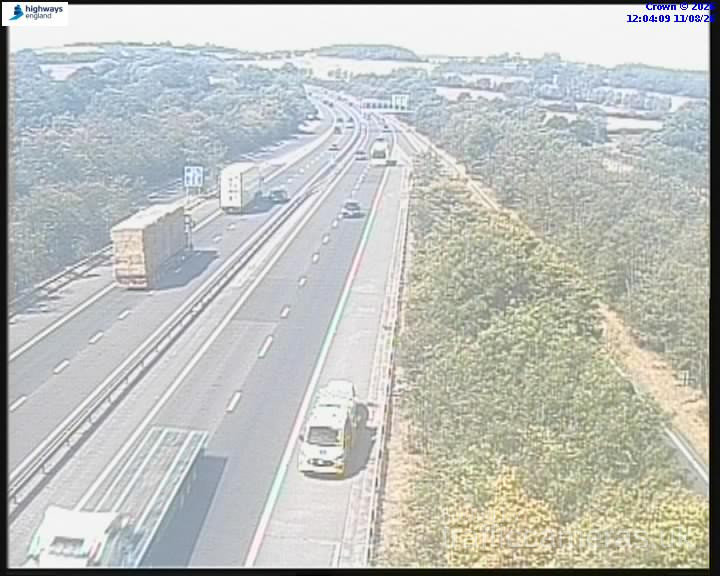
M5 Junction 25
M5 · Direction unavailable
Status: Online
Updated 1 min ago
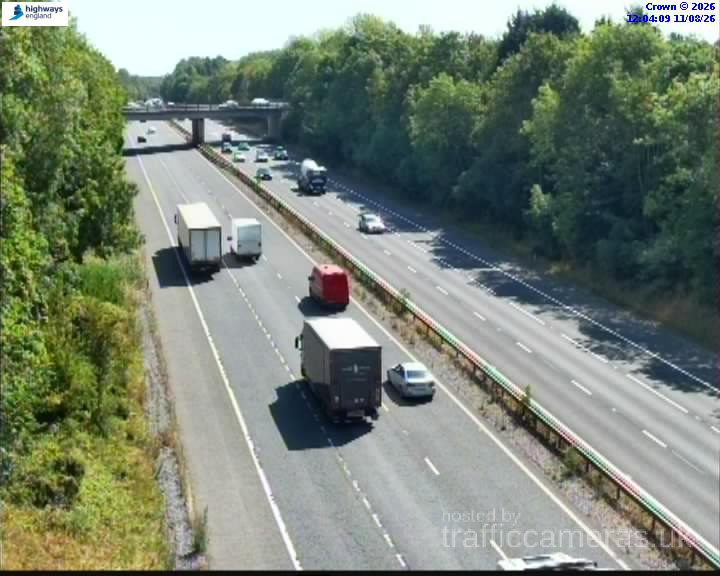
M5 Junction 23
M5 · Direction unavailable
Status: Online
Updated 1 min ago
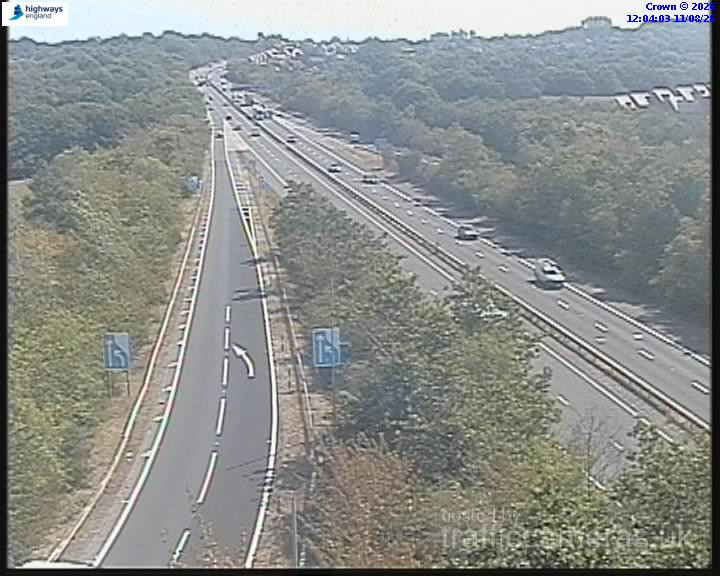
M5 Junction 24
M5 · Direction unavailable
Status: Online
Updated 1 min ago
M5 Junction 22
M5 · Direction unavailable
Status: Online
Updated 1 min ago
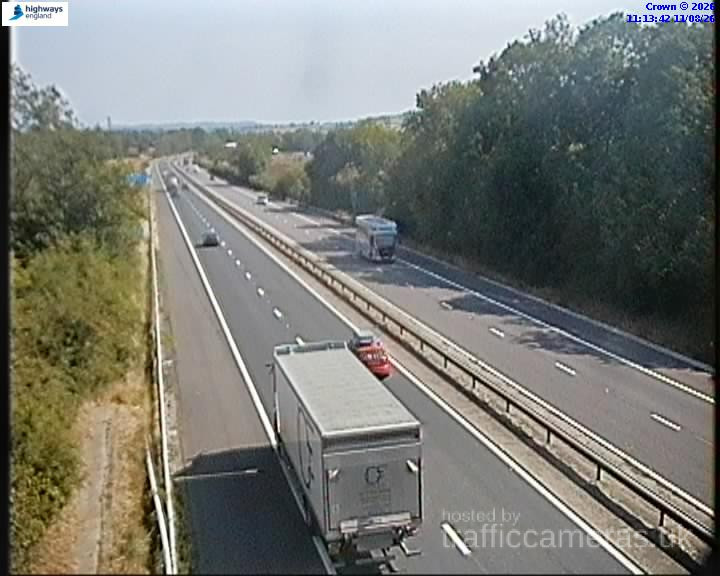
M5 Junction 18
M5 · Direction unavailable
Status: Online
Updated 1 min ago
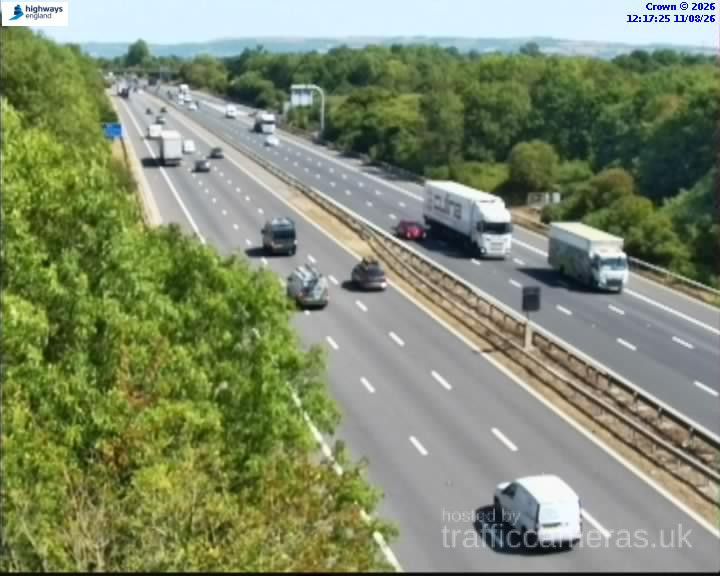
M5 Junction 19
M5 · Direction unavailable
Status: Online
Updated 1 min ago
M5 Junction 5
M5 · Direction unavailable
Status: Online
Updated 1 min ago
M5 Junction 5
M5 · Direction unavailable
Status: Online
Updated 1 min ago
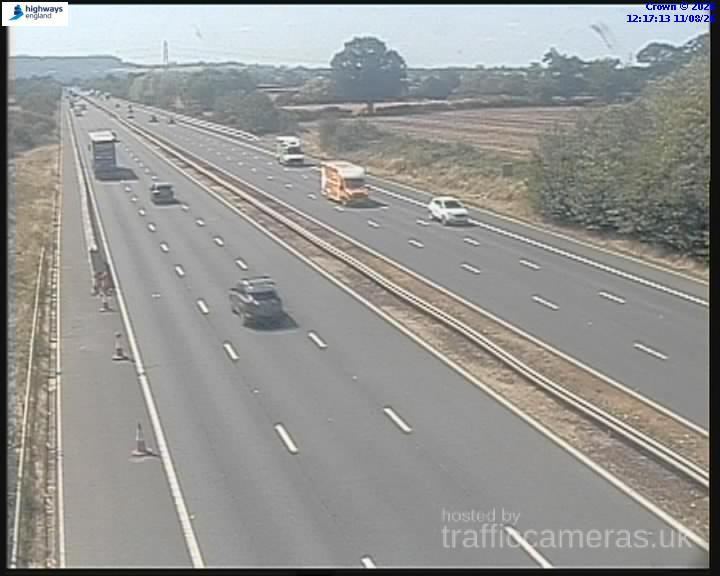
M5 Junction 6
M5 · Direction unavailable
Status: Online
Updated 1 min ago
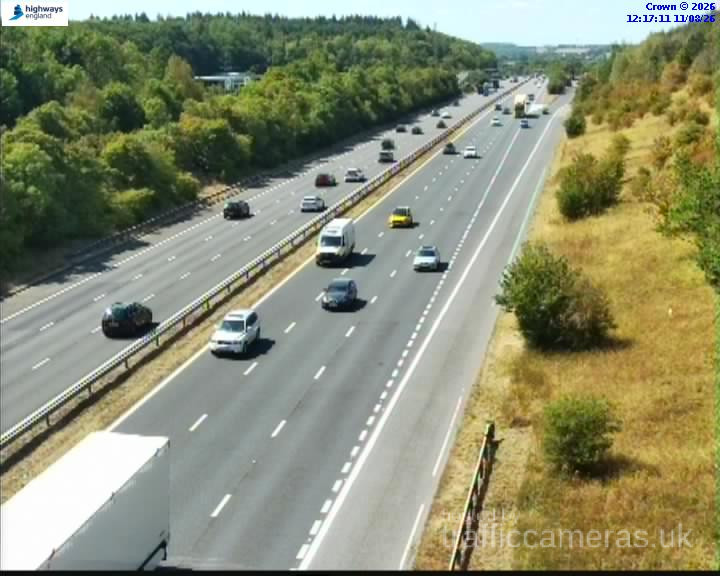
M5 Junction 7
M5 · Direction unavailable
Status: Online
Updated 1 min ago
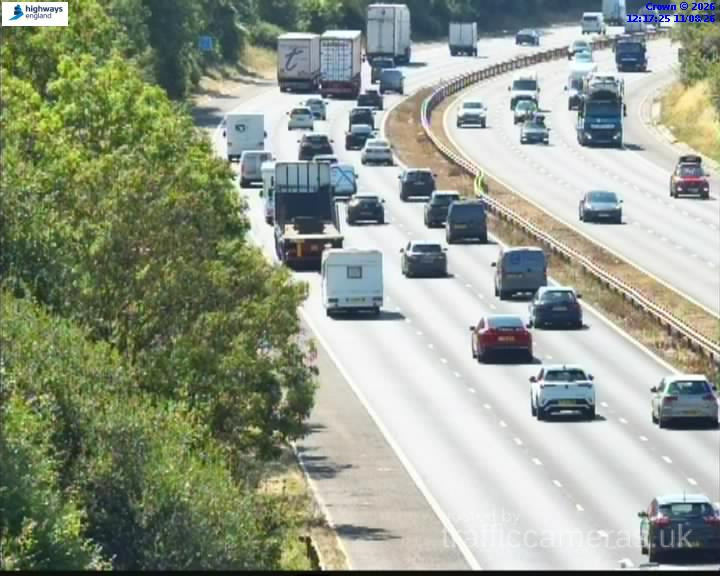
M5 Junction 6
M5 · Direction unavailable
Status: Online
Updated 1 min ago
M5 Junction 7
M5 · Direction unavailable
Status: Online
Updated 1 min ago
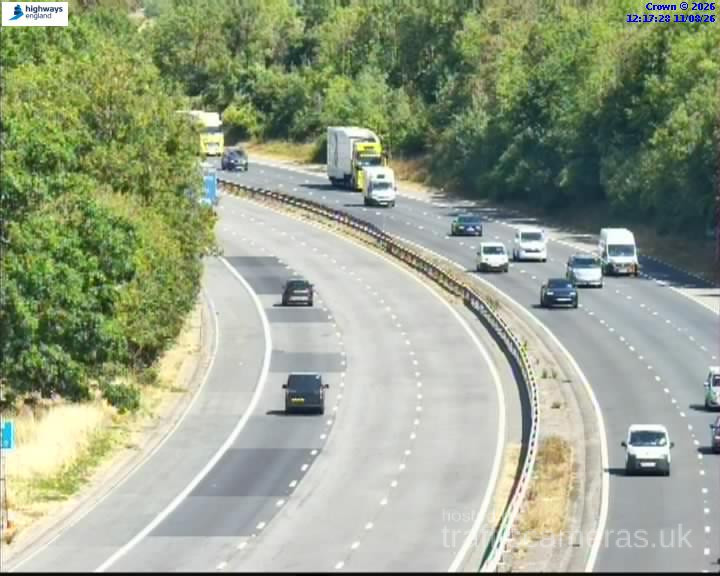
M5 Junction 7
M5 · Direction unavailable
Status: Online
Updated 1 min ago
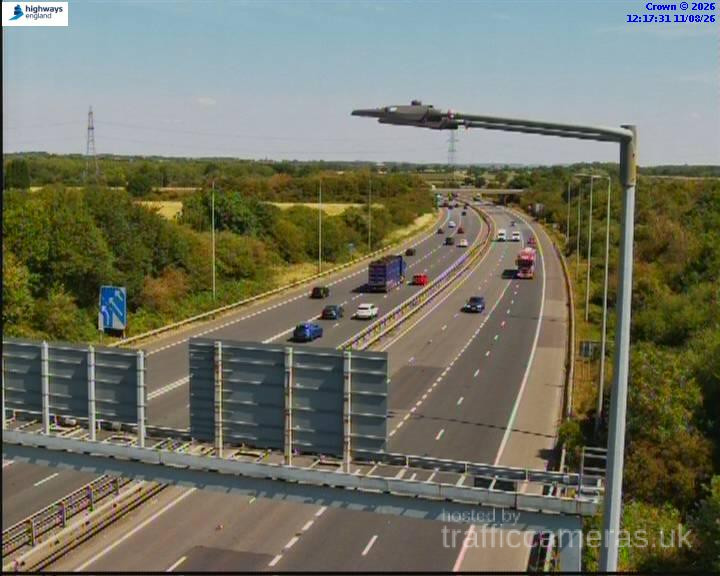
M5 Junction 7
M5 · Direction unavailable
Status: Online
Updated 1 min ago
M5 Junction 7
M5 · Direction unavailable
Status: Online
Updated 1 min ago
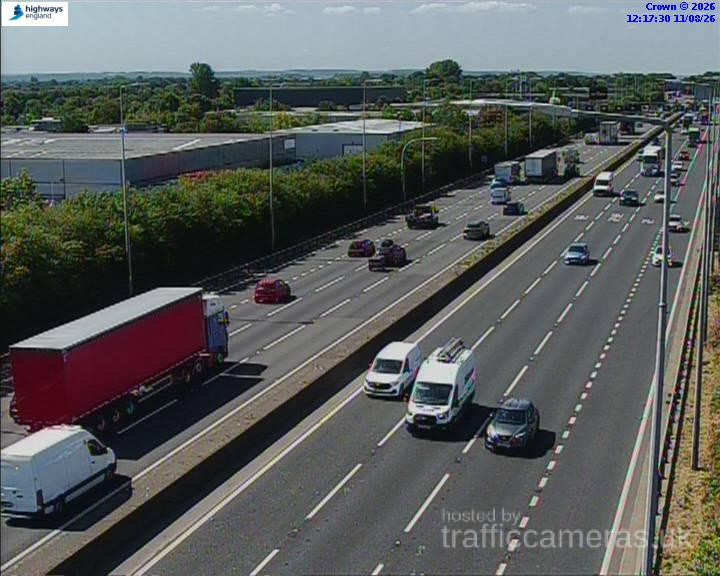
M5 Junction 7
M5 · Direction unavailable
Status: Online
Updated 1 min ago
M5 Junction 8
M5 · Direction unavailable
Status: Online
Updated 1 min ago
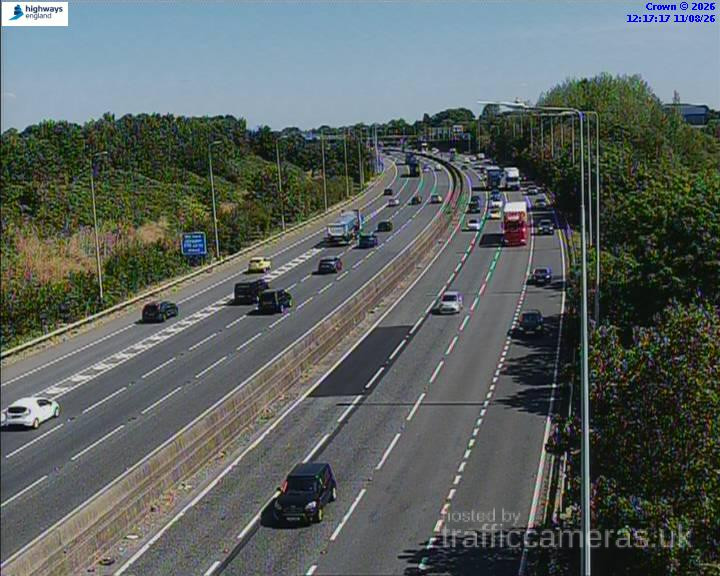
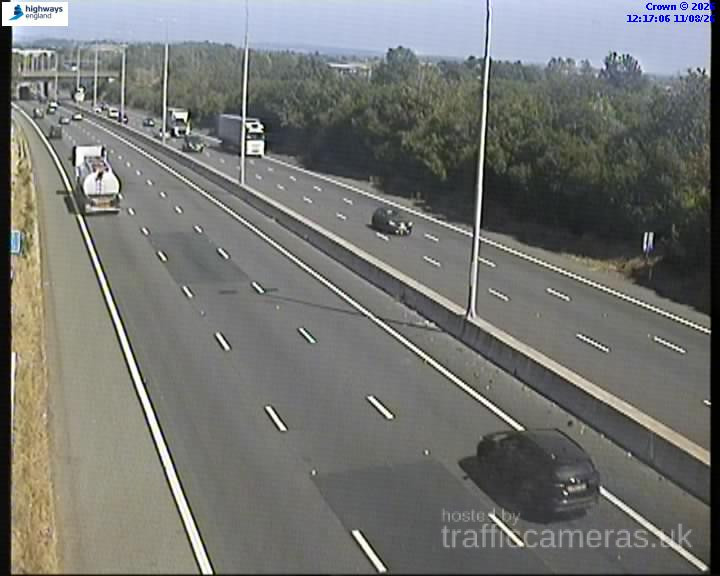
M5 Junction 4A
M5 · Direction unavailable
Status: Online
Updated 1 min ago

M5 Junction 4A
M5 · Direction unavailable
Status: Online
Updated 1 min ago
M5 Junction 4A
M5 · Direction unavailable
Status: Online
Updated 1 min ago
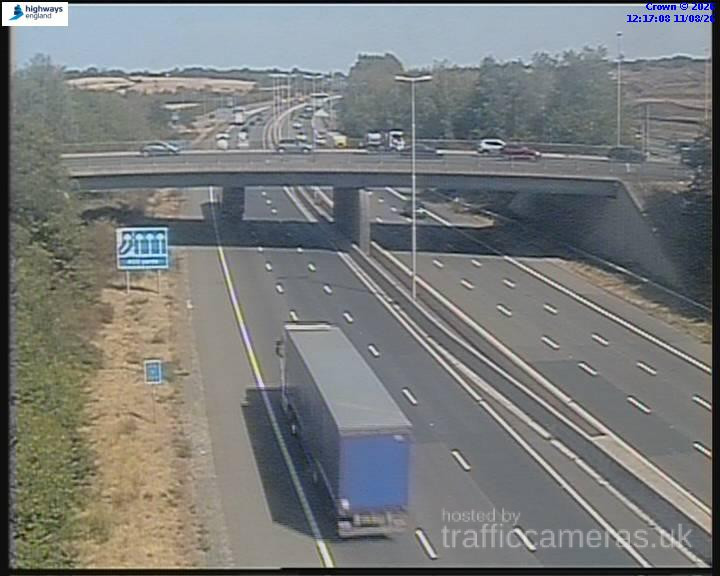
M5 Junction 4A
M5 · Direction unavailable
Status: Online
Updated 1 min ago
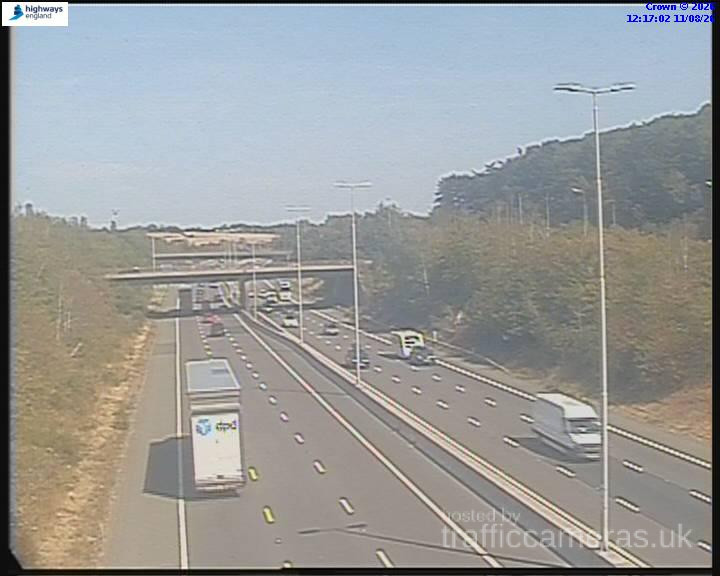
M5 Junction 4A
M5 · Direction unavailable
Status: Online
Updated 1 min ago
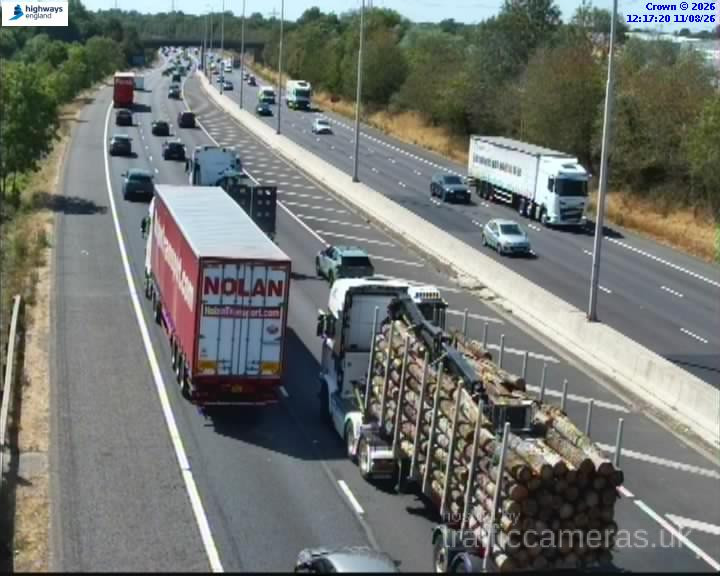
M5 Junction 5
M5 · Direction unavailable
Status: Online
Updated 1 min ago
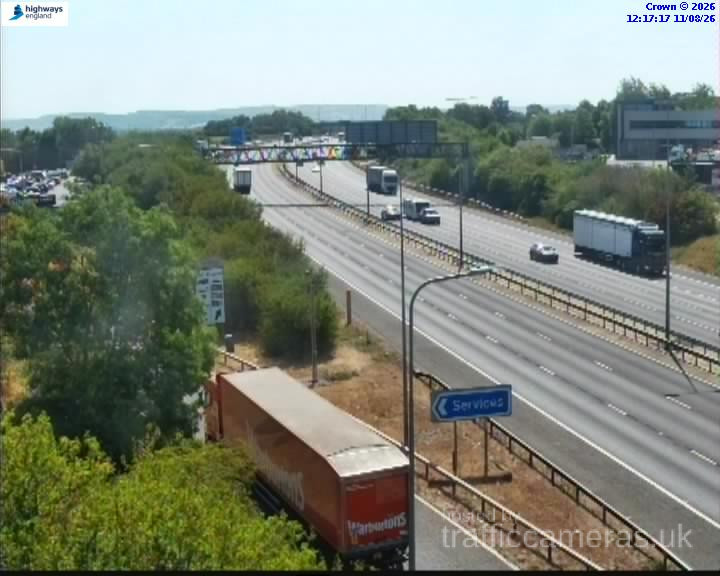
M5 Junction 5
M5 · Direction unavailable
Status: Online
Updated 1 min ago
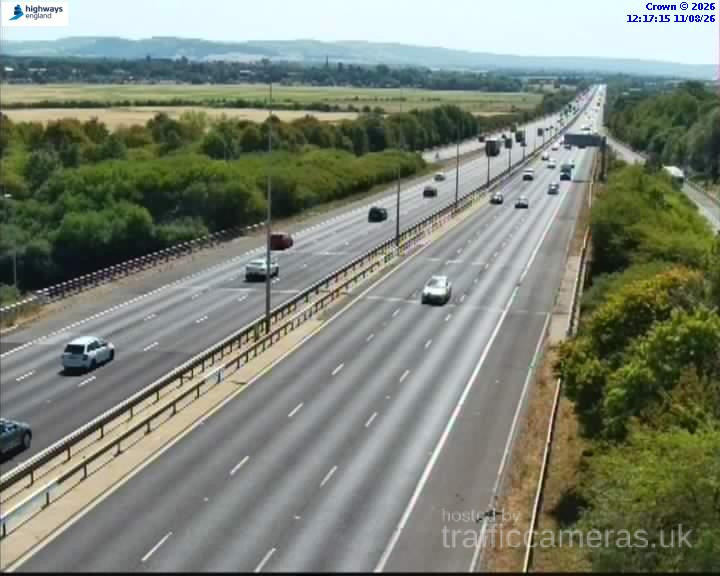
M5 Junction 5
M5 · Direction unavailable
Status: Online
Updated 1 min ago
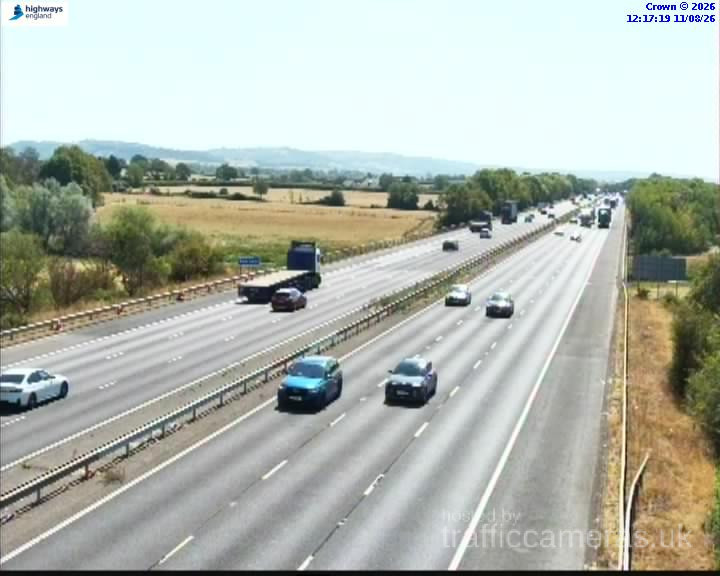
M5 Junction 5
M5 · Direction unavailable
Status: Online
Updated 1 min ago
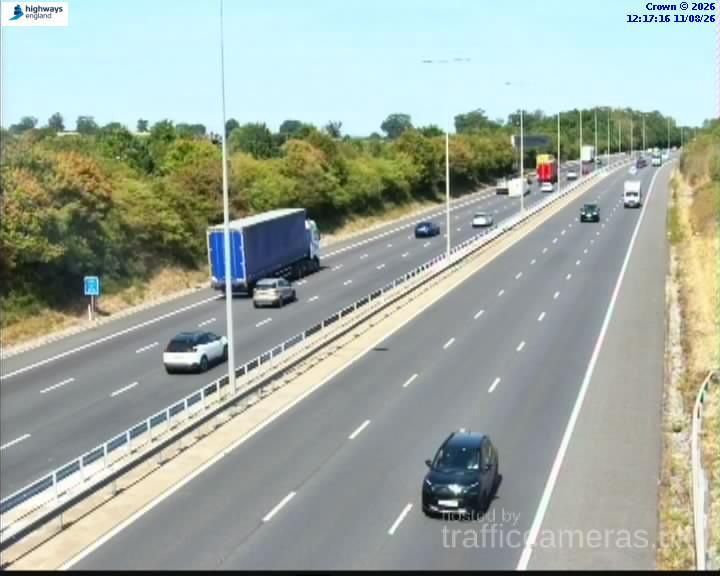
M5 Junction 5
M5 · Direction unavailable
Status: Online
Updated 1 min ago
M5 Junction 5
M5 · Direction unavailable
Status: Online
Updated 1 min ago
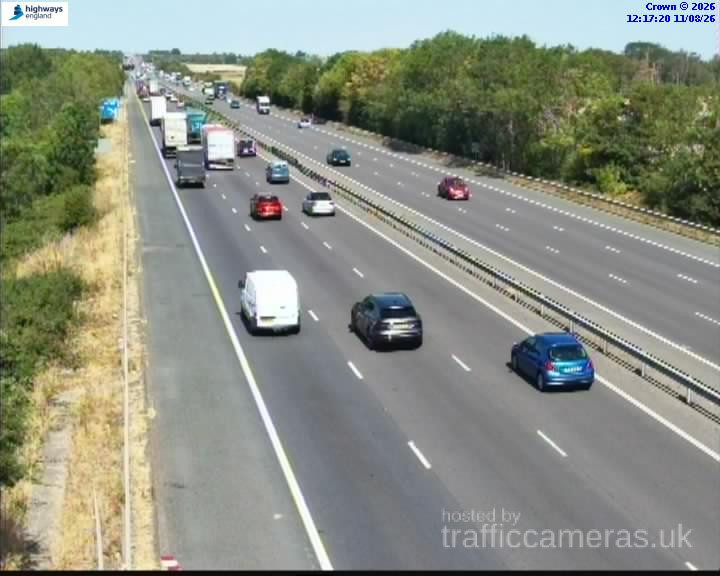
M5 Junction 5
M5 · Direction unavailable
Status: Online
Updated 1 min ago
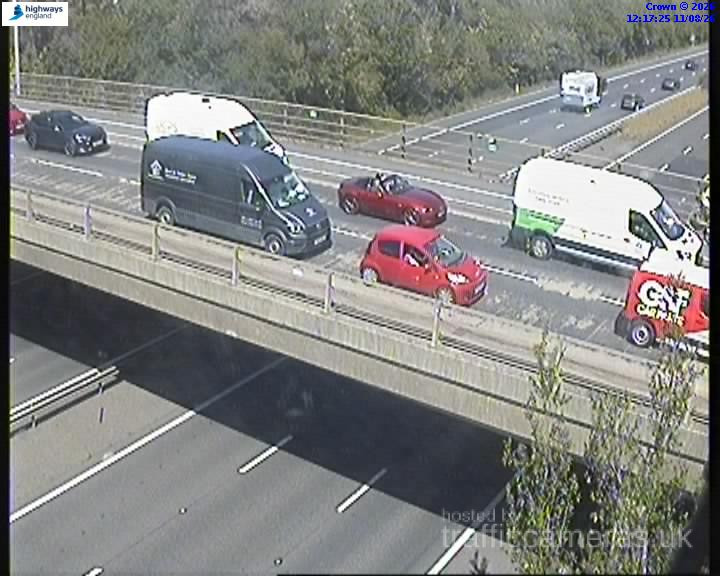
M5 Junction 5
M5 · Direction unavailable
Status: Online
Updated 1 min ago
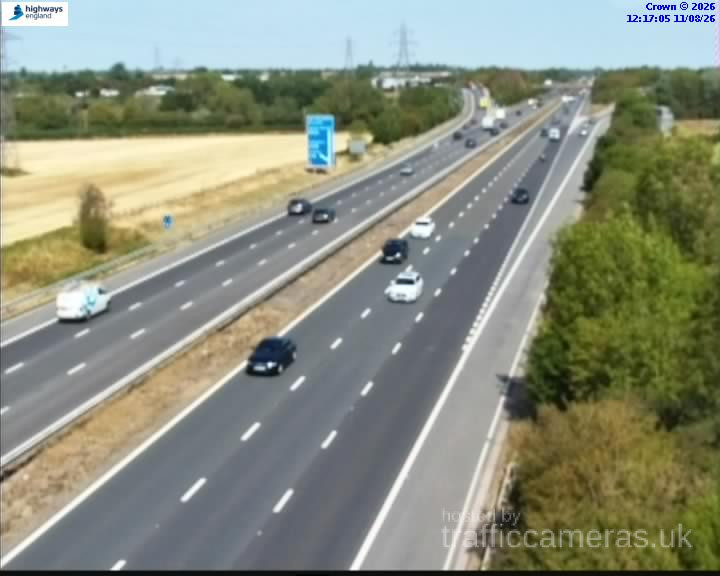
M5 Junction 5
M5 · Direction unavailable
Status: Online
Updated 1 min ago
M5 Junction 5
M5 · Direction unavailable
Status: Online
Updated 1 min ago
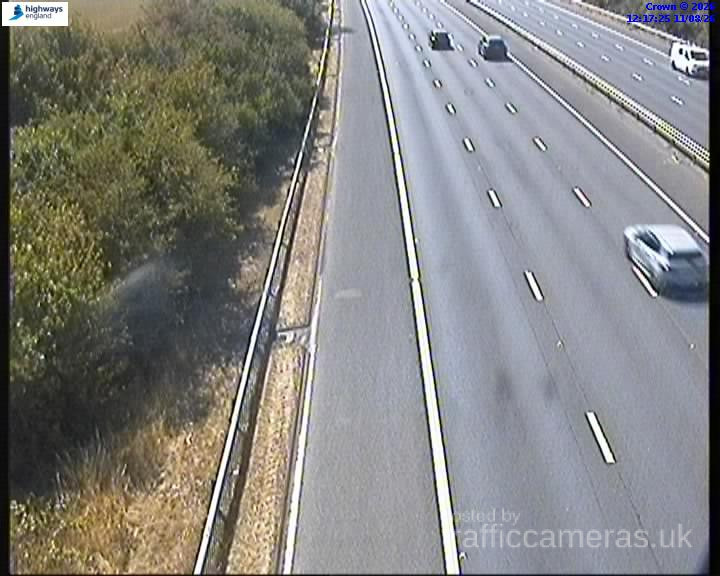
M5 Junction 5
M5 · Direction unavailable
Status: Online
Updated 1 min ago
M5 Junction 6
M5 · Direction unavailable
Status: Online
Updated 1 min ago
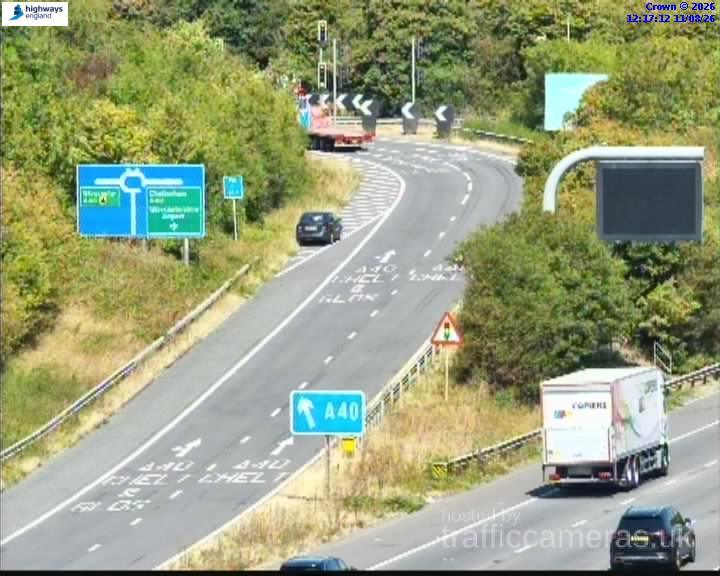
M5 Junction 5
M5 · Direction unavailable
Status: Online
Updated 1 min ago
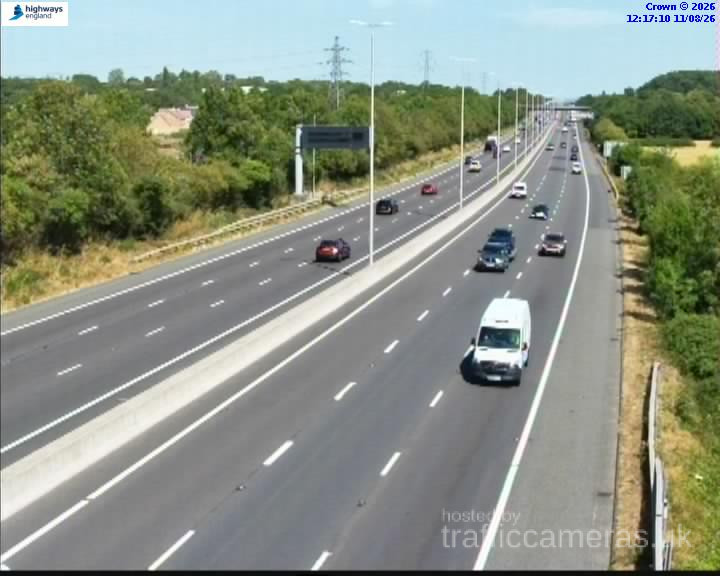
M5 Junction 5
M5 · Direction unavailable
Status: Online
Updated 1 min ago
M5 Junction 5
M5 · Direction unavailable
Status: Online
Updated 1 min ago
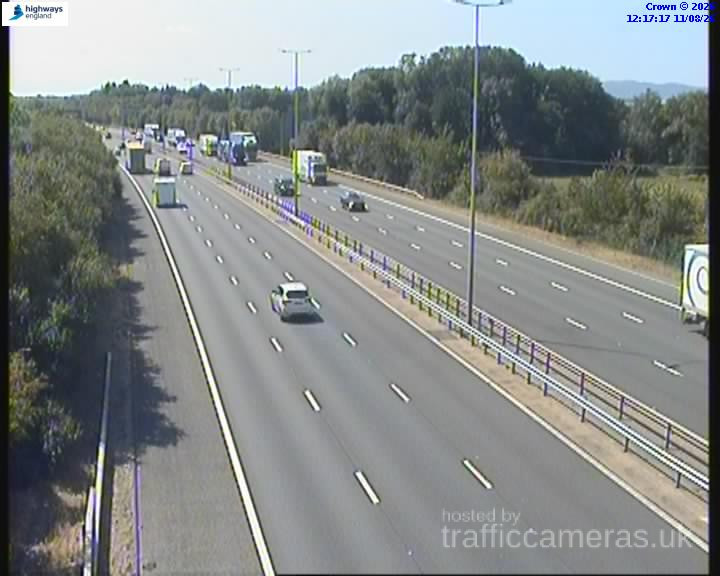
M5 Junction 5
M5 · Direction unavailable
Status: Online
Updated 1 min ago
M5 07010 M5 M6
M5 · Direction unavailable
Status: Online
Updated 1 min ago
M5 Junction 8
M5 · Direction unavailable
Status: Online
Updated 1 min ago
M5 Junction 1
M5 · Direction unavailable
Status: Online
Updated 1 min ago
M5 Junction 1
M5 · Direction unavailable
Status: Online
Updated 1 min ago
M5 Junction 1
M5 · Direction unavailable
Status: Online
Updated 1 min ago
M5 Junction 1
M5 · Direction unavailable
Status: Online
Updated 1 min ago
M5 Junction 2
M5 · Direction unavailable
Status: Online
Updated 1 min ago
M5 Junction 2
M5 · Direction unavailable
Status: Online
Updated 1 min ago
M5 Junction 2
M5 · Direction unavailable
Status: Online
Updated 1 min ago
M5 Junction 3
M5 · Direction unavailable
Status: Online
Updated 1 min ago
M5 Junction 3
M5 · Direction unavailable
Status: Online
Updated 1 min ago
M5 Junction 2
M5 · Direction unavailable
Status: Online
Updated 1 min ago
M5 Junction 2
M5 · Direction unavailable
Status: Online
Updated 1 min ago
M5 Junction 3
M5 · Direction unavailable
Status: Online
Updated 1 min ago
M5 Junction 4
M5 · Direction unavailable
Status: Online
Updated 1 min ago
M5 Junction 4
M5 · Direction unavailable
Status: Online
Updated 1 min ago
M5 Junction 3
M5 · Direction unavailable
Status: Online
Updated 1 min ago
M5 Junction 4
M5 · Direction unavailable
Status: Online
Updated 1 min ago
M5 Junction 4
M5 · Direction unavailable
Status: Online
Updated 1 min ago
M5 Junction 4
M5 · Direction unavailable
Status: Online
Updated 1 min ago
M5 Junction 4A
M5 · Direction unavailable
Status: Online
Updated 1 min ago
M5 Junction 4A
M5 · Direction unavailable
Status: Online
Updated 1 min ago
M5 Junction 4A
M5 · Direction unavailable
Status: Online
Updated 1 min ago
M5 Junction 4A
M5 · Direction unavailable
Status: Online
Updated 1 min ago
M5 Junction 4A
M5 · Direction unavailable
Status: Online
Updated 1 min ago
M5 Junction 5
M5 · Direction unavailable
Status: Online
Updated 1 min ago
M5 Junction 4A
M5 · Direction unavailable
Status: Online
Updated 1 min ago
M5 Junction 4A
M5 · Direction unavailable
Status: Online
Updated 1 min ago
M5 Junction 5
M5 · Direction unavailable
Status: Online
Updated 1 min ago
M5 Junction 4A
M5 · Direction unavailable
Status: Online
Updated 1 min ago
M5 Junction 5
M5 · Direction unavailable
Status: Online
Updated 1 min ago
M5 Junction 4A
M5 · Direction unavailable
Status: Online
Updated 1 min ago
M5 Junction 5
M5 · Direction unavailable
Status: Online
Updated 1 min ago
M5 Junction 5
M5 · Direction unavailable
Status: Online
Updated 1 min ago
M5 Junction 5
M5 · Direction unavailable
Status: Online
Updated 1 min ago
M5 Junction 4A
M5 · Direction unavailable
Status: Online
Updated 1 min ago
M5 Junction 5
M5 · Direction unavailable
Status: Online
Updated 1 min ago
M5 Junction 4A
M5 · Direction unavailable
Status: Online
Updated 1 min ago
M5 Junction 4A
M5 · Direction unavailable
Status: Online
Updated 1 min ago
M5 Junction 5
M5 · Direction unavailable
Status: Online
Updated 1 min ago
M5 Junction 4A
M5 · Direction unavailable
Status: Online
Updated 1 min ago
M5 Junction 4A
M5 · Direction unavailable
Status: Online
Updated 1 min ago
M5 Junction 5
M5 · Direction unavailable
Status: Online
Updated 1 min ago
M5 Junction 5
M5 · Direction unavailable
Status: Online
Updated 1 min ago
M5 Junction 4A
M5 · Direction unavailable
Status: Online
Updated 1 min ago
M5 Junction 4A
M5 · Direction unavailable
Status: Online
Updated 1 min ago
M5 Junction 5
M5 · Direction unavailable
Status: Online
Updated 1 min ago
M5 Junction 4A
M5 · Direction unavailable
Status: Online
Updated 1 min ago
M5 Junction 4
M5 · Direction unavailable
Status: Online
Updated 1 min ago
M5 Junction 4
M5 · Direction unavailable
Status: Online
Updated 1 min ago
M5 Junction 6
M5 · Direction unavailable
Status: Online
Updated 1 min ago
M5 Junction 6
M5 · Direction unavailable
Status: Online
Updated 1 min ago
M5 Junction 8
M5 · Direction unavailable
Status: Online
Updated 1 min ago
Live M5 Traffic Cameras: What You Can See
Our m5 traffic cameras network covers 204 individual feeds stretched across the full length of the motorway, from Junction 1 near Birmingham down to Junction 31 close to Exeter. Each of these m5 webcams refreshes roughly every minute, so what you're looking at is close to a true real-time view rather than a static snapshot from earlier in the day.
Unlike a single traffic app relying on one data source, browsing cameras on m5 by junction means you can visually confirm congestion, standing traffic, or a clear run before you commit to a route. This matters most around known pinch points reported jams don't always match what a camera actually shows.
Where M5 Traffic Builds Up Most
If you're checking live traffic m5 northbound or southbound before a journey, a few sections deserve particular attention:
- Junction 15 (Almondsbury Interchange) — where the M5 meets the M4 near Bristol. Traffic heading to Wales, London and the South West all converge here, making it one of the most congestion-prone junctions in the country.
- Junctions 16–20 (Bristol area) — heavy daily commuter traffic means this stretch is worth checking even outside peak hours.
- South of Bristol toward Devon and Cornwall — as the main holiday route to the South West, this section sees noticeably heavier traffic during summer weekends and bank holidays.
Reviewing the motorway m5 cameras feed for these specific junctions before you travel is often more useful than checking the motorway as a whole.
M5 Live Traffic Report: How to Use It Properly
An m5 live traffic report works best when you treat it as one part of your journey planning, not the whole picture. Pair the camera feed with:
- Route weather — rain, fog or wind can affect visibility and driving conditions even when the road itself looks clear on camera.
- Active hazard reports — driver-submitted reports of incidents or roadworks that camera images alone might not capture.
- Junction-specific browsing — rather than scrolling the entire route, jump straight to the junction closest to your journey.
This combination gives a clearer, more reliable m5 live updates picture than relying on any single source.
Who Uses M5 Traffic Cameras
Traffic on m5 live viewing isn't just for daily commuters. It's regularly used by:
- Delivery drivers and logistics teams planning around the Bristol bottleneck
- Coach operators managing holiday-season schedules to the South West
- Business travellers timing journeys around the Almondsbury Interchange
- Families and holidaymakers checking conditions before a Devon or Cornwall trip
Because the feeds are public and require no login, checking live m5 cameras takes seconds — no account setup, no app download.
Making the Most of M5 Traffic Cams
To get the clearest read from m5 traffic cams before you travel:
- Identify which junction range your route passes through.
- Check the relevant camera feed alongside current route weather.
- Review any active hazard reports for the M5.
- Reassess closer to departure if your journey includes peak commuter hours or a holiday weekend.
This short routine takes only a minute but can meaningfully reduce the chance of getting caught in unexpected delays, especially around Bristol and the Almondsbury Interchange.
Frequently Asked Questions
Is M5 traffic live right now?
Yes. Camera feeds across the M5 refresh approximately every minute, giving a near real-time view of current conditions at each junction.
Where can I check live M5 traffic cameras?
You can browse the full M5 camera grid by junction on this page, covering Junction 1 near Birmingham through to Junction 31 near Exeter.
Which part of the M5 has the most traffic?
The Almondsbury Interchange (Junction 15) and the Bristol-area junctions (16–20) see the heaviest regular congestion, with the section south toward Devon becoming busier during holidays.
Do M5 traffic cameras show both directions?
Coverage varies by camera location; each feed is labelled where directional data is available, alongside its junction and current online status.
How do I check M5 traffic before a long journey?
Review the camera feed for the junctions your route passes through, check the current route weather, and confirm whether any hazards have been reported for that section.
Is checking M5 traffic cameras free?
Yes. All public camera, weather and hazard information on this page can be viewed without creating an account.