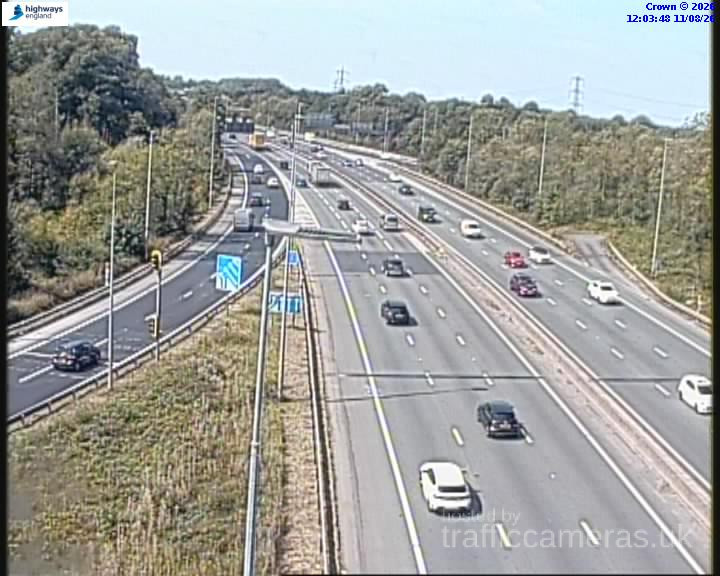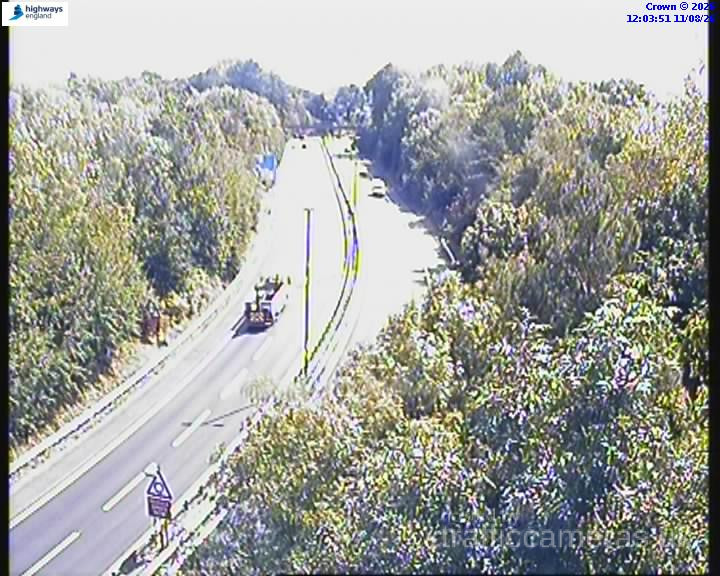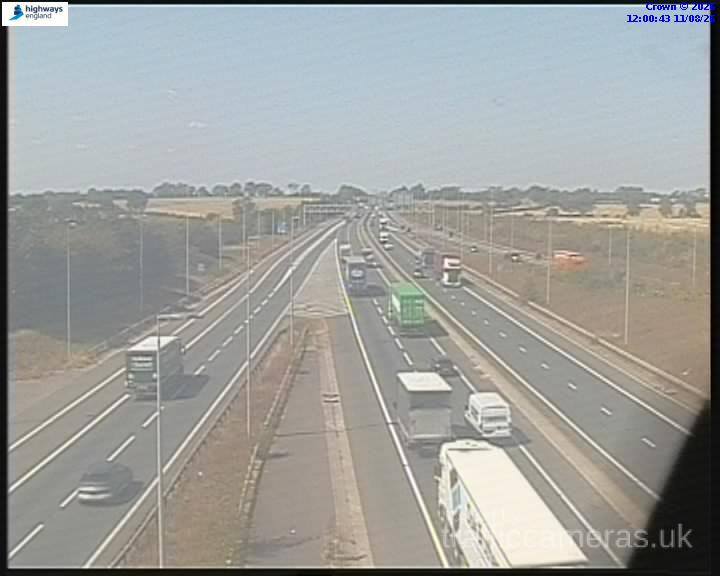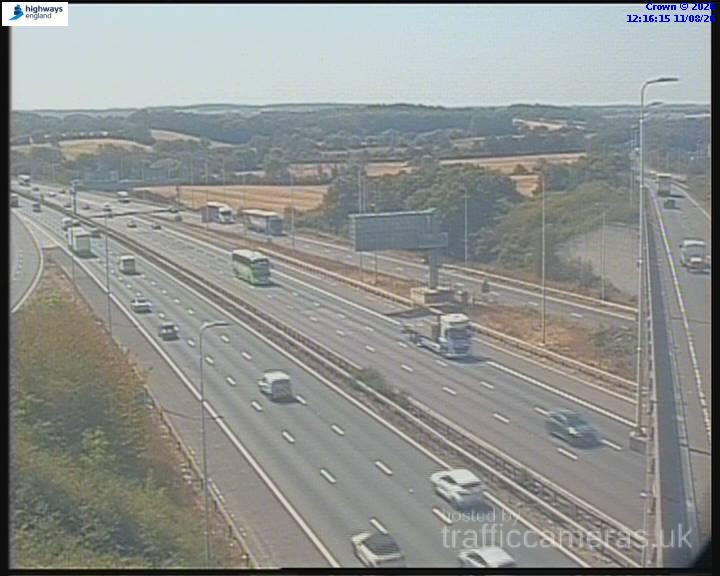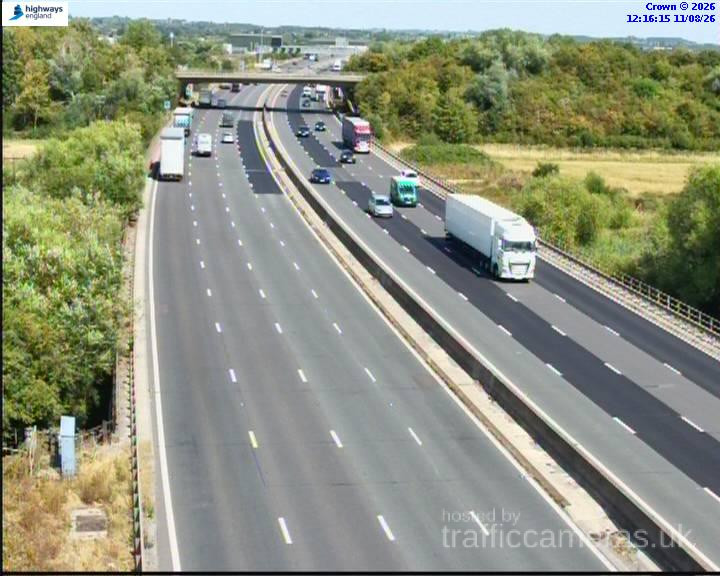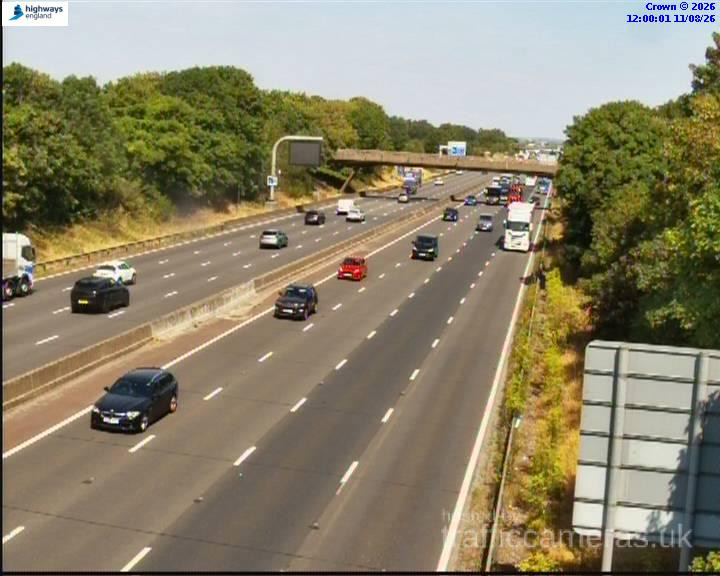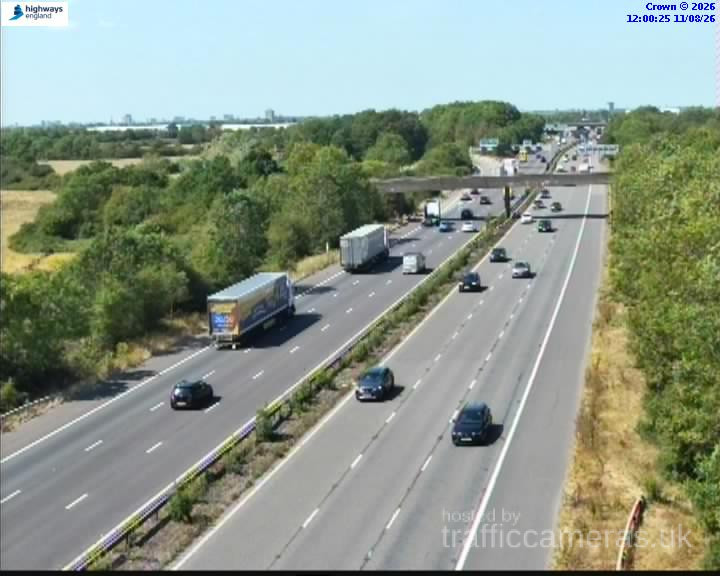
M6 177 9a junction
M6 · Direction unavailable
Status: Online
Updated 1 min ago

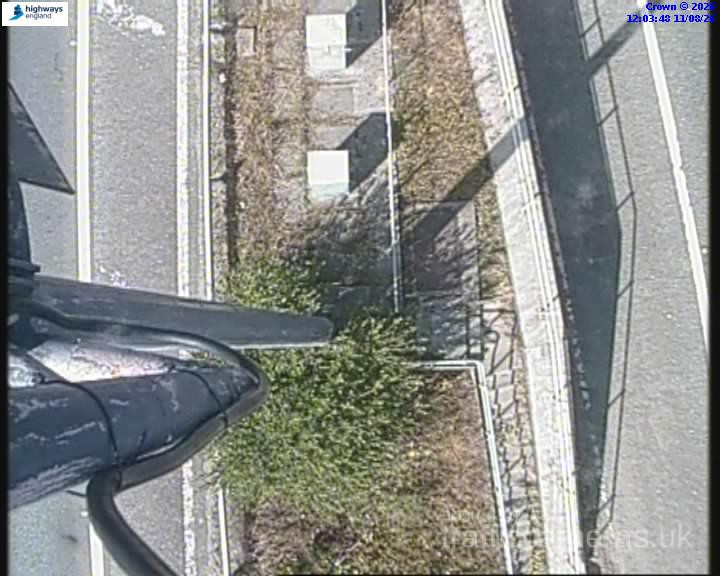
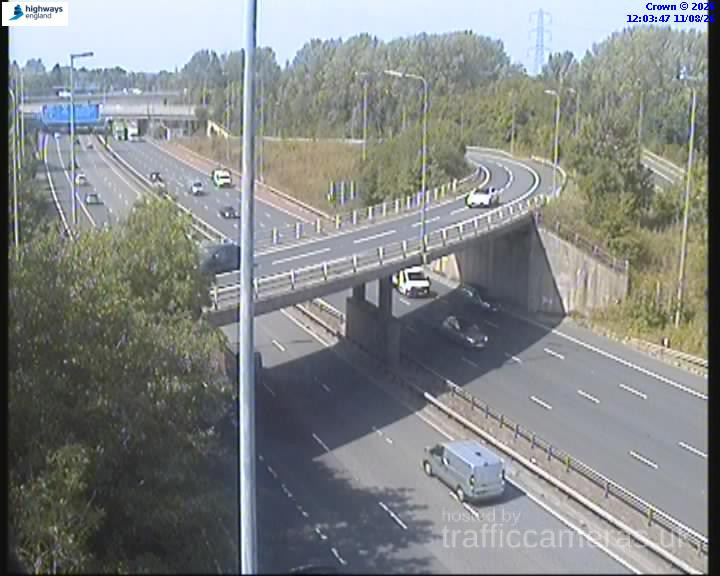
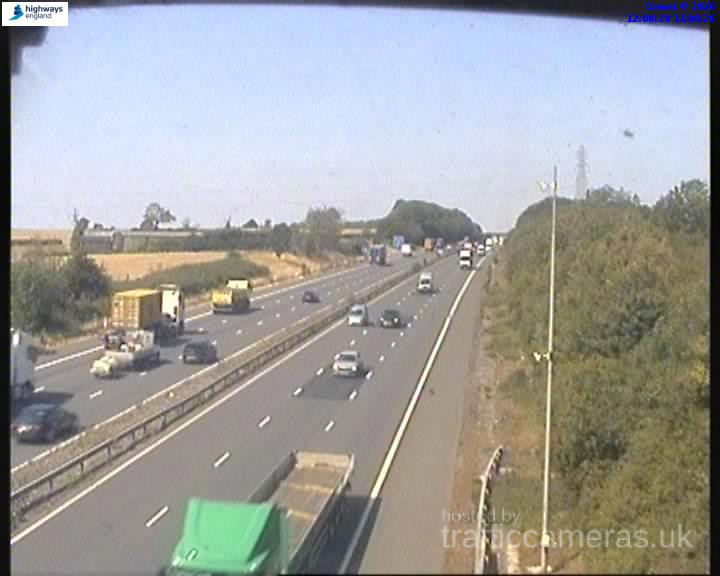
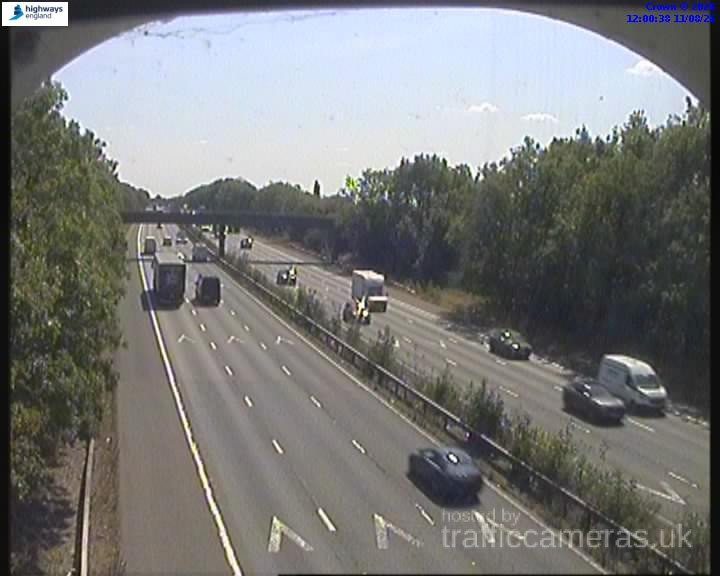
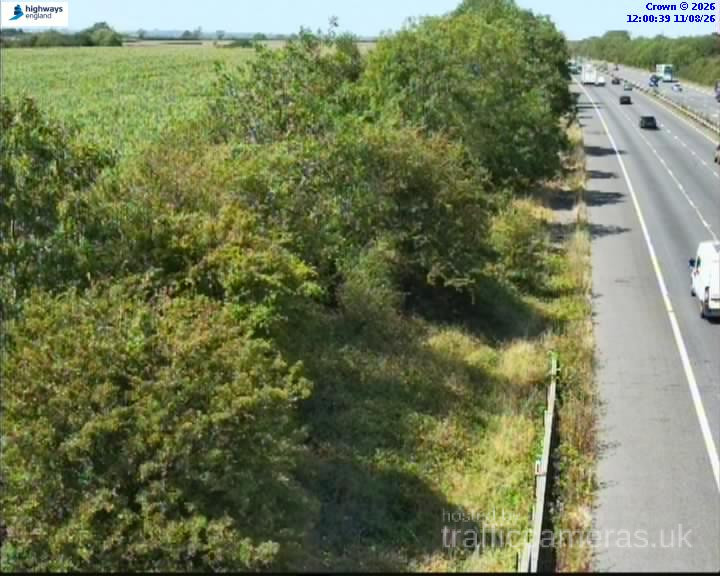
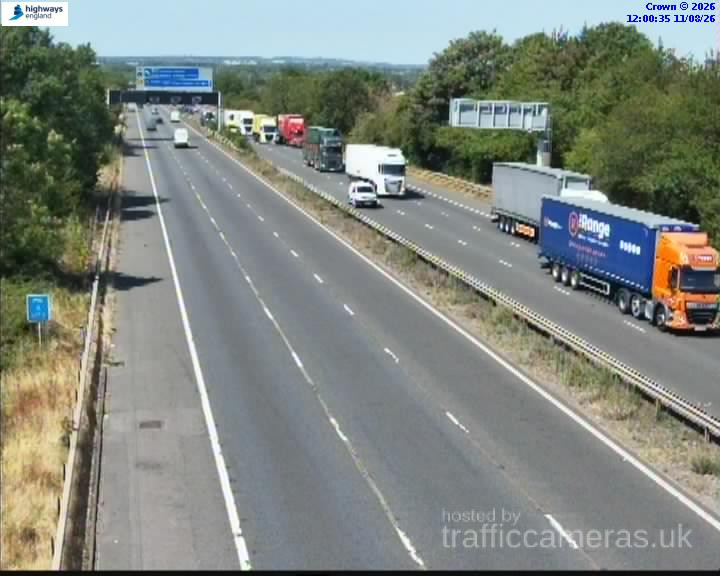
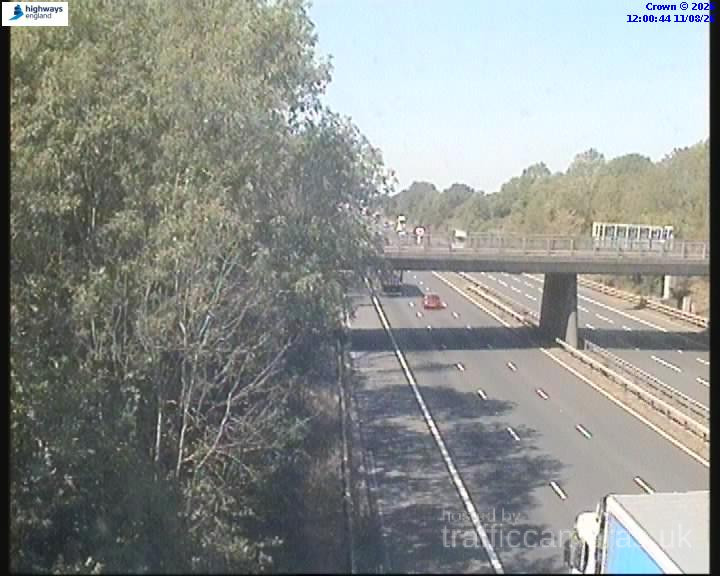
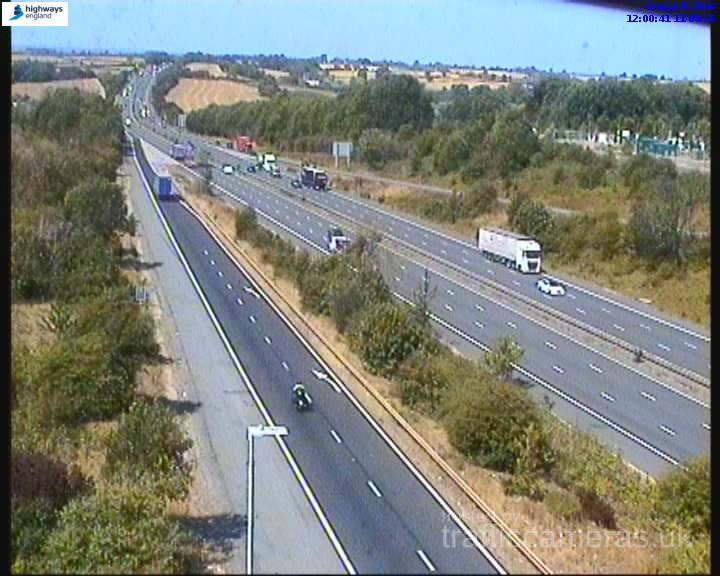
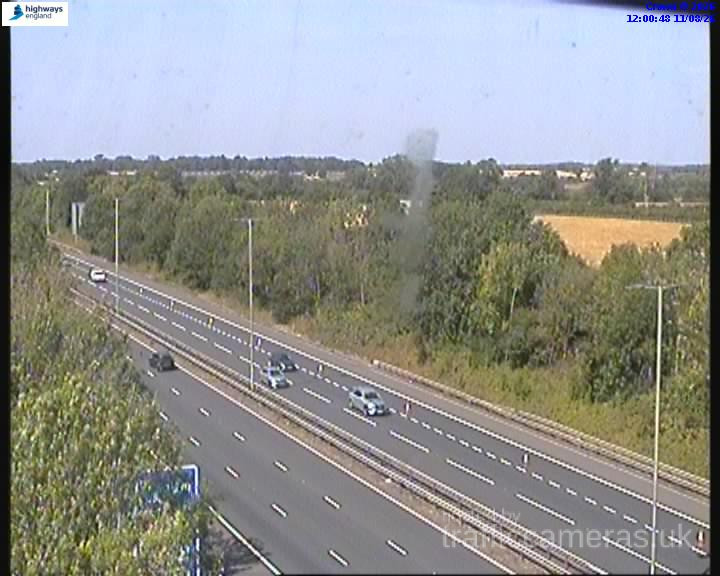
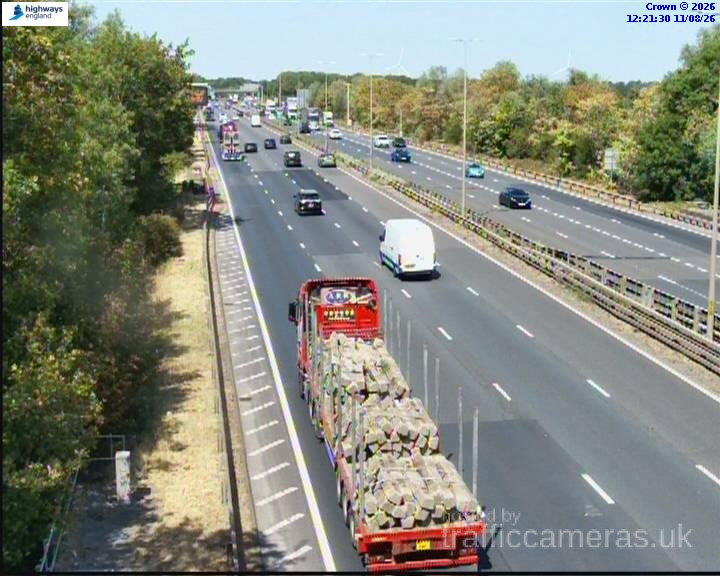
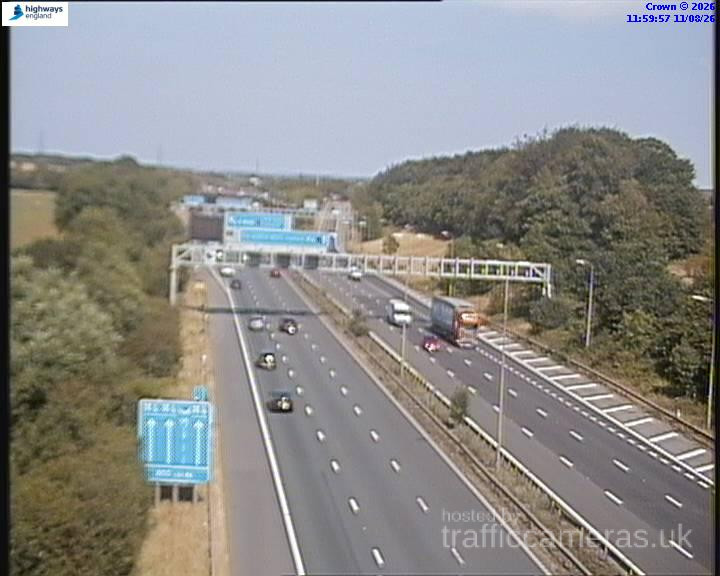
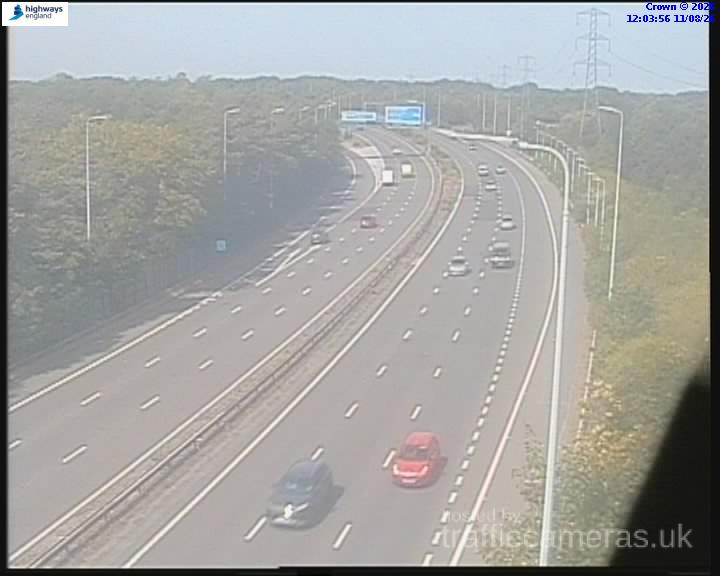
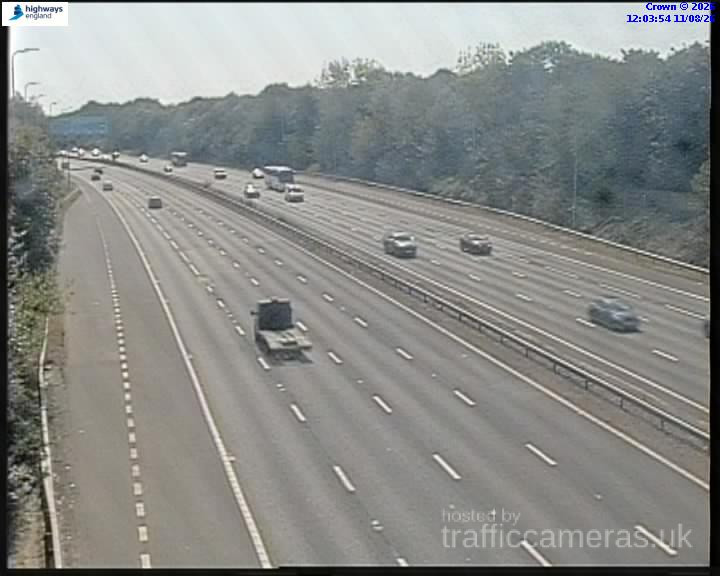
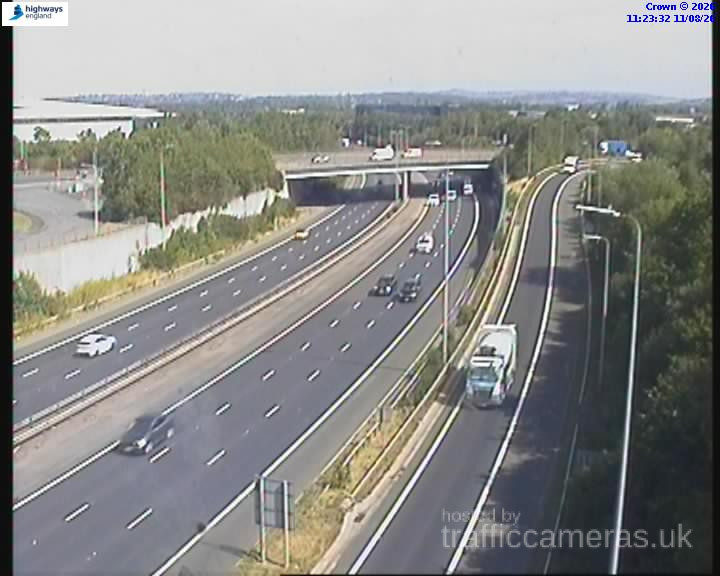
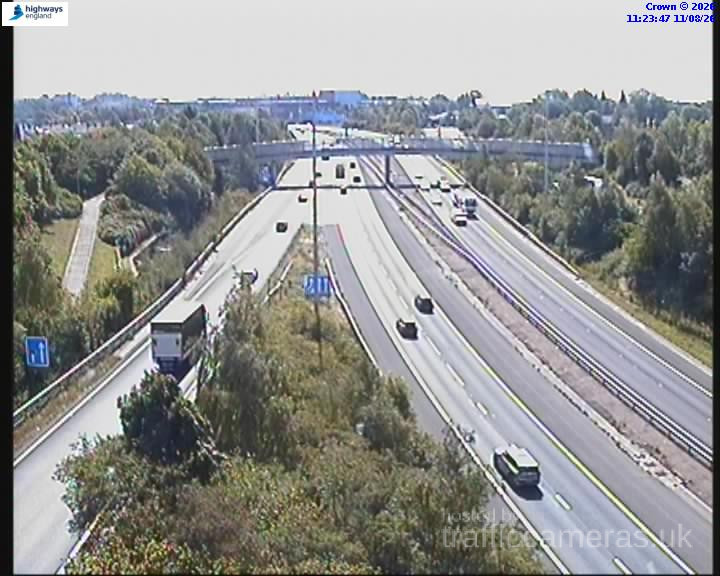
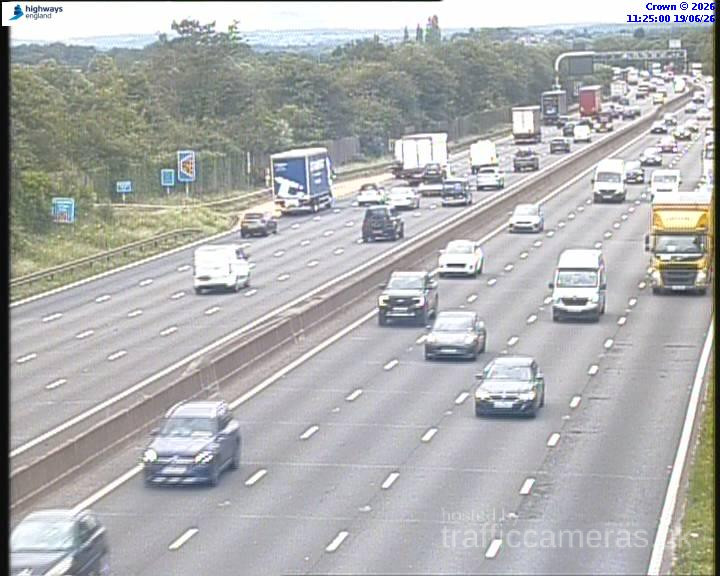
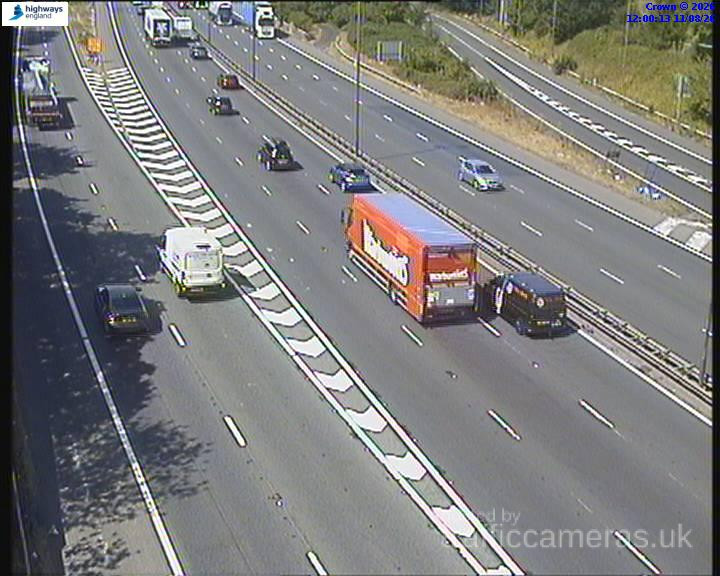
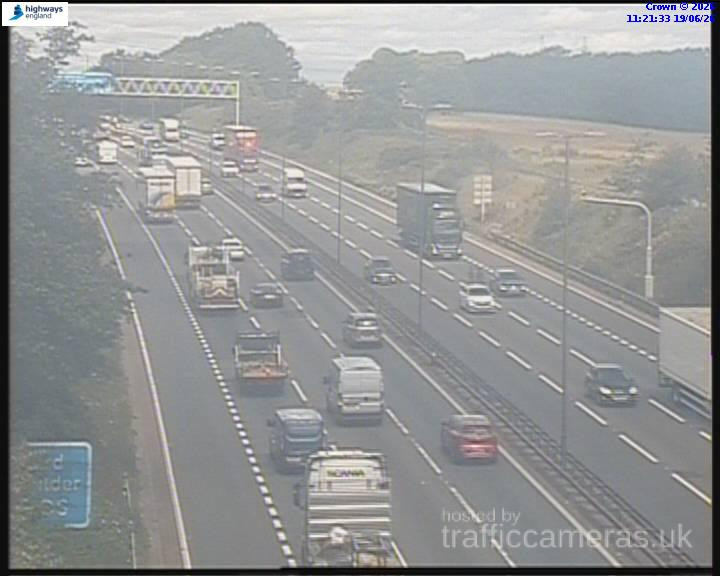
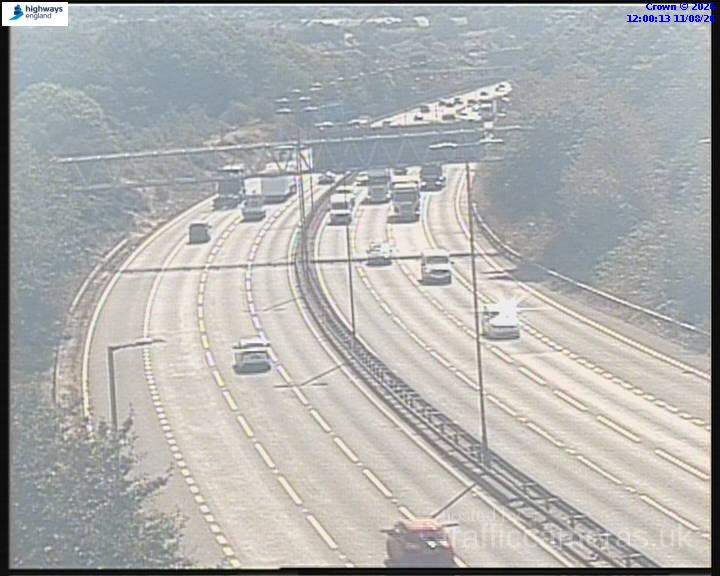
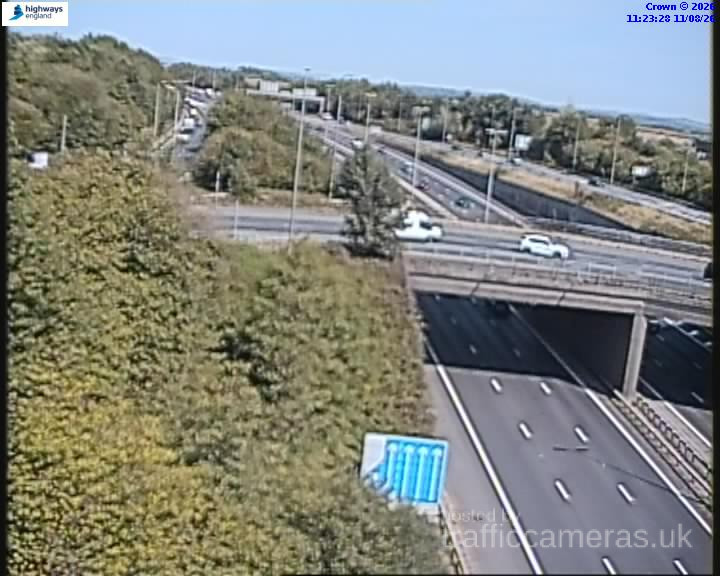
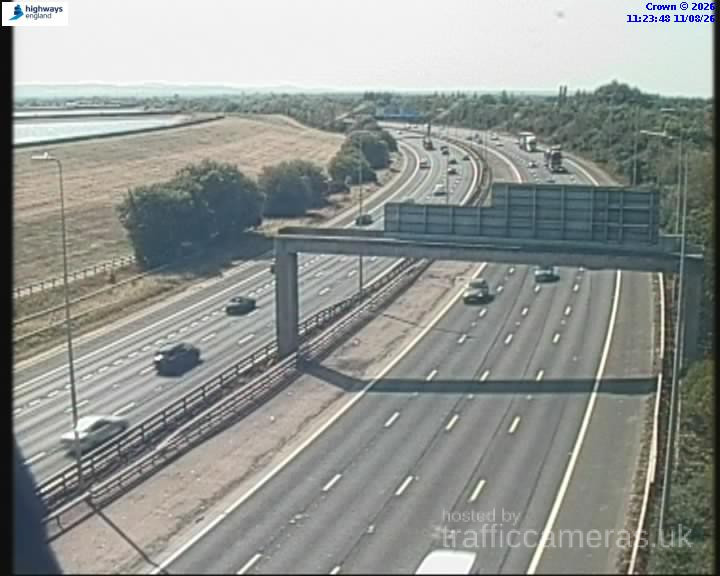
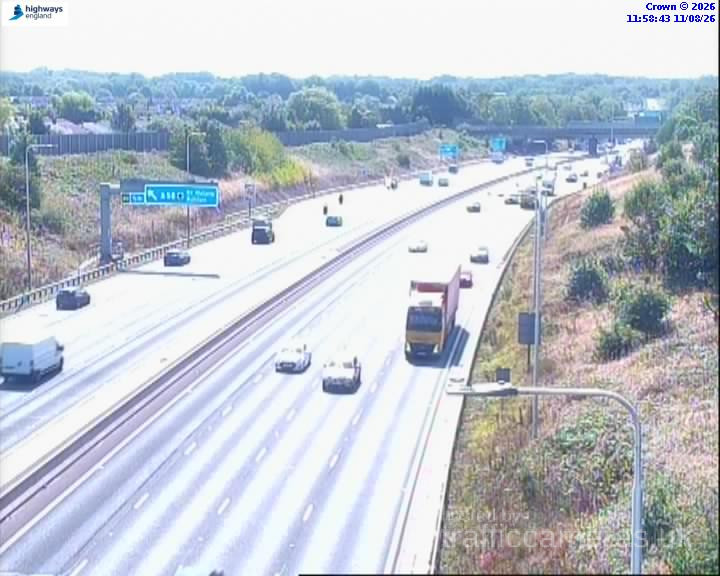
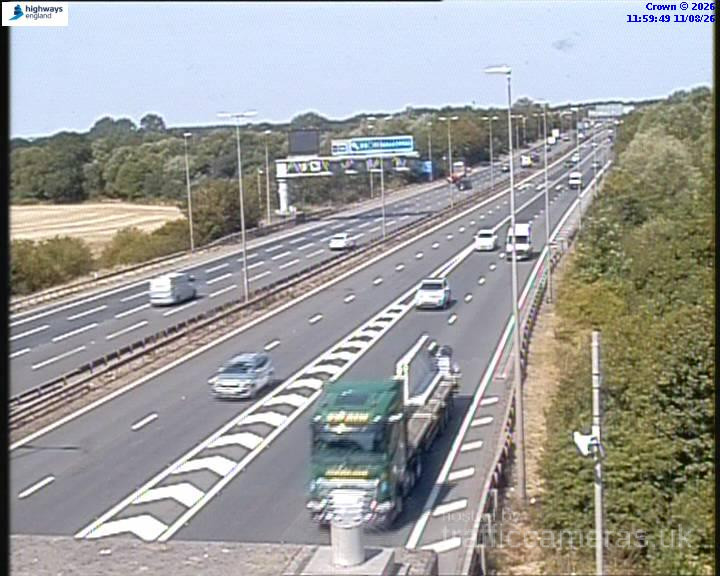
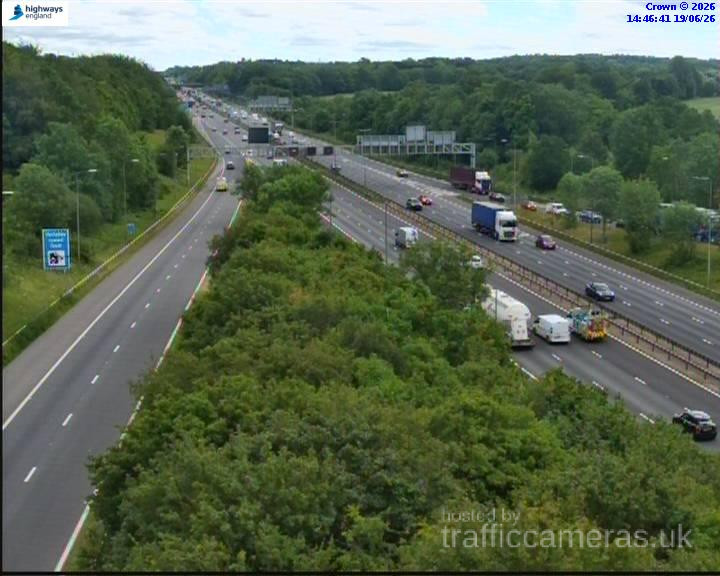
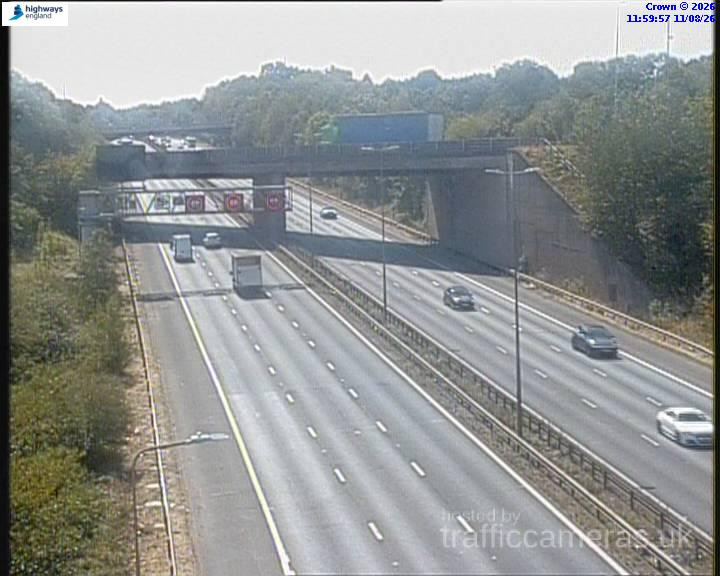
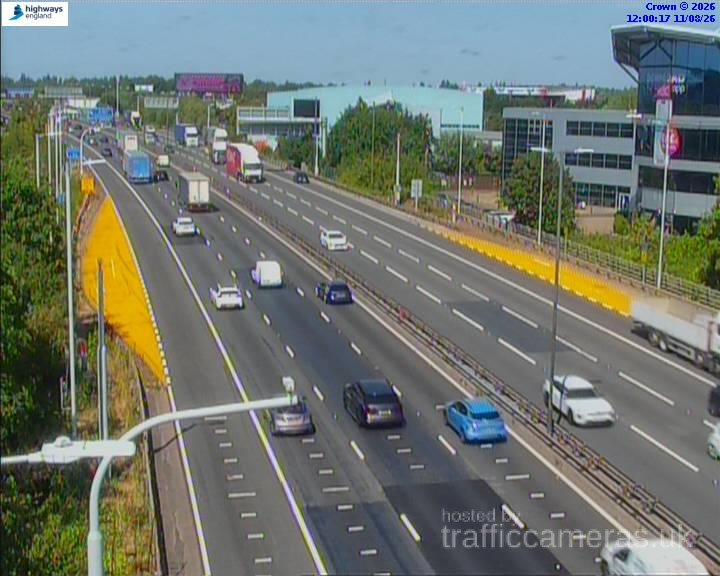
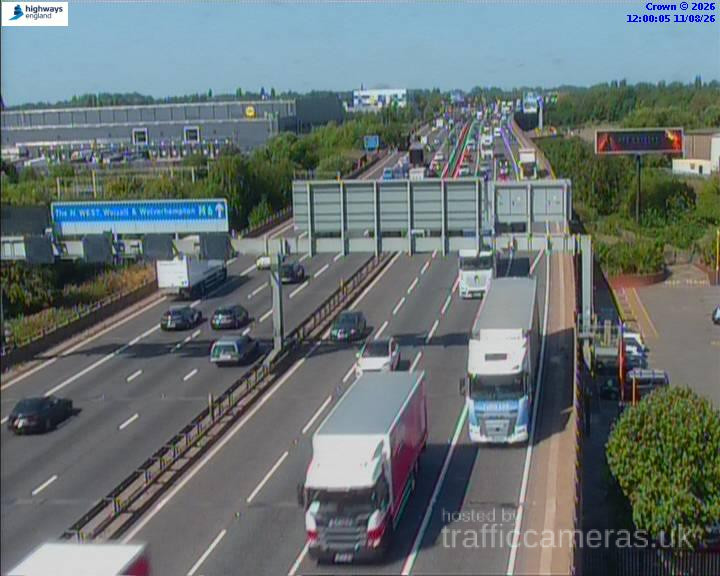
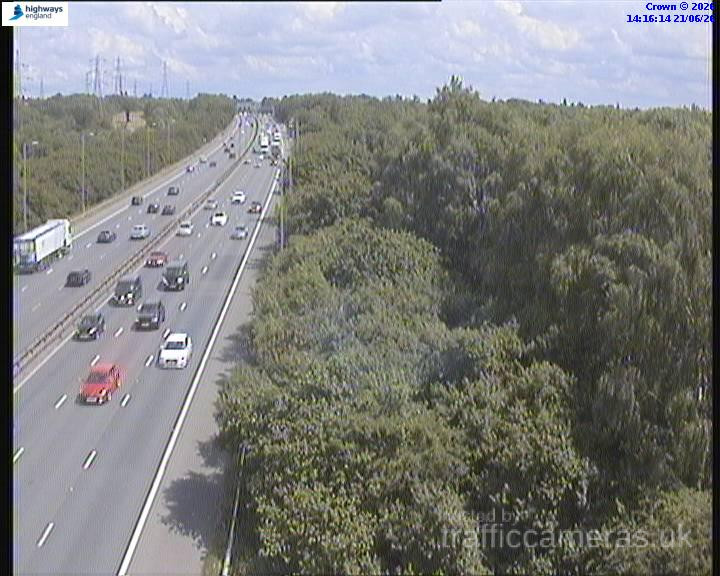
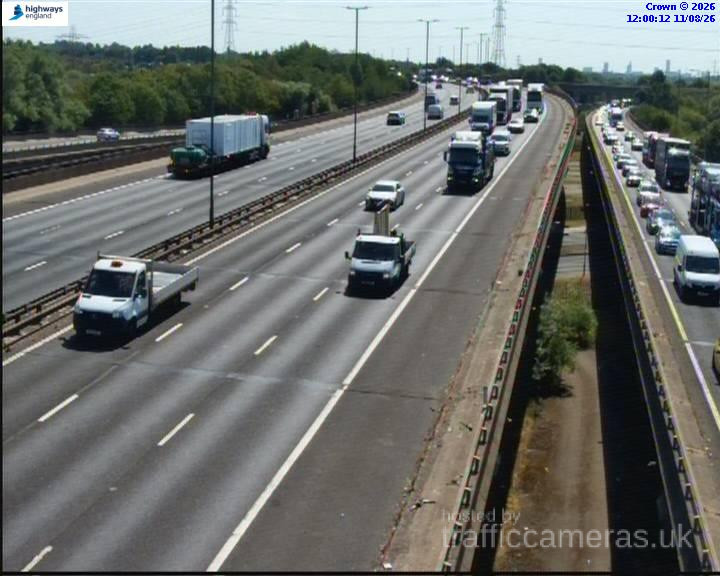
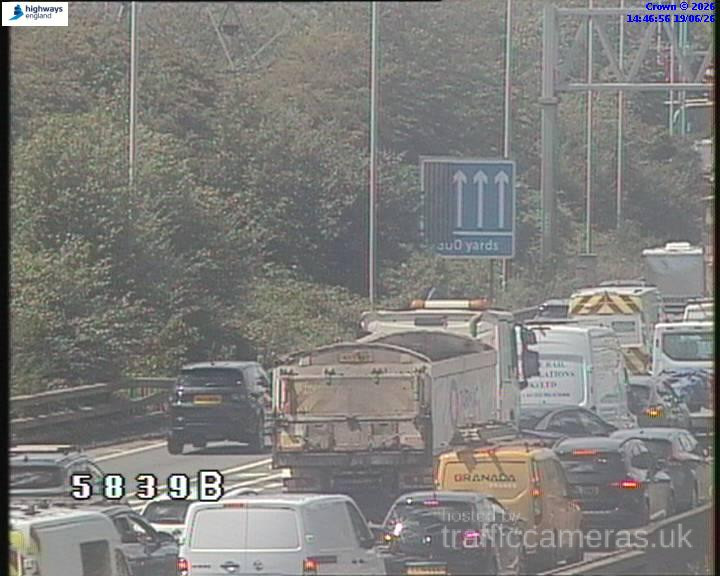
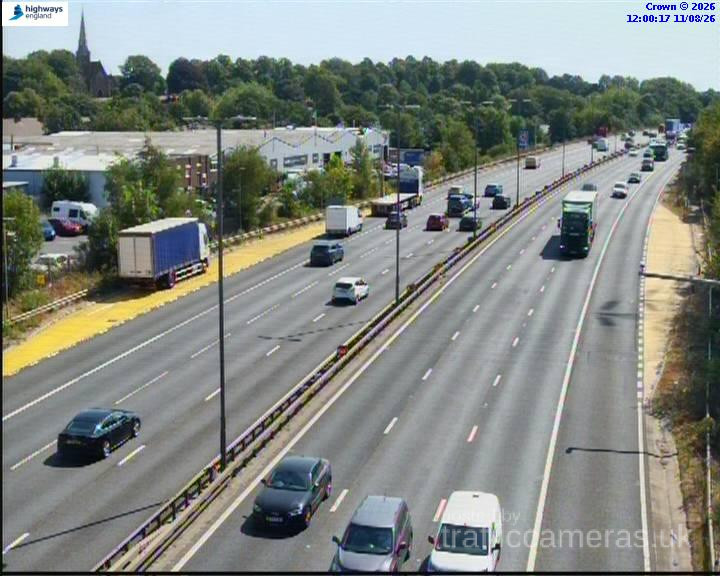
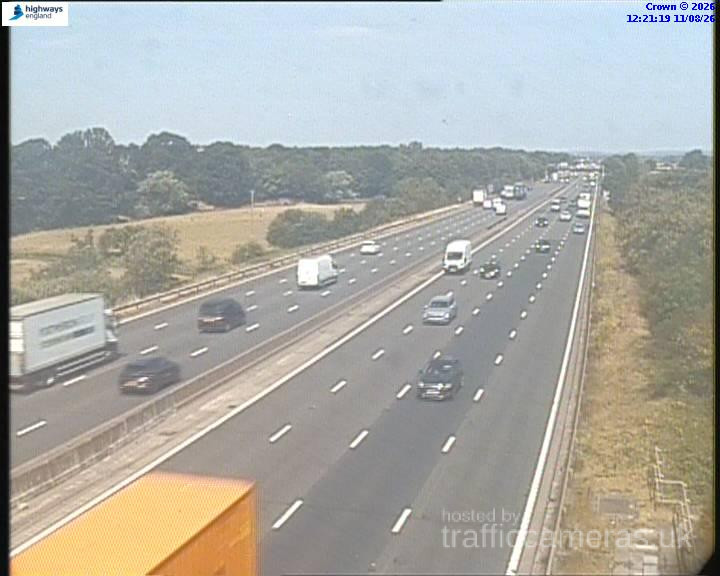
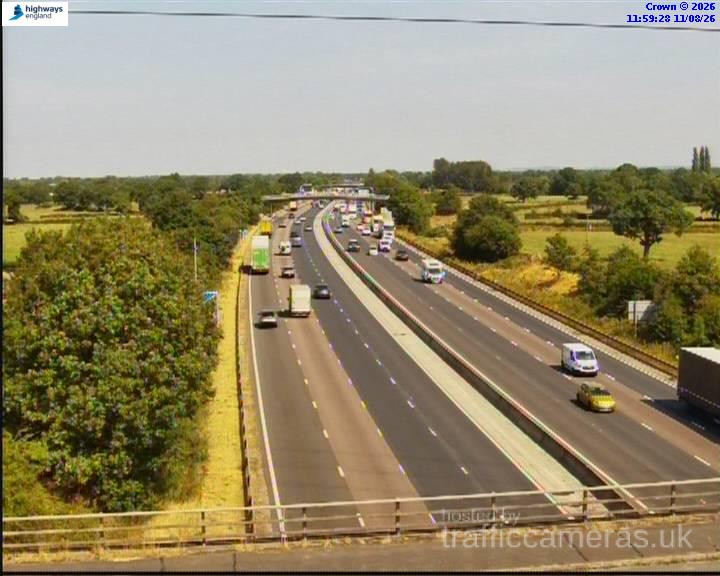
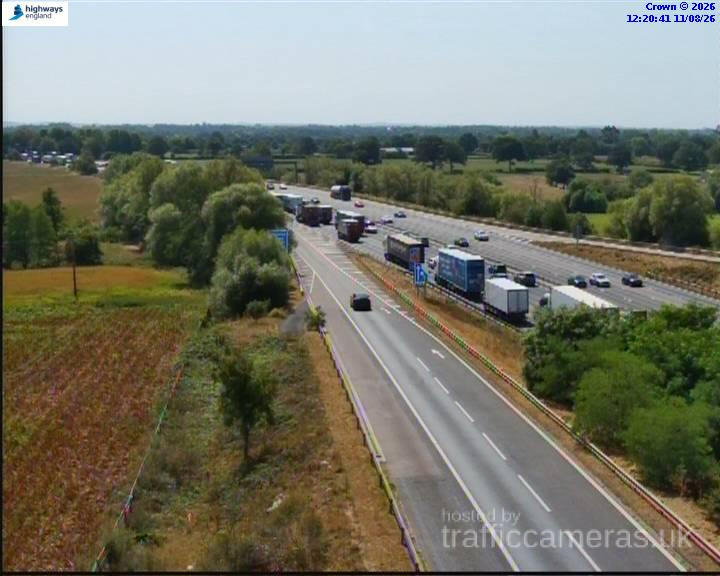
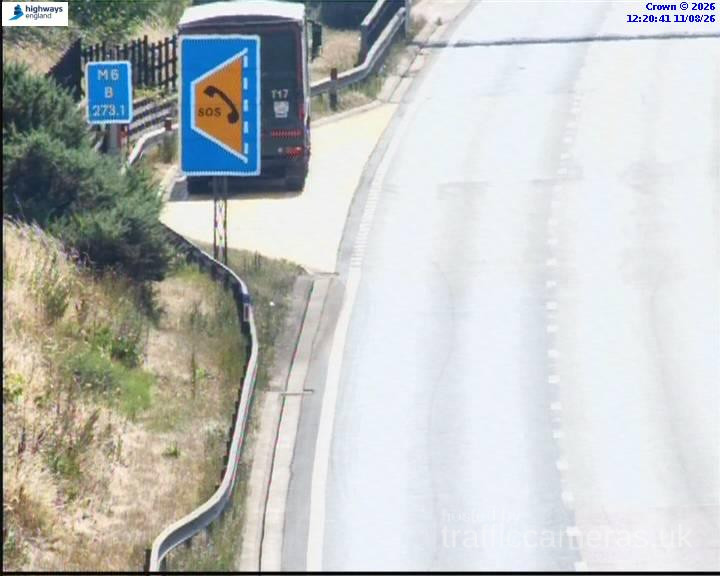
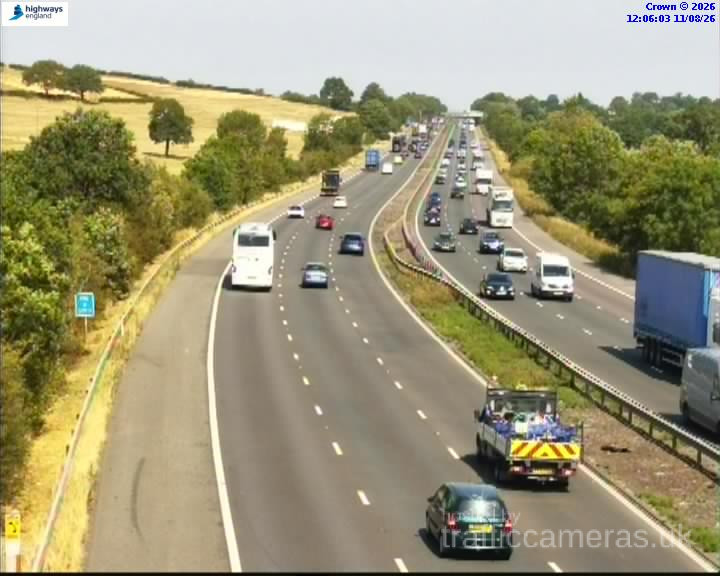
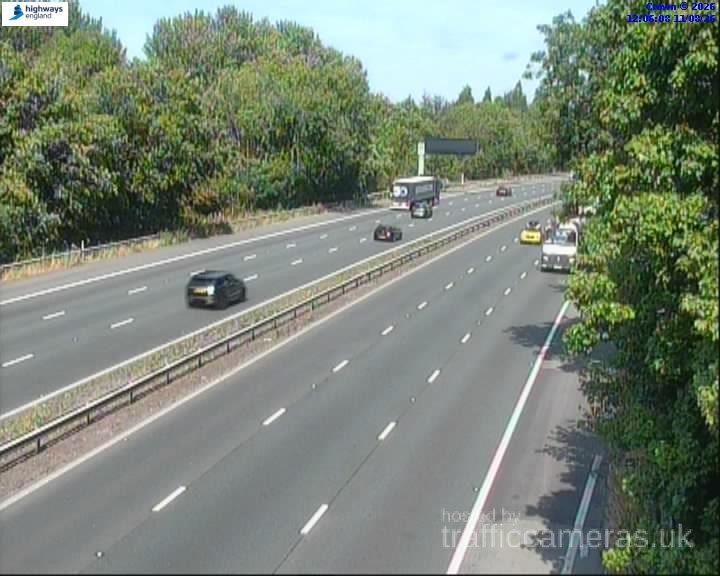
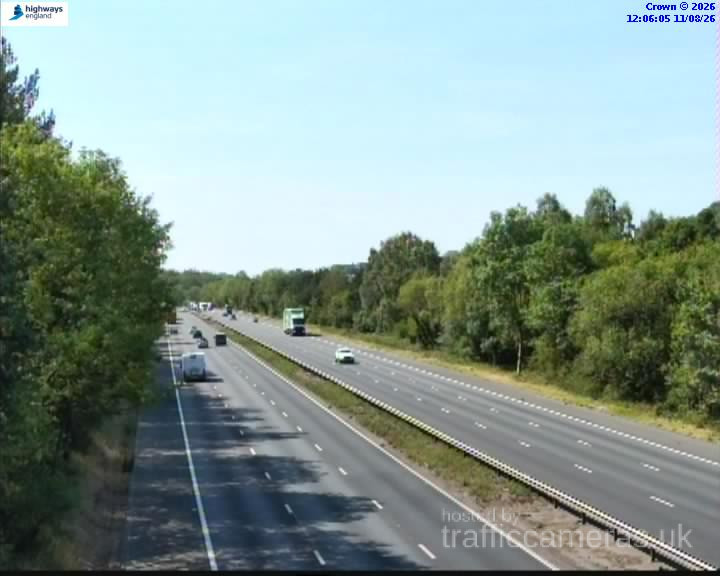
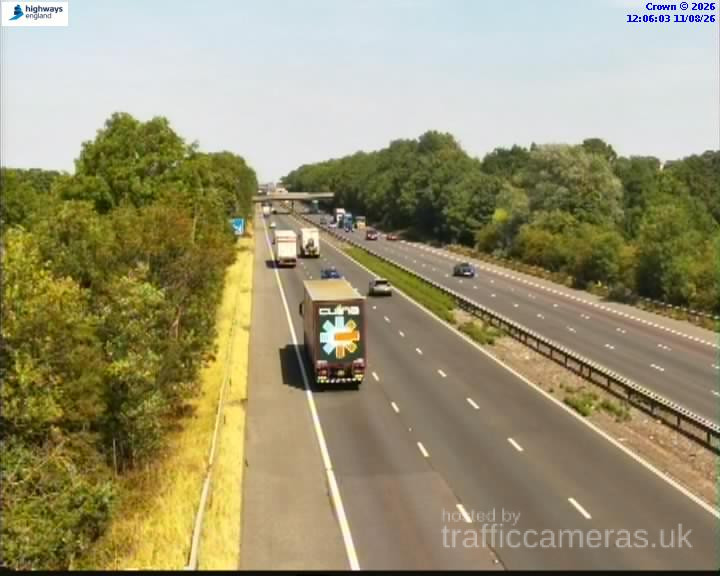
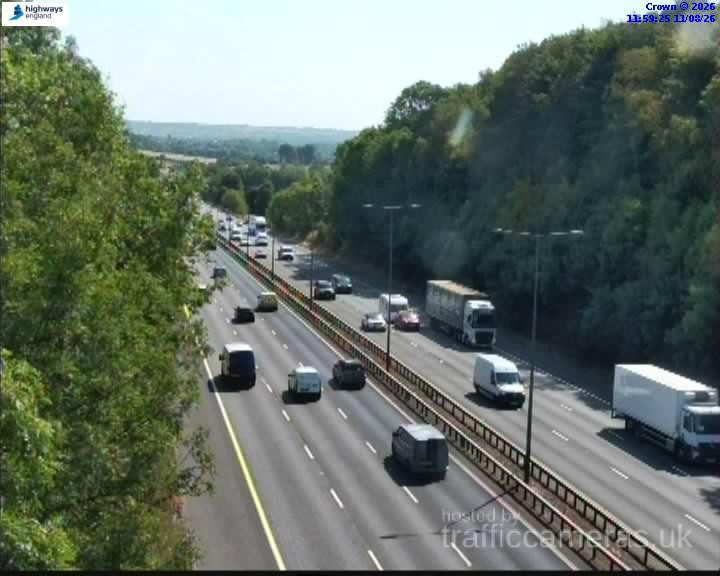
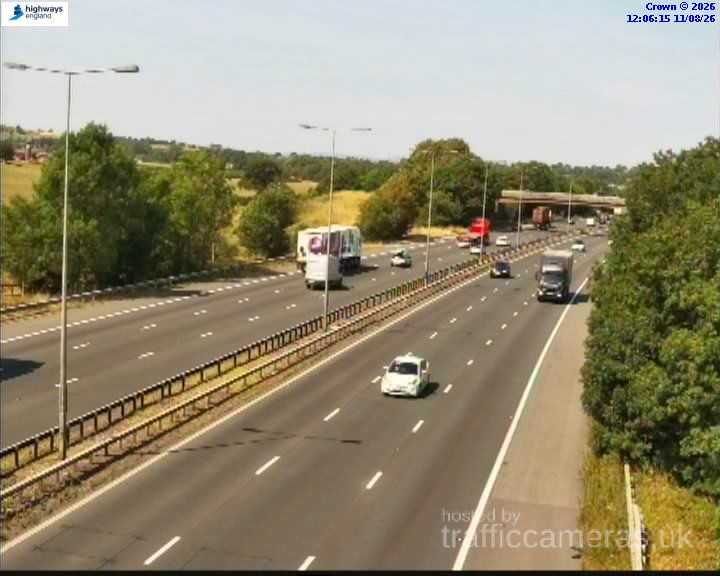
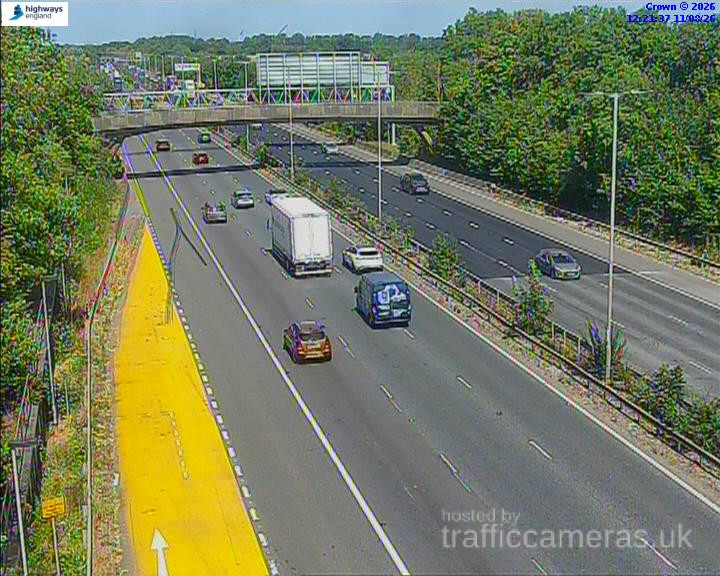
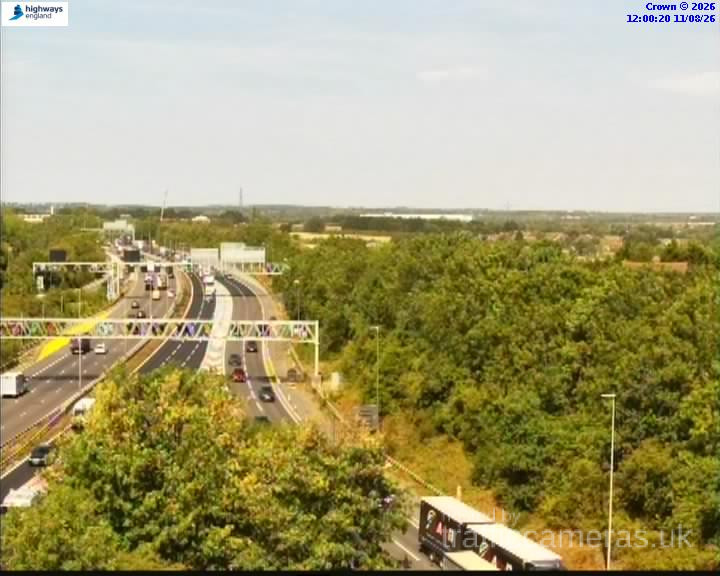
Check M6 traffic cameras to see current traffic conditions, congestion and road activity along the motorway. Use the live camera views to check your route before travelling.
Check M6 cameras to see current traffic conditions, congestion and road activity along the motorway. The live camera views above cover different sections and junctions of the M6, helping you check what is happening on your route before you travel.
Looking for M6 cameras live? Select a camera above to view the latest available image from that location. Checking cameras near your starting point, destination or a busy junction can give you a better idea of current traffic conditions and whether you may need extra journey time.
The M6 is one of the UK's major motorways and carries large volumes of traffic every day. Conditions can change quickly because of congestion, incidents, roadworks, weather or heavy traffic. Using M6 traffic cameras before your journey is a simple way to check the road ahead.
Live route weather
Updated 23:45 UK time
Very poor visibility.
Approved driver reports for this route.
M6 · Direction unavailable
Status: Online
Updated 1 min ago

M6 · Direction unavailable
Status: Online
Updated 1 min ago

M6 · Direction unavailable
Status: Online
Updated 1 min ago
M6 · Direction unavailable
Status: Online
Updated 1 min ago
M6 · Direction unavailable
Status: Online
Updated 1 min ago
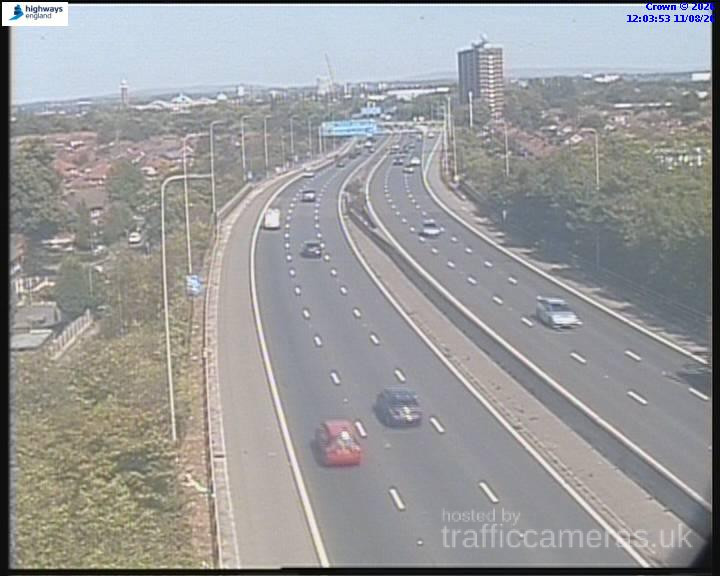
M6 · Direction unavailable
Status: Online
Updated 1 min ago
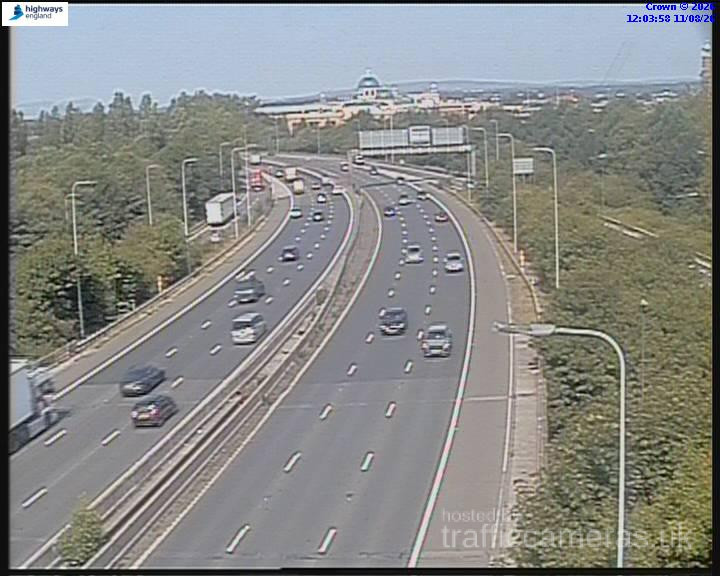
M6 · Direction unavailable
Status: Online
Updated 1 min ago
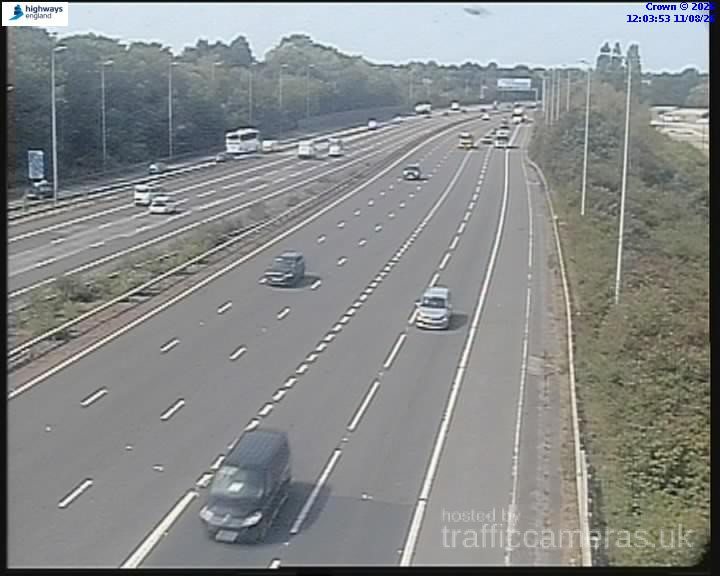
M6 · Direction unavailable
Status: Online
Updated 1 min ago
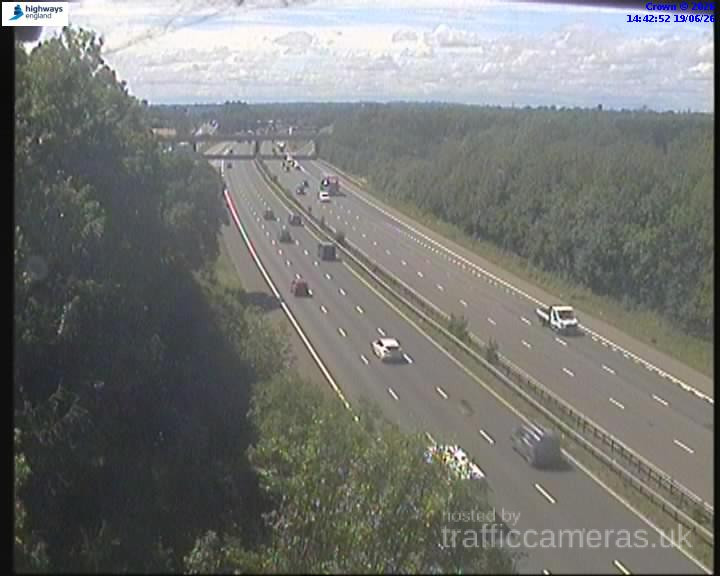
M6 · Direction unavailable
Status: Online
Updated 1 min ago
M6 · Direction unavailable
Status: Online
Updated 1 min ago

M6 · Direction unavailable
Status: Online
Updated 1 min ago
M6 · Direction unavailable
Status: Online
Updated 1 min ago
M6 · Direction unavailable
Status: Online
Updated 1 min ago

M6 · Direction unavailable
Status: Online
Updated 1 min ago
M6 · Direction unavailable
Status: Online
Updated 1 min ago
M6 · Direction unavailable
Status: Online
Updated 1 min ago

M6 · Direction unavailable
Status: Online
Updated 1 min ago
M6 · Direction unavailable
Status: Online
Updated 1 min ago
M6 · Direction unavailable
Status: Online
Updated 1 min ago

M6 · Direction unavailable
Status: Online
Updated 1 min ago
M6 · Direction unavailable
Status: Online
Updated 1 min ago
M6 · Direction unavailable
Status: Online
Updated 1 min ago
M6 · Direction unavailable
Status: Online
Updated 1 min ago
M6 · Direction unavailable
Status: Online
Updated 1 min ago
M6 · Direction unavailable
Status: Online
Updated 1 min ago
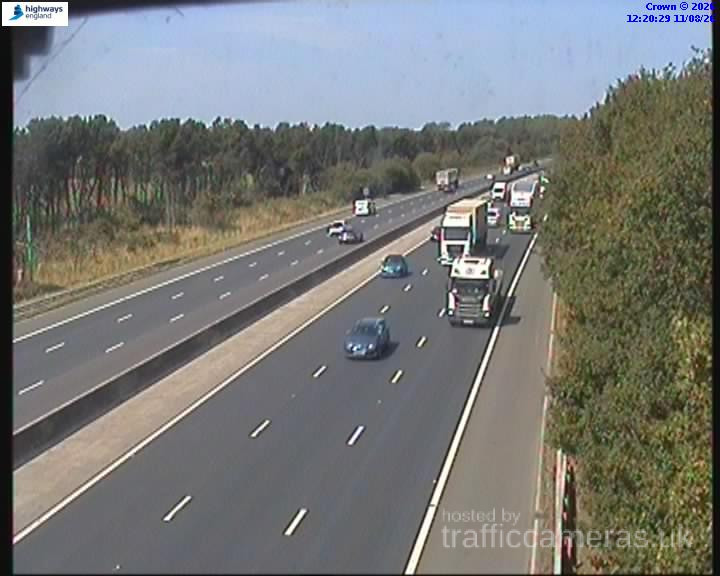
M6 · Direction unavailable
Status: Online
Updated 1 min ago
M6 · Direction unavailable
Status: Online
Updated 1 min ago

M6 · Direction unavailable
Status: Online
Updated 1 min ago
M6 · Direction unavailable
Status: Online
Updated 1 min ago
M6 · Direction unavailable
Status: Online
Updated 1 min ago
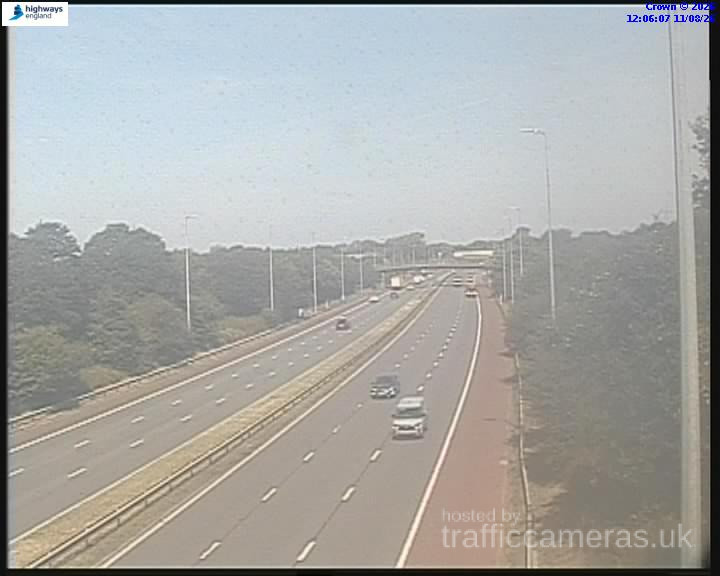
M6 · Direction unavailable
Status: Online
Updated 1 min ago
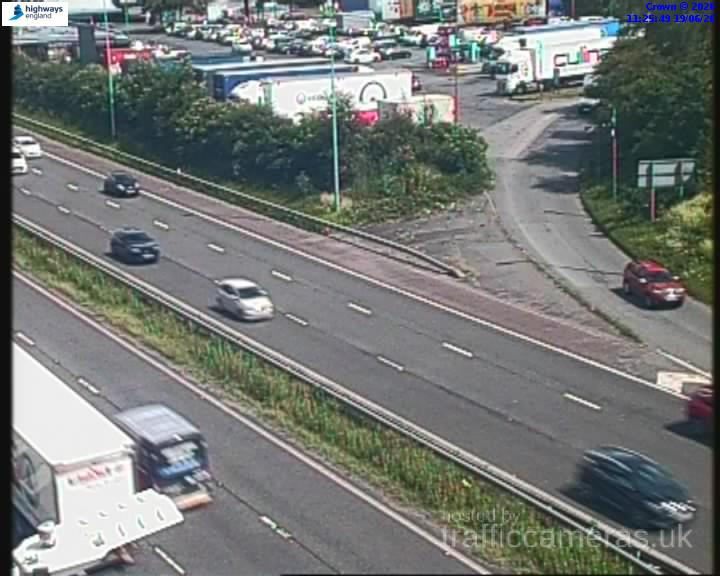
M6 · Direction unavailable
Status: Online
Updated 1 min ago
M6 · Direction unavailable
Status: Online
Updated 1 min ago
M6 · Direction unavailable
Status: Online
Updated 1 min ago
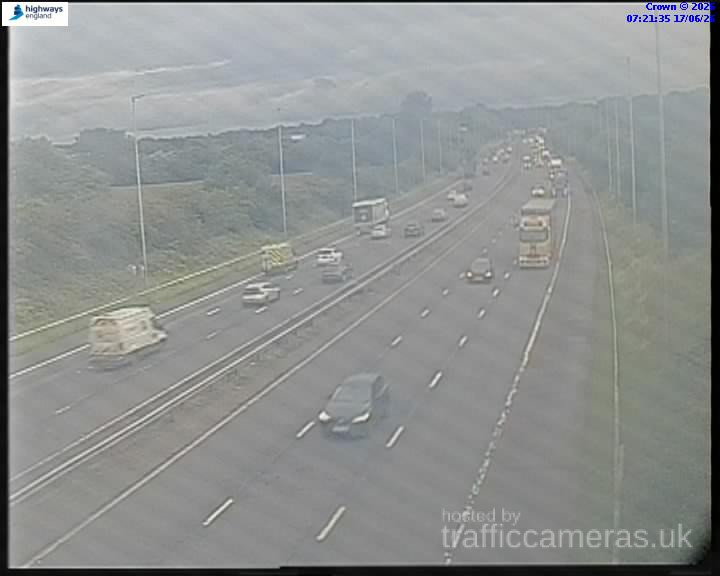
M6 · Direction unavailable
Status: Online
Updated 1 min ago
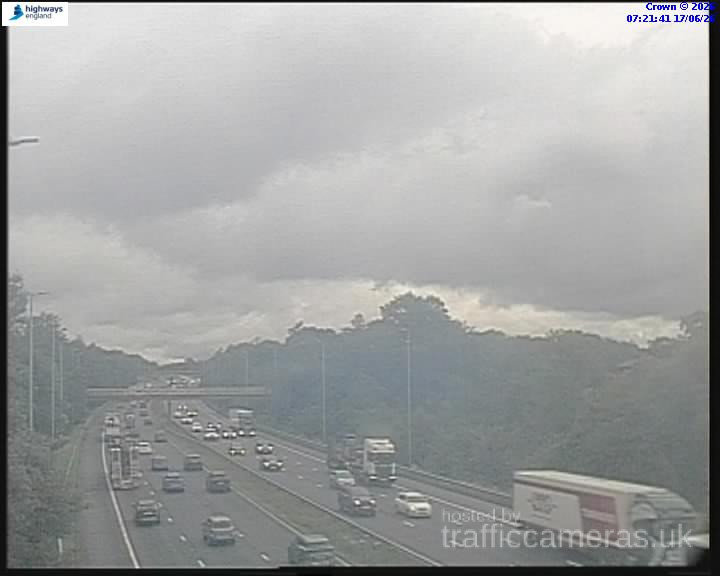
M6 · Direction unavailable
Status: Online
Updated 1 min ago
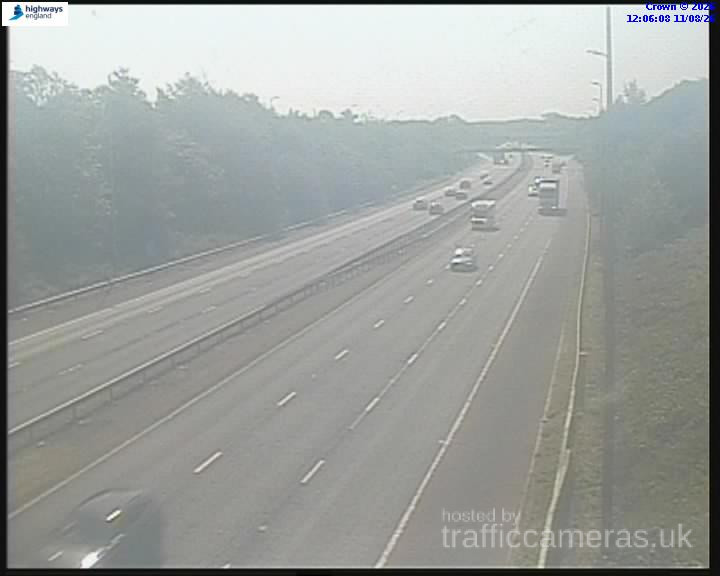
M6 · Direction unavailable
Status: Online
Updated 1 min ago
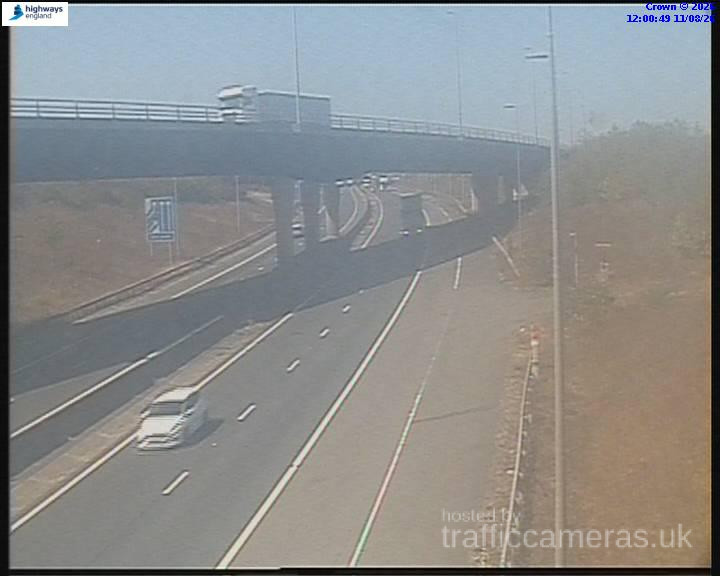
M6 · Direction unavailable
Status: Online
Updated 1 min ago
M6 · Direction unavailable
Status: Online
Updated 1 min ago
M6 · Direction unavailable
Status: Online
Updated 1 min ago
M6 · Direction unavailable
Status: Online
Updated 1 min ago
M6 · Direction unavailable
Status: Online
Updated 1 min ago
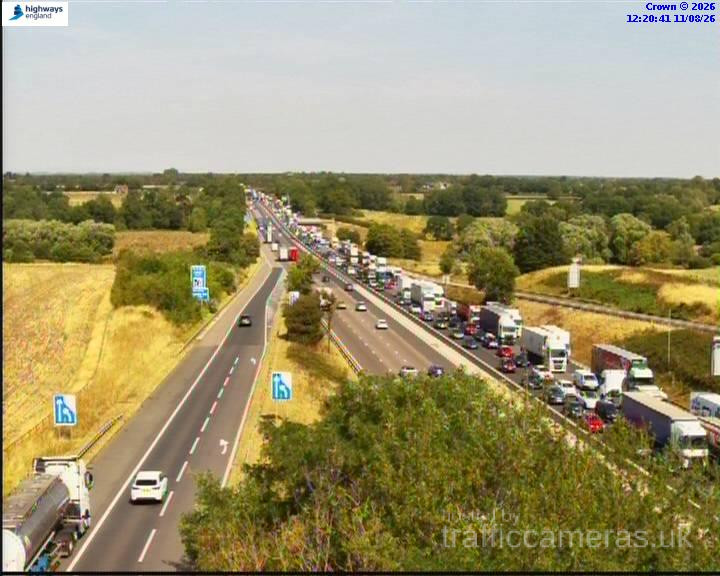
M6 · Direction unavailable
Status: Online
Updated 1 min ago
M6 · Direction unavailable
Status: Online
Updated 1 min ago
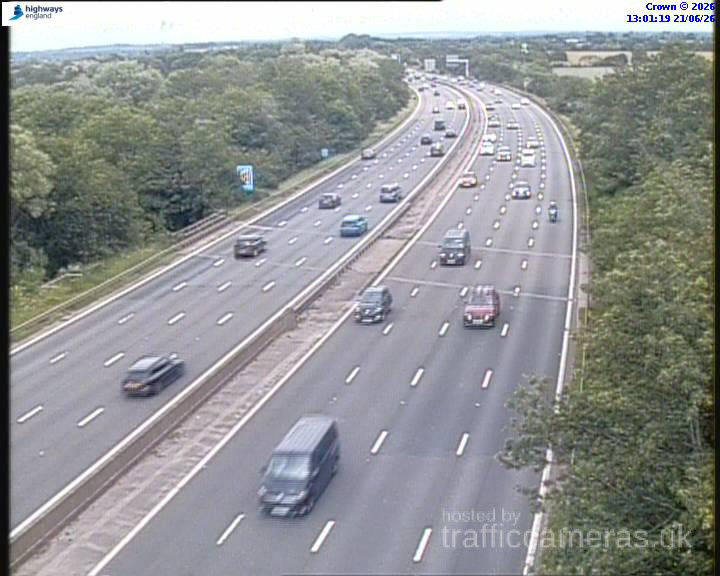
M6 · Direction unavailable
Status: Online
Updated 1 min ago
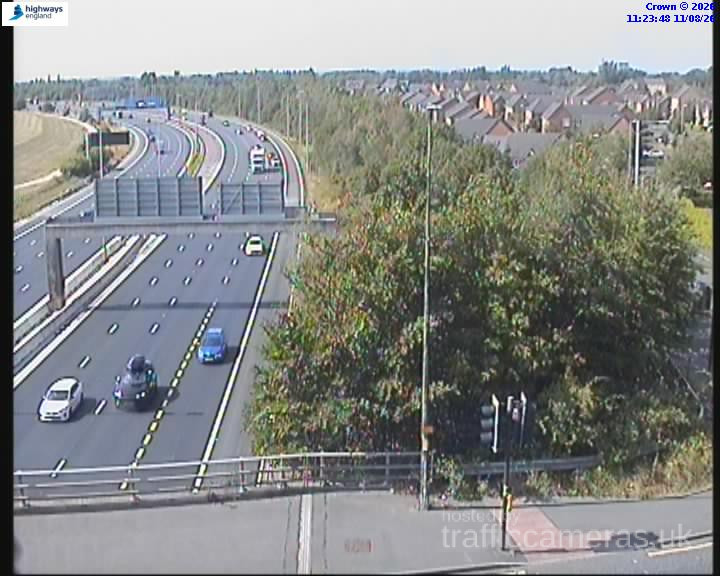
M6 · Direction unavailable
Status: Online
Updated 1 min ago

M6 · Direction unavailable
Status: Online
Updated 1 min ago
M6 · Direction unavailable
Status: Online
Updated 1 min ago

M6 · Direction unavailable
Status: Online
Updated 1 min ago
M6 · Direction unavailable
Status: Online
Updated 1 min ago

M6 · Direction unavailable
Status: Online
Updated 1 min ago

M6 · Direction unavailable
Status: Online
Updated 1 min ago
M6 · Direction unavailable
Status: Online
Updated 1 min ago
M6 · Direction unavailable
Status: Online
Updated 1 min ago
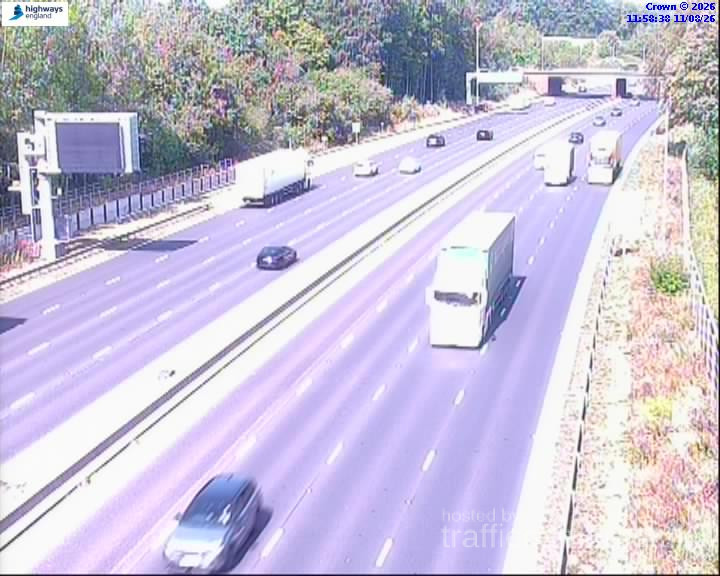
M6 · Direction unavailable
Status: Online
Updated 1 min ago
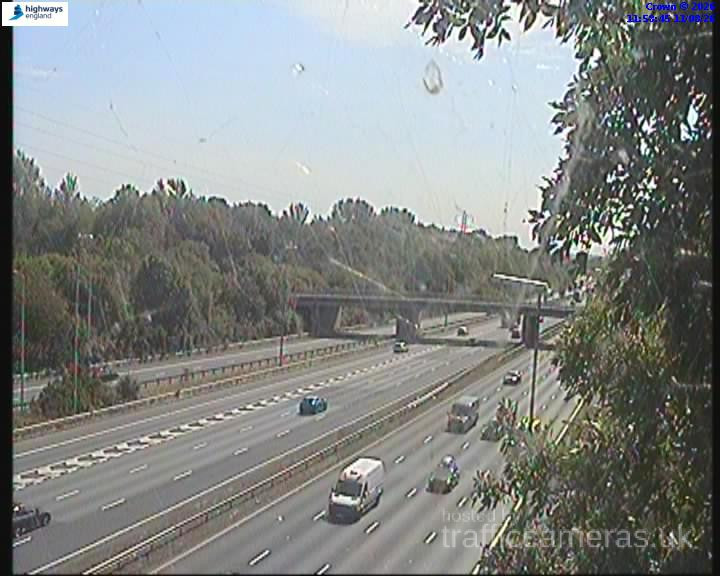
M6 · Direction unavailable
Status: Online
Updated 1 min ago
M6 · Direction unavailable
Status: Online
Updated 1 min ago
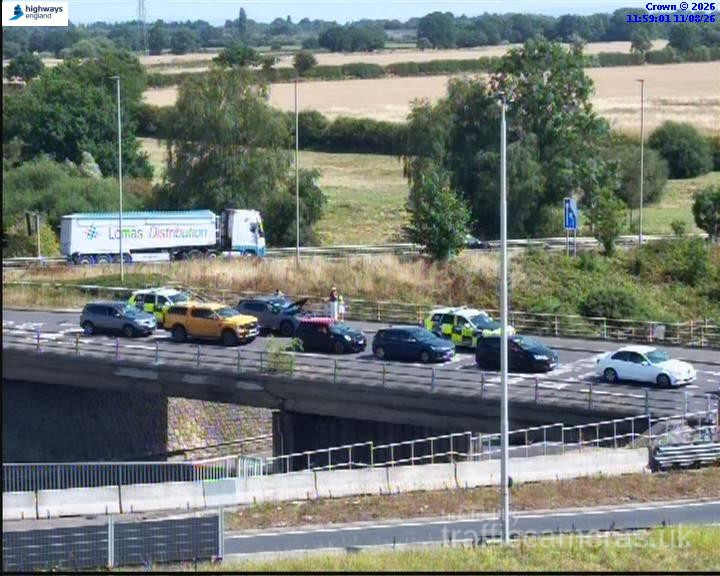
M6 · Direction unavailable
Status: Online
Updated 1 min ago
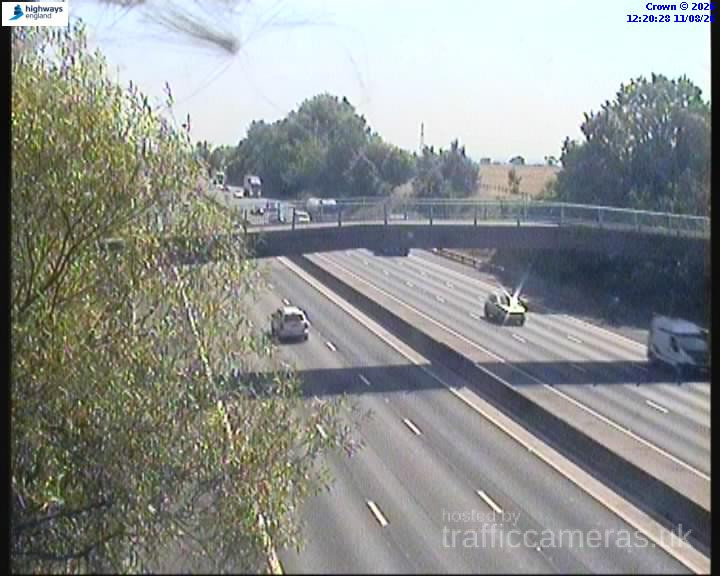
M6 · Direction unavailable
Status: Online
Updated 1 min ago
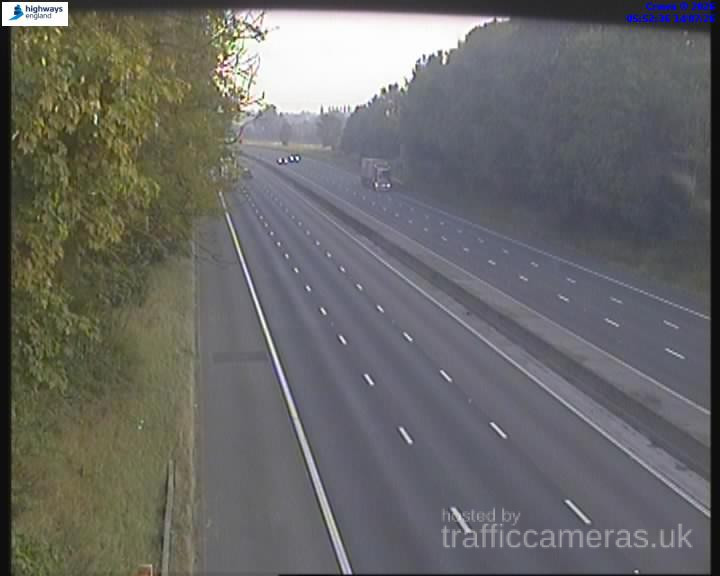
M6 · Direction unavailable
Status: Online
Updated 1 min ago
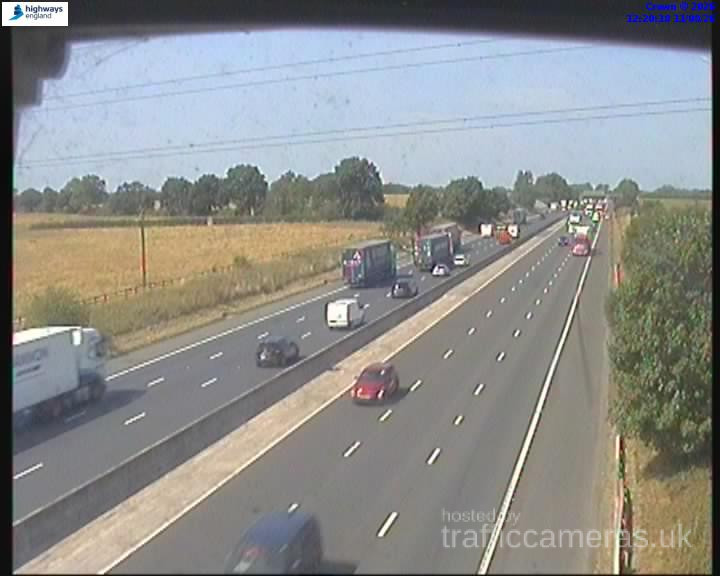
M6 · Direction unavailable
Status: Online
Updated 1 min ago
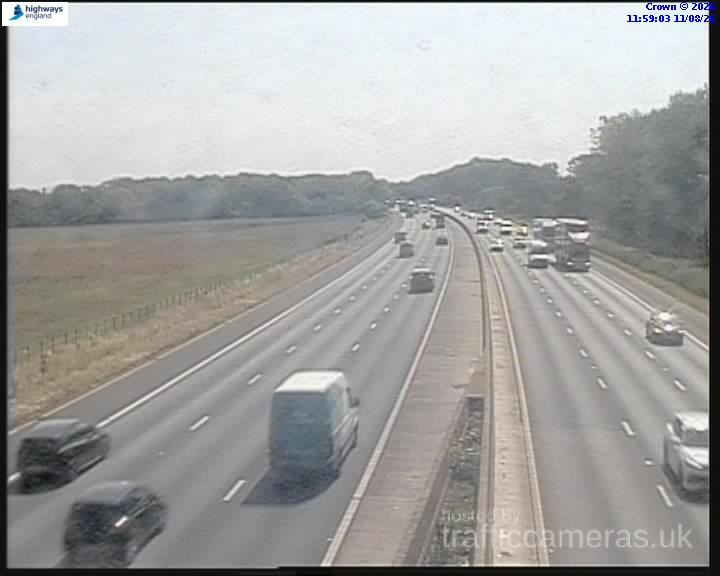
M6 · Direction unavailable
Status: Online
Updated 1 min ago
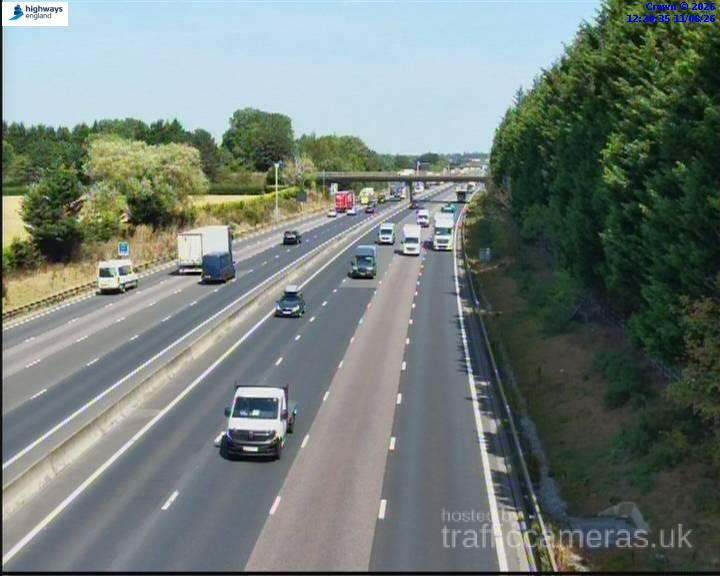
M6 · Direction unavailable
Status: Online
Updated 1 min ago
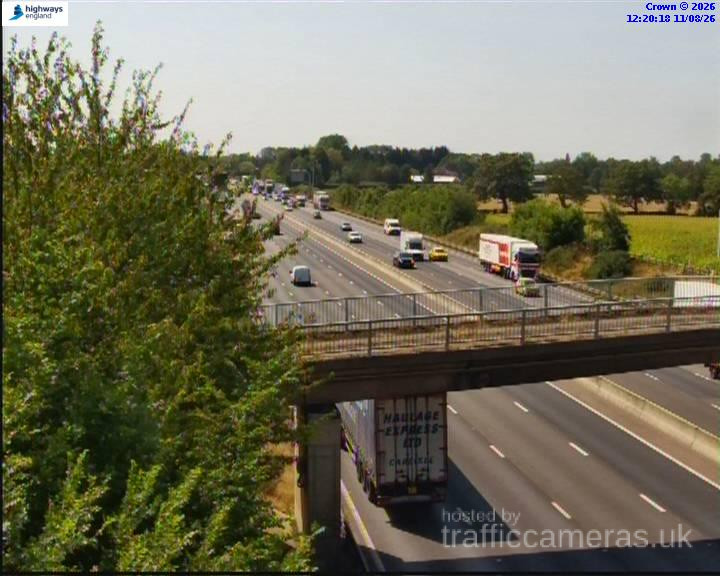
M6 · Direction unavailable
Status: Online
Updated 1 min ago
M6 · Direction unavailable
Status: Online
Updated 1 min ago
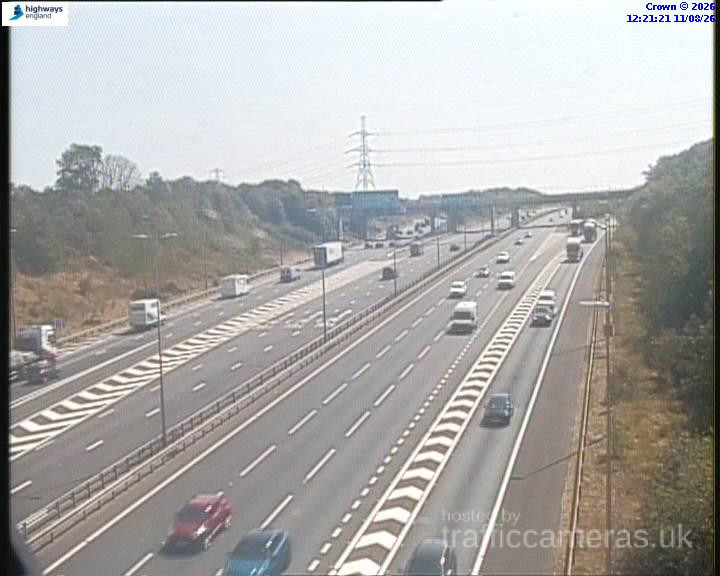
M6 · Direction unavailable
Status: Online
Updated 1 min ago
M6 · Direction unavailable
Status: Online
Updated 1 min ago
M6 · Direction unavailable
Status: Online
Updated 1 min ago
M6 · Direction unavailable
Status: Online
Updated 1 min ago
M6 · Direction unavailable
Status: Online
Updated 1 min ago
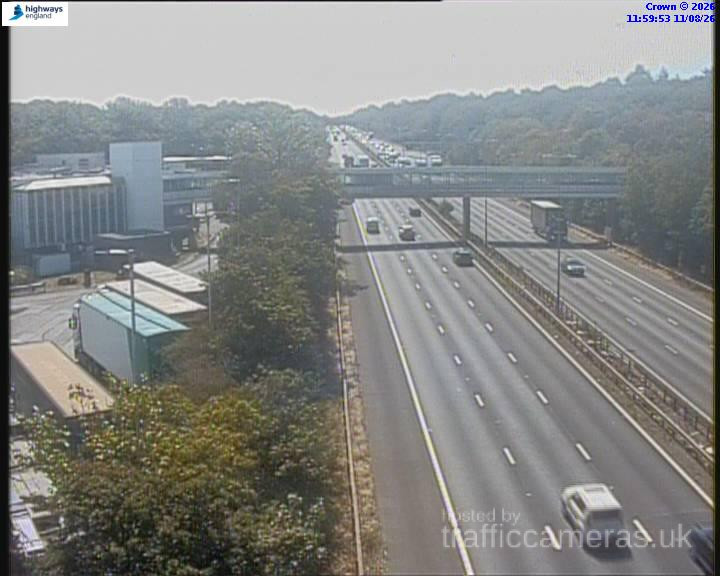
M6 · Direction unavailable
Status: Online
Updated 1 min ago
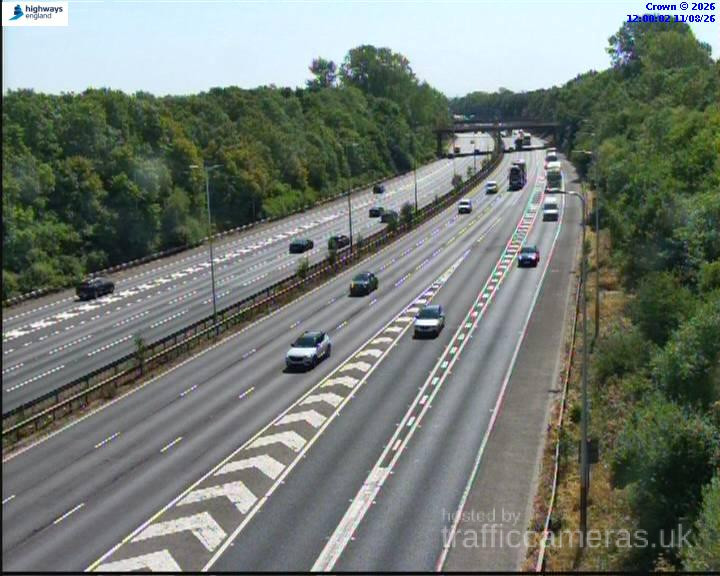
M6 · Direction unavailable
Status: Online
Updated 1 min ago
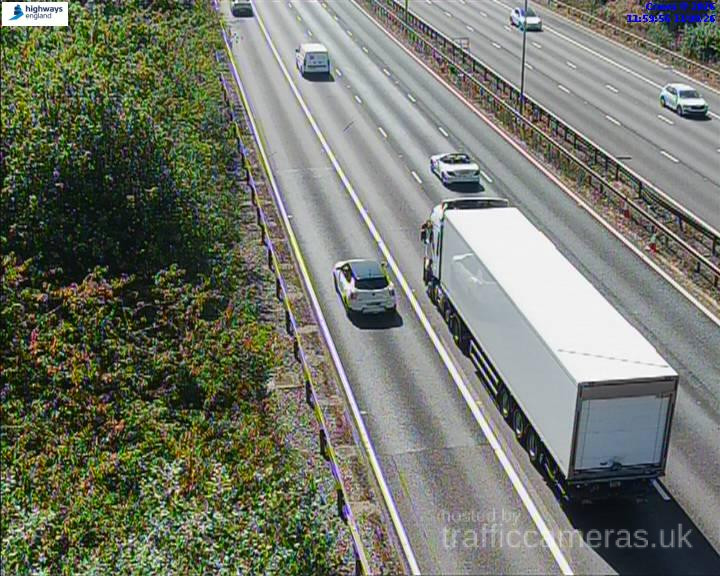
M6 · Direction unavailable
Status: Online
Updated 1 min ago
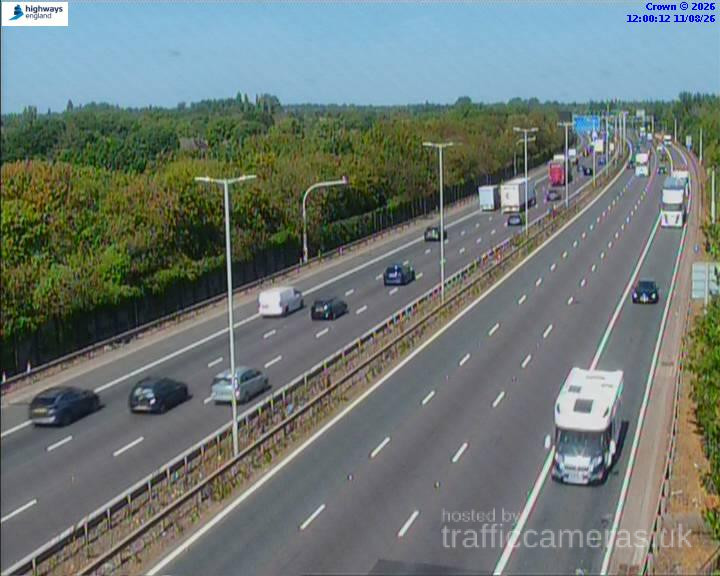
M6 · Direction unavailable
Status: Online
Updated 1 min ago
M6 · Direction unavailable
Status: Online
Updated 1 min ago

M6 · Direction unavailable
Status: Online
Updated 1 min ago
M6 · Direction unavailable
Status: Online
Updated 1 min ago
M6 · Direction unavailable
Status: Online
Updated 1 min ago
M6 · Direction unavailable
Status: Online
Updated 1 min ago
M6 · Direction unavailable
Status: Online
Updated 1 min ago
M6 · Direction unavailable
Status: Online
Updated 1 min ago
M6 · Direction unavailable
Status: Online
Updated 1 min ago
M6 · Direction unavailable
Status: Online
Updated 1 min ago
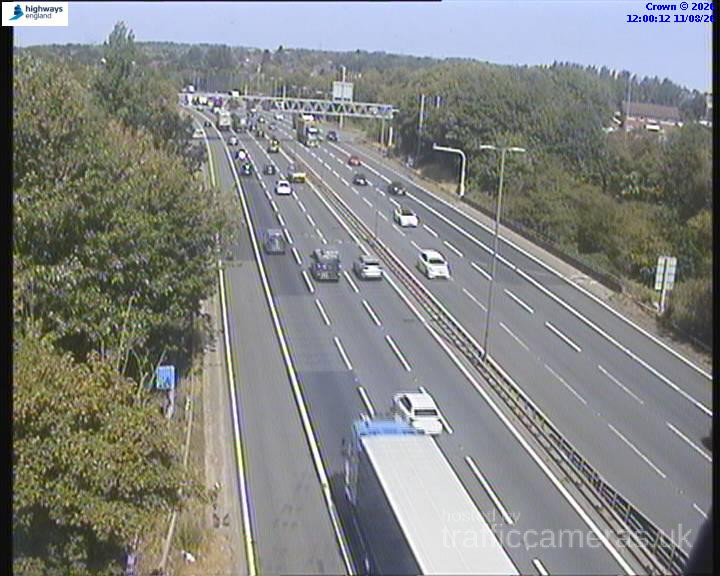
M6 · Direction unavailable
Status: Online
Updated 1 min ago
M6 · Direction unavailable
Status: Online
Updated 1 min ago
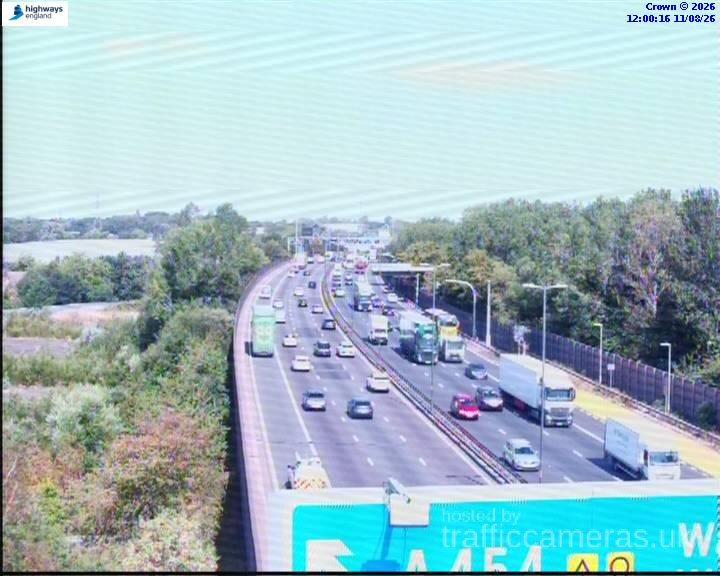
M6 · Direction unavailable
Status: Online
Updated 1 min ago
M6 · Direction unavailable
Status: Online
Updated 1 min ago
M6 · Direction unavailable
Status: Online
Updated 1 min ago
M6 · Direction unavailable
Status: Online
Updated 1 min ago
M6 · Direction unavailable
Status: Online
Updated 1 min ago
M6 · Direction unavailable
Status: Online
Updated 1 min ago
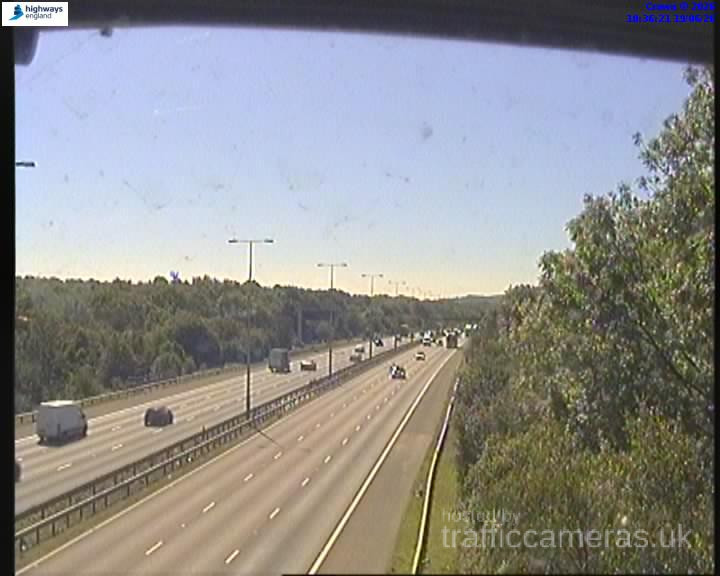
M6 · Direction unavailable
Status: Online
Updated 1 min ago
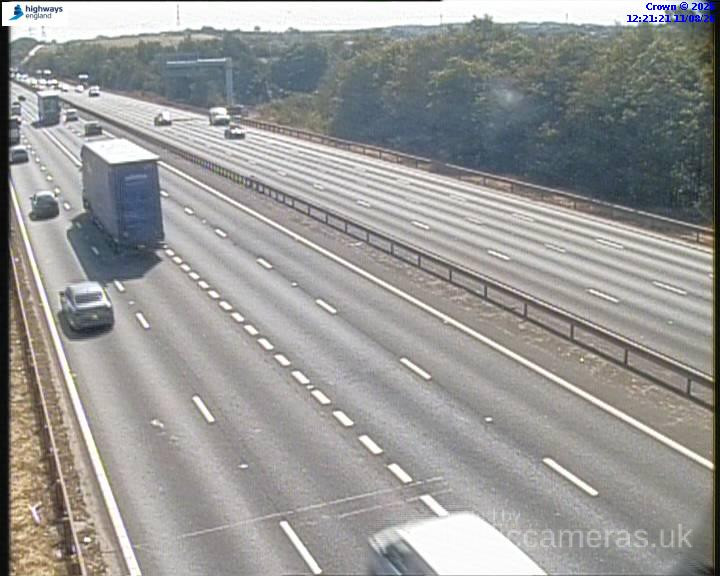
M6 · Direction unavailable
Status: Online
Updated 1 min ago
M6 · Direction unavailable
Status: Online
Updated 1 min ago
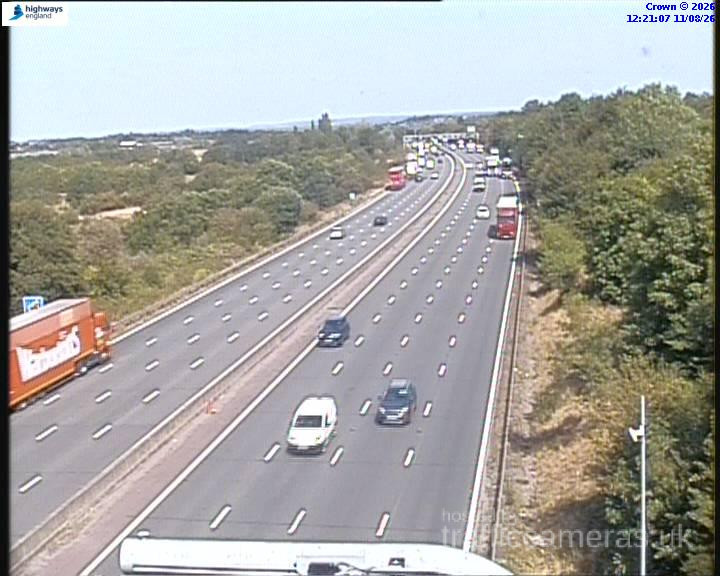
M6 · Direction unavailable
Status: Online
Updated 1 min ago
M6 · Direction unavailable
Status: Online
Updated 1 min ago
M6 · Direction unavailable
Status: Online
Updated 1 min ago

M6 · Direction unavailable
Status: Online
Updated 1 min ago
M6 · Direction unavailable
Status: Online
Updated 1 min ago
M6 · Direction unavailable
Status: Online
Updated 1 min ago
M6 · Direction unavailable
Status: Online
Updated 1 min ago
M6 · Direction unavailable
Status: Online
Updated 1 min ago
M6 · Direction unavailable
Status: Online
Updated 1 min ago
M6 · Direction unavailable
Status: Online
Updated 1 min ago
M6 · Direction unavailable
Status: Online
Updated 1 min ago
M6 · Direction unavailable
Status: Online
Updated 1 min ago
M6 · Direction unavailable
Status: Online
Updated 1 min ago
M6 · Direction unavailable
Status: Online
Updated 1 min ago
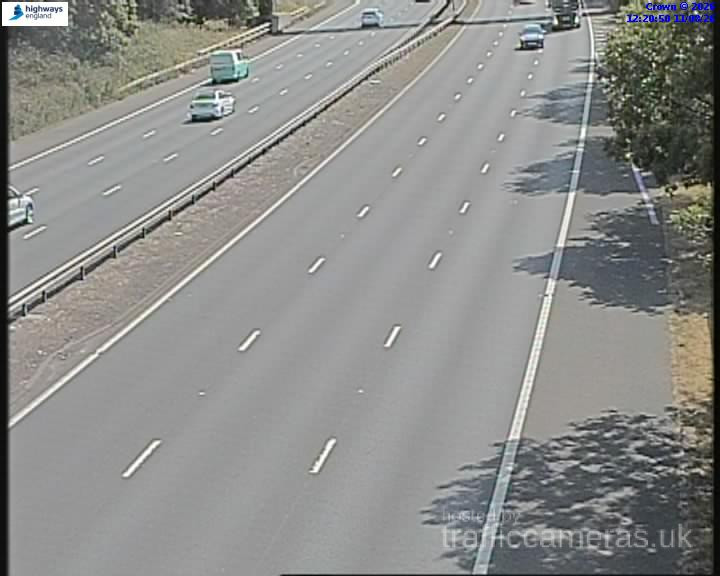
M6 · Direction unavailable
Status: Online
Updated 1 min ago
M6 · Direction unavailable
Status: Online
Updated 1 min ago
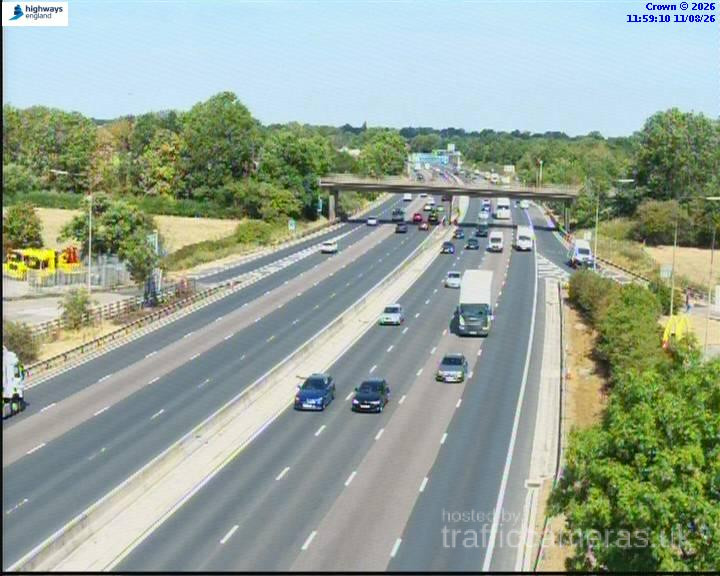
M6 · Direction unavailable
Status: Online
Updated 1 min ago
M6 · Direction unavailable
Status: Online
Updated 1 min ago
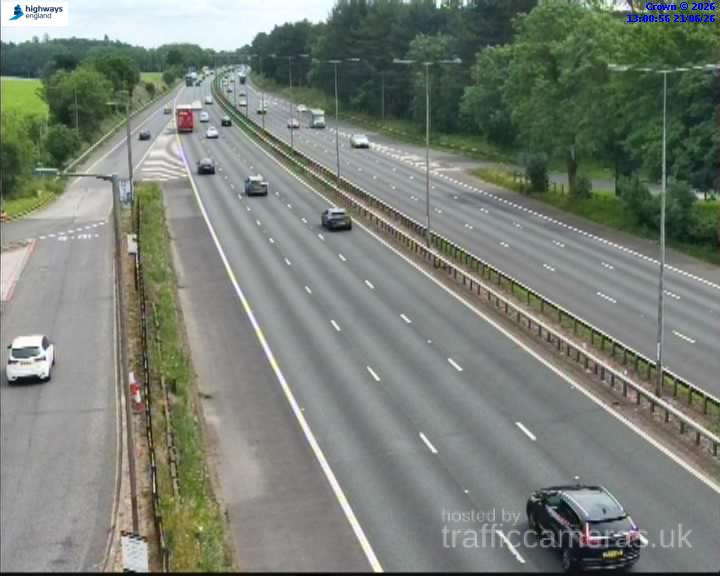
M6 · Direction unavailable
Status: Online
Updated 1 min ago
M6 · Direction unavailable
Status: Online
Updated 1 min ago
M6 · Direction unavailable
Status: Online
Updated 1 min ago
M6 · Direction unavailable
Status: Online
Updated 1 min ago
M6 · Direction unavailable
Status: Online
Updated 1 min ago
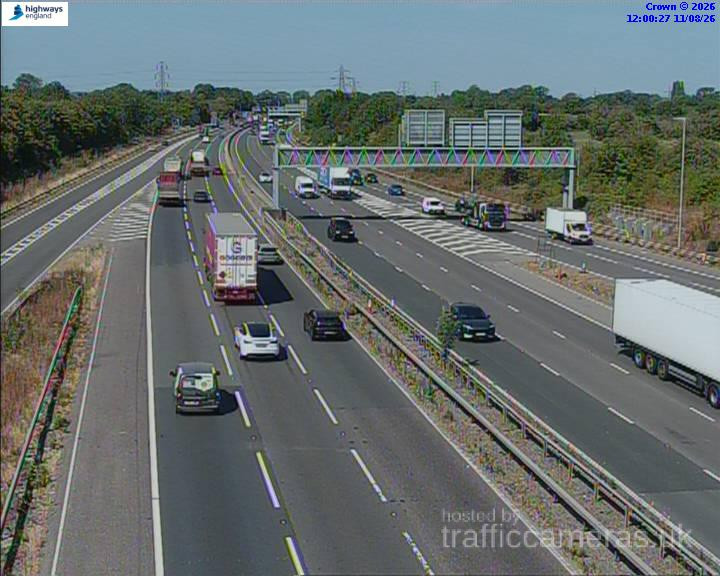
M6 · Direction unavailable
Status: Online
Updated 1 min ago
M6 · Direction unavailable
Status: Online
Updated 1 min ago
M6 · Direction unavailable
Status: Online
Updated 1 min ago
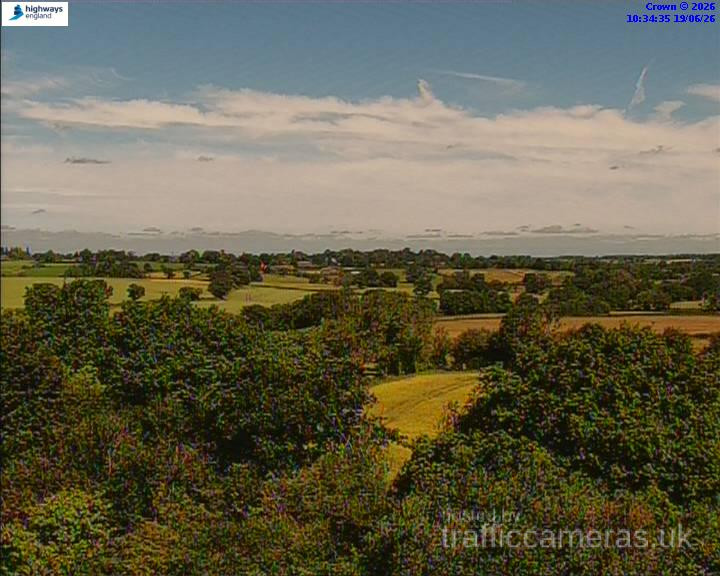
M6 · Direction unavailable
Status: Online
Updated 1 min ago
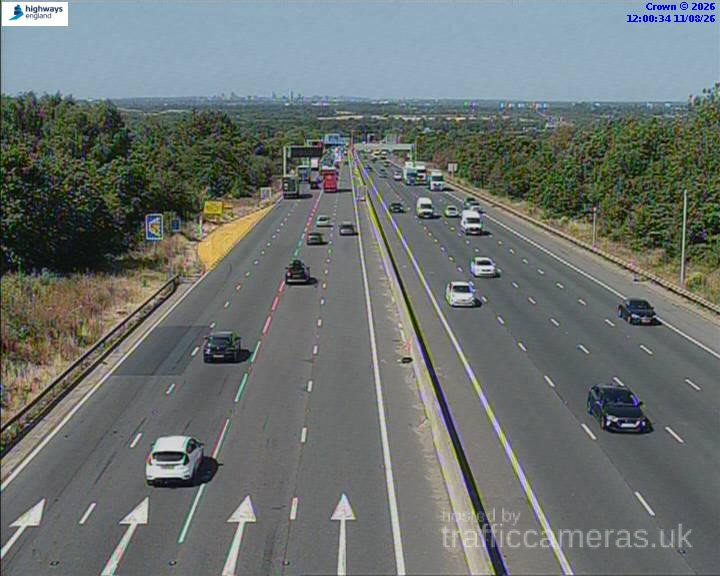
M6 · Direction unavailable
Status: Online
Updated 1 min ago
M6 · Direction unavailable
Status: Online
Updated 1 min ago
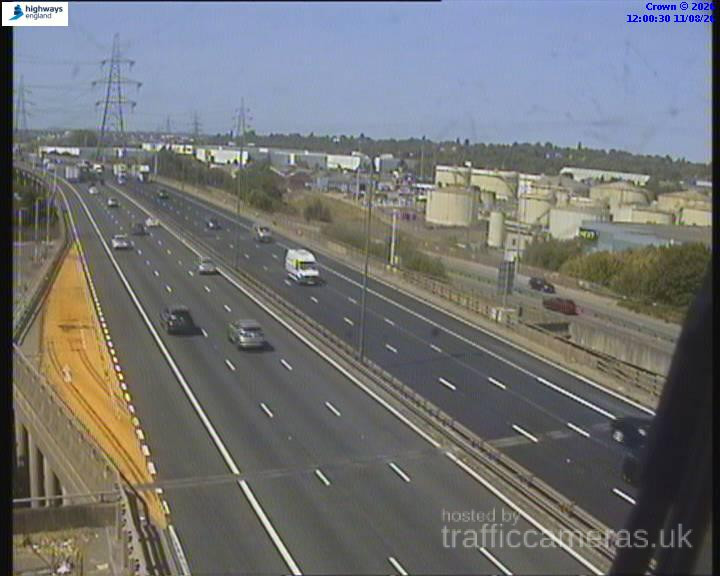
M6 · Direction unavailable
Status: Online
Updated 1 min ago
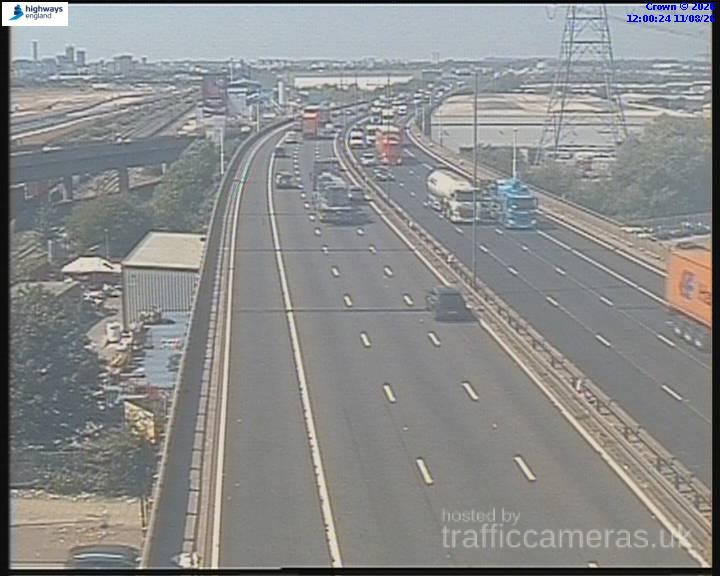
M6 · Direction unavailable
Status: Online
Updated 1 min ago
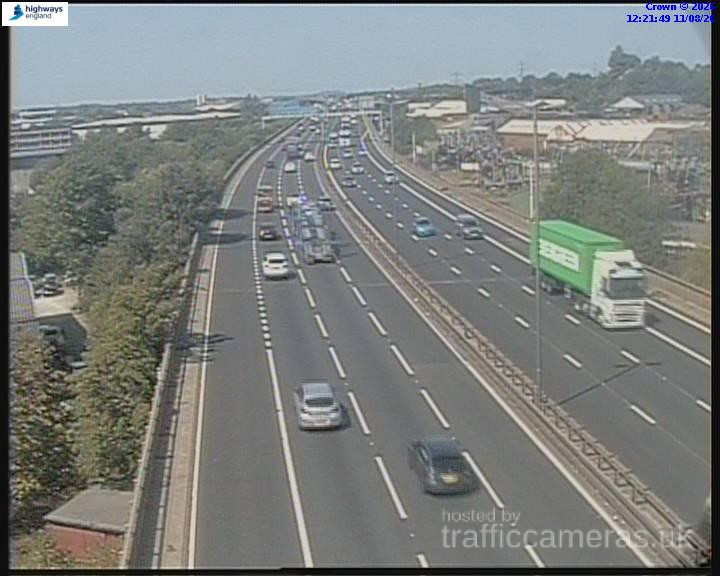
M6 · Direction unavailable
Status: Online
Updated 1 min ago

M6 · Direction unavailable
Status: Online
Updated 1 min ago

M6 · Direction unavailable
Status: Online
Updated 1 min ago
M6 · Direction unavailable
Status: Online
Updated 1 min ago
M6 · Direction unavailable
Status: Online
Updated 1 min ago
M6 · Direction unavailable
Status: Online
Updated 1 min ago
M6 · Direction unavailable
Status: Online
Updated 1 min ago
M6 · Direction unavailable
Status: Online
Updated 1 min ago
M6 · Direction unavailable
Status: Online
Updated 1 min ago
M6 · Direction unavailable
Status: Online
Updated 1 min ago

M6 · Direction unavailable
Status: Online
Updated 1 min ago

M6 · Direction unavailable
Status: Online
Updated 1 min ago

M6 · Direction unavailable
Status: Online
Updated 1 min ago

M6 · Direction unavailable
Status: Online
Updated 1 min ago

M6 · Direction unavailable
Status: Online
Updated 1 min ago

M6 · Direction unavailable
Status: Online
Updated 1 min ago

M6 · Direction unavailable
Status: Online
Updated 1 min ago

M6 · Direction unavailable
Status: Online
Updated 1 min ago

M6 · Direction unavailable
Status: Online
Updated 1 min ago

M6 · Direction unavailable
Status: Online
Updated 1 min ago

M6 · Direction unavailable
Status: Online
Updated 1 min ago

M6 · Direction unavailable
Status: Online
Updated 1 min ago

M6 · Direction unavailable
Status: Online
Updated 1 min ago

M6 · Direction unavailable
Status: Online
Updated 1 min ago

M6 · Direction unavailable
Status: Online
Updated 1 min ago

M6 · Direction unavailable
Status: Online
Updated 1 min ago

M6 · Direction unavailable
Status: Online
Updated 1 min ago

M6 · Direction unavailable
Status: Online
Updated 1 min ago

M6 · Direction unavailable
Status: Online
Updated 1 min ago

M6 · Direction unavailable
Status: Online
Updated 1 min ago

M6 · Direction unavailable
Status: Online
Updated 1 min ago

M6 · Direction unavailable
Status: Online
Updated 1 min ago

M6 · Direction unavailable
Status: Online
Updated 1 min ago

M6 · Direction unavailable
Status: Online
Updated 1 min ago

M6 · Direction unavailable
Status: Online
Updated 1 min ago

M6 · Direction unavailable
Status: Online
Updated 1 min ago

M6 · Direction unavailable
Status: Online
Updated 1 min ago

M6 · Direction unavailable
Status: Online
Updated 1 min ago

M6 · Direction unavailable
Status: Online
Updated 1 min ago

M6 · Direction unavailable
Status: Online
Updated 1 min ago

M6 · Direction unavailable
Status: Online
Updated 1 min ago

M6 · Direction unavailable
Status: Online
Updated 1 min ago

M6 · Direction unavailable
Status: Online
Updated 1 min ago

M6 · Direction unavailable
Status: Online
Updated 1 min ago

M6 · Direction unavailable
Status: Online
Updated 1 min ago

M6 · Direction unavailable
Status: Online
Updated 1 min ago
M6 · Direction unavailable
Status: Online
Updated 1 min ago
M6 · Direction unavailable
Status: Online
Updated 1 min ago
M6 · Direction unavailable
Status: Online
Updated 1 min ago
M6 · Direction unavailable
Status: Online
Updated 1 min ago
M6 · Direction unavailable
Status: Online
Updated 1 min ago
M6 · Direction unavailable
Status: Online
Updated 1 min ago
M6 · Direction unavailable
Status: Online
Updated 1 min ago
M6 · Direction unavailable
Status: Online
Updated 1 min ago
M6 · Direction unavailable
Status: Online
Updated 1 min ago
M6 · Direction unavailable
Status: Online
Updated 1 min ago
M6 · Direction unavailable
Status: Online
Updated 1 min ago
M6 · Direction unavailable
Status: Online
Updated 1 min ago
M6 · Direction unavailable
Status: Online
Updated 1 min ago
M6 · Direction unavailable
Status: Online
Updated 1 min ago
M6 · Direction unavailable
Status: Online
Updated 1 min ago
M6 · Direction unavailable
Status: Online
Updated 1 min ago
M6 · Direction unavailable
Status: Online
Updated 1 min ago
M6 · Direction unavailable
Status: Online
Updated 1 min ago
M6 · Direction unavailable
Status: Online
Updated 1 min ago
M6 · Direction unavailable
Status: Online
Updated 1 min ago
M6 · Direction unavailable
Status: Online
Updated 1 min ago
M6 · Direction unavailable
Status: Online
Updated 1 min ago
M6 · Direction unavailable
Status: Online
Updated 1 min ago
M6 · Direction unavailable
Status: Online
Updated 1 min ago
M6 · Direction unavailable
Status: Online
Updated 1 min ago
M6 · Direction unavailable
Status: Online
Updated 1 min ago
M6 · Direction unavailable
Status: Online
Updated 1 min ago
M6 · Direction unavailable
Status: Online
Updated 1 min ago
M6 · Direction unavailable
Status: Online
Updated 1 min ago
M6 · Direction unavailable
Status: Online
Updated 1 min ago
M6 · Direction unavailable
Status: Online
Updated 1 min ago
M6 · Direction unavailable
Status: Online
Updated 1 min ago
M6 · Direction unavailable
Status: Online
Updated 1 min ago
M6 · Direction unavailable
Status: Online
Updated 1 min ago
M6 · Direction unavailable
Status: Online
Updated 1 min ago
M6 · Direction unavailable
Status: Online
Updated 1 min ago
M6 · Direction unavailable
Status: Online
Updated 1 min ago
M6 · Direction unavailable
Status: Online
Updated 1 min ago
M6 · Direction unavailable
Status: Online
Updated 1 min ago
M6 · Direction unavailable
Status: Online
Updated 1 min ago
M6 · Direction unavailable
Status: Online
Updated 1 min ago
M6 · Direction unavailable
Status: Online
Updated 1 min ago
M6 · Direction unavailable
Status: Online
Updated 1 min ago
M6 · Direction unavailable
Status: Online
Updated 1 min ago
M6 · Direction unavailable
Status: Online
Updated 1 min ago
M6 · Direction unavailable
Status: Online
Updated 1 min ago
M6 · Direction unavailable
Status: Online
Updated 1 min ago
M6 · Direction unavailable
Status: Online
Updated 1 min ago
M6 · Direction unavailable
Status: Online
Updated 1 min ago
M6 · Direction unavailable
Status: Online
Updated 1 min ago
M6 · Direction unavailable
Status: Online
Updated 1 min ago
M6 · Direction unavailable
Status: Online
Updated 1 min ago
M6 · Direction unavailable
Status: Online
Updated 1 min ago
M6 · Direction unavailable
Status: Online
Updated 1 min ago
M6 · Direction unavailable
Status: Online
Updated 1 min ago
M6 · Direction unavailable
Status: Online
Updated 1 min ago
M6 · Direction unavailable
Status: Online
Updated 1 min ago
M6 · Direction unavailable
Status: Online
Updated 1 min ago
M6 · Direction unavailable
Status: Online
Updated 1 min ago
M6 · Direction unavailable
Status: Online
Updated 1 min ago
M6 · Direction unavailable
Status: Online
Updated 1 min ago
M6 · Direction unavailable
Status: Online
Updated 1 min ago
M6 · Direction unavailable
Status: Online
Updated 1 min ago
M6 · Direction unavailable
Status: Online
Updated 1 min ago
M6 · Direction unavailable
Status: Online
Updated 1 min ago
M6 live cameras can help you check traffic conditions at different points along the motorway. Instead of relying only on a general traffic report, you can use individual camera locations to see what the road looks like near your route.
If you are travelling during busy periods, check several M6 traffic cameras along your journey. This can help you identify where traffic is moving normally and where queues may be developing.
The camera views are particularly useful when planning a longer journey on the M6. You can check conditions before joining the motorway and again near important junctions along your route.
For the latest available view, select the relevant camera above. Camera availability and update times can vary between locations.
The M6 camera network covers many sections of the motorway, including locations around major junctions. The camera listings above include locations around M6 Junction 1, Junction 2, Junction 3, Junction 4, Junction 4A, Junction 5, Junction 6, Junction 8, Junction 9, Junction 10, Junction 10A, Junction 11, Junction 11A, Junction 12, Junction 13, Junction 14, Junction 15, Junction 16, Junction 19, Junction 20, Junction 21, Junction 21A, Junction 23, Junction 27, Junction 28, Junction 30, Junction 32 and Junction 33.
If you need traffic cameras on the M6 near a particular junction, use the camera listings to find the closest available view. Checking a camera near your junction can be useful before joining the motorway or when approaching a busy section.
You can also compare cameras at different points along your route to get a broader picture of M6 traffic conditions.
M6 traffic can vary significantly between northbound and southbound carriageways, particularly during peak travel times. An incident or queue in one direction does not necessarily mean the same conditions exist in the opposite direction.
If you are travelling north, check the available M6 northbound cameras around your route. Drivers heading south can use the available M6 southbound cameras to check conditions ahead.
Checking both directions can also be useful when planning a return journey. Live camera views can show whether traffic is building near major junctions, merging points or other busy sections of the motorway.
M6 motorway cameras used to show traffic conditions are different from speed cameras used for enforcement. A traffic camera can help you see road conditions, queues and congestion, while speed cameras are used to monitor compliance with applicable speed limits.
Some sections of the M6 use variable speed limits or other motorway controls. Always follow the speed limit shown on road signs, overhead gantries and other official traffic signs.
If your main goal is to check M6 traffic live, use the camera listings above to view available traffic cameras along the route. Check our live map.
Are there live M6 cameras?
Yes. This page provides camera views from different locations along the M6. You can select available cameras to check the latest view of traffic and road conditions.
Where can I check M6 traffic cameras?
You can check M6 traffic cameras using the camera listings on this page. The listings cover multiple sections and junctions along the motorway.
Can I see M6 cameras live?
Yes. Select an available camera to view its latest available image. This can help you check traffic conditions before starting your journey.
What do M6 traffic cameras show?
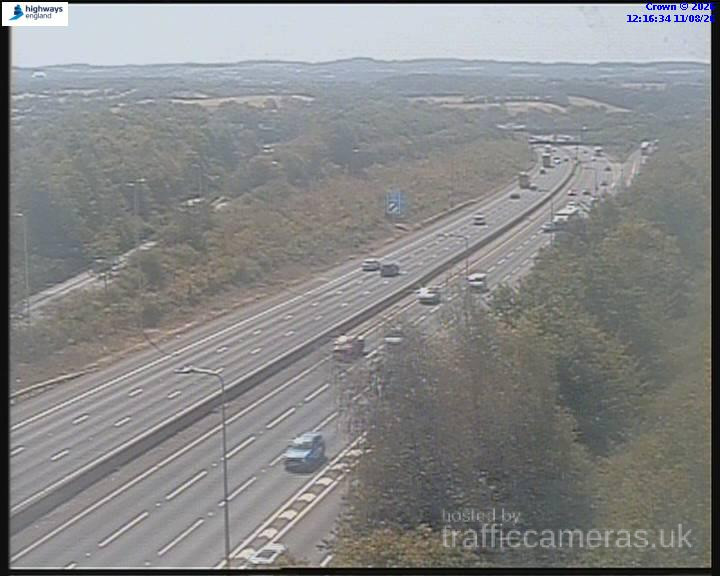
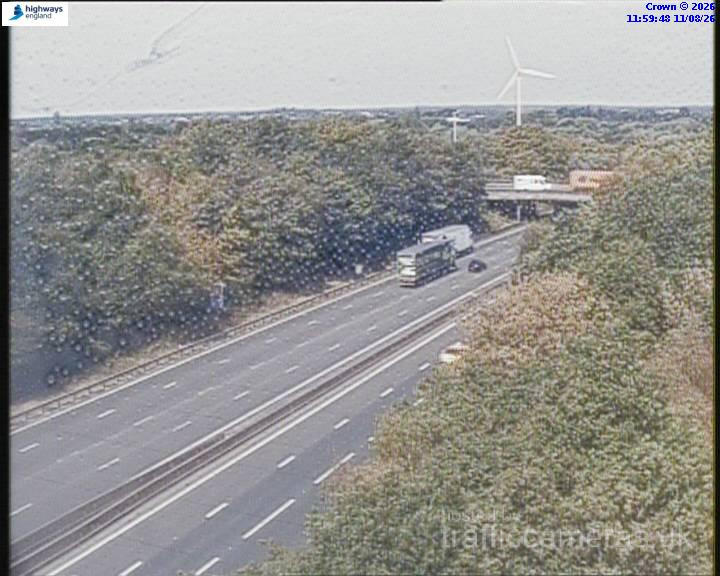
M6 traffic cameras can show current road conditions, traffic flow, queues and congestion at the camera location. They are useful for checking conditions around your route.
Can I check M6 cameras before travelling?
Yes. Checking M6 cameras live before you travel can help you understand current traffic conditions and decide whether you need to allow additional time.
Are there M6 cameras for both directions?
Camera coverage varies by location, but the page includes cameras covering different sections and directions of the M6. Use the relevant camera listing to check conditions for your route.
Are M6 traffic cameras the same as speed cameras?
No. Traffic cameras provide views of road conditions, while speed cameras are used for enforcement. Always follow the current speed limit displayed on motorway signs and overhead gantries.
Is the M6 busy during peak times?
Traffic can become heavier during morning and evening commuting periods, weekends and holiday travel. Conditions can also change quickly following incidents, roadworks or poor weather, so checking the latest camera views before travelling can be useful.