
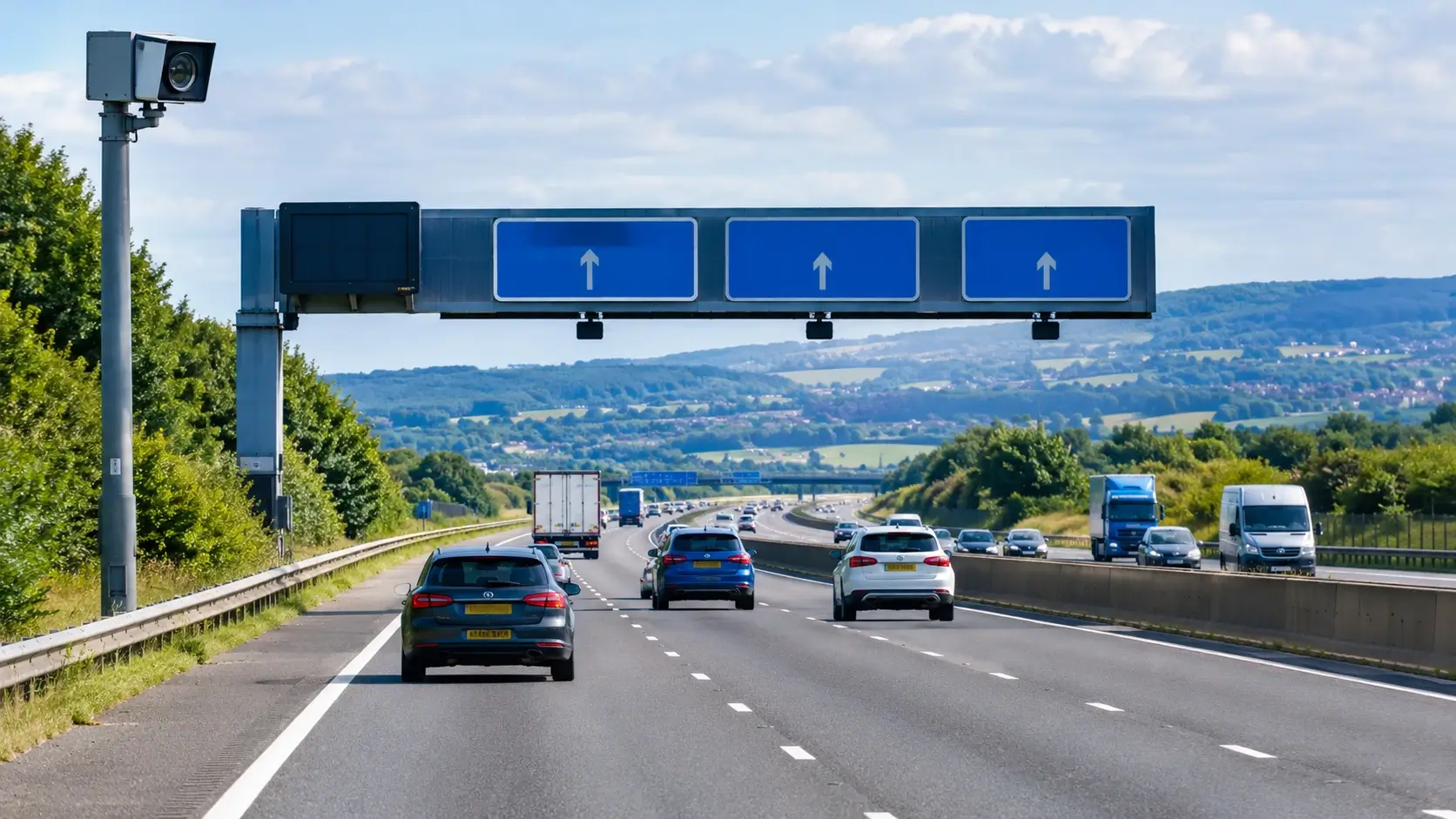
Check M62 motorway traffic with live camera views, traffic news and roadworks updates. Learn how to check delays, plan your route and prepare for your journey across northern England.
Motorway M62 traffic can change quickly because of collisions, broken-down vehicles, roadworks, lane closures and heavy traffic around busy junctions. If you are travelling between Liverpool, Manchester, Leeds, Huddersfield or Hull, checking the latest traffic information before setting off can help you prepare for disruption and make better travel decisions.
The M62 is a major motorway connecting communities and commercial centres across northern England. However, checking only one traffic report may not give you a complete picture of your journey. Live traffic cameras can help you see conditions at selected locations, while official traffic updates provide information about reported incidents, closures and planned maintenance.
You can start by checking the M62 Motorway Traffic on TrafficCameras.info, then compare the available views with current road alerts before you travel.
How to Check Motorway M62 Traffic Live
If you want to know whether the M62 is busy, start by checking the section you intend to use rather than looking at the motorway as a whole. Traffic can move freely in one area while another section experiences queues or restrictions.
Use these sources together:
M62 live traffic cameras: Check available camera views near your starting point, destination and relevant junctions.
National Highways traffic updates: Check reported incidents, congestion and disruption on the strategic road network.
Planned roadworks information: Look for overnight closures, temporary speed limits, lane restrictions and diversion routes.
Journey planning tools: Compare possible routes and allow additional time if disruption is reported.
The official GOV.UK traffic information service provides access to information about current incidents and roadworks on motorways and major A roads in England.
Remember that a traffic camera shows only a particular location at a particular time. A clear image does not guarantee that the road ahead is clear, and some camera feeds may not be available or update continuously.
M62 Motorway Traffic News: What Should Drivers Check?
When searching for M62 motorway traffic news, look for information that explains the location, direction and cause of any disruption. These details help you understand whether an incident is likely to affect your particular journey.
Accidents and Traffic Incidents
A collision or broken-down vehicle can lead to slower traffic, lane restrictions or a carriageway closure. Queues may remain after an incident has been cleared while traffic gradually returns to normal.
Before leaving, check whether an incident affects your direction of travel and whether the reported location is before or after your entry junction. Follow official instructions and any diversion signs if the road is closed.
Do not assume an incident has been resolved because an older report says the road is expected to reopen. Check for a more recent update.
Roadworks and Lane Closures
Planned maintenance can affect the M62 through overnight closures, narrower lanes, temporary speed limits and restrictions at entry or exit slip roads.
For example, National Highways has published details of the M62 Flyboat parapet upgrade at junction 34, with restrictions scheduled from September 2026 into April 2027. The scheme includes an eastbound lane and hard-shoulder closure, a restriction on the eastbound entry slip road and a temporary 50mph limit. The exact arrangements can change, so consult the official Yorkshire and North East maintenance updates before travelling.
Check the latest notices rather than relying on an old article, as roadworks dates and diversion arrangements may be revised.
Congestion Around Junctions
Traffic can slow near busy junctions, merging lanes and connections with other major roads. A queue may also build when roadworks reduce the available carriageway space.
If you are joining the M62 during a busy period, check conditions around both your entry junction and the section ahead. Drivers leaving the motorway should also check slip-road restrictions and local road conditions.
M62 Eastbound and Westbound Traffic
The direction of travel matters when checking an M62 motorway traffic update. An incident affecting eastbound traffic may have little direct effect on westbound traffic, although congestion can sometimes spread or affect nearby roads in both directions.
Eastbound journeys: Drivers travelling towards Leeds, Wakefield and destinations farther east should check camera views and alerts along the relevant section of their route.
Westbound journeys: Drivers heading towards Huddersfield, Manchester and Liverpool should check the corresponding westbound locations and any restrictions near their exit junctions.
These are general route-planning examples, not live traffic reports. Always confirm your actual direction and destination before choosing a route. If a closure affects your carriageway, follow the signed diversion. Avoid leaving the motorway based solely on a camera image or an unverified social media post.
If your journey continues towards another major motorway, you can also check our M6 traffic cameras page when planning the relevant part of your route.
Which M62 Junctions Should You Check?
The most useful junctions to monitor depend on where your journey starts and ends. Instead of checking every camera on the motorway, focus on the entry point, the main section you will use and the junction where you plan to leave.
| Journey area | What to check |
|---|---|
| Liverpool and Manchester approaches | Conditions near your entry point and connecting motorways |
| Rochdale and Huddersfield area | Traffic around your intended junctions and the Pennine section |
| Leeds and Wakefield approaches | Queues, lane restrictions and junction access |
| Goole and Hull direction | Conditions farther east and any restrictions affecting your exit |
The table is a route-planning guide, not a statement about current congestion. The Pennine section around Scammonden Bridge is worth checking when maintenance is scheduled because closures can affect journeys through the area. Check the latest National Highways roadworks and closure information for confirmed dates and diversion details.
For journeys involving the M1, check our M1 traffic cameras page for available camera views along that motorway.
M62 Motorway Traffic Update: Plan Before You Leave
A quick check before departure can help you avoid relying on outdated information. Follow this simple routine:
Confirm your route. Identify your entry and exit junctions and whether you will travel eastbound or westbound.
Check the cameras. View available images along the section you expect to use.
Read official traffic news. Check for collisions, breakdowns, closures and congestion.
Review planned roadworks. Pay particular attention to overnight work if you are travelling early in the morning.
Allow extra time. Leave a suitable margin if restrictions or delays are reported.
Check again if necessary. Before departure, review the latest information in case conditions have changed.
This routine is useful for daily commuters, delivery drivers, fleet operators and anyone travelling a long distance across northern England. If you manage deliveries or commercial journeys, share confirmed route changes through the appropriate workplace process. Avoid making unsafe decisions to recover time lost in traffic.
If your journey continues towards London or involves the M25, check our M25 traffic cameras page for available camera views before continuing your journey.
Safe Driving When M62 Traffic Slows
When you encounter congestion, reduce speed smoothly, maintain a safe following distance and watch for sudden braking. Follow temporary speed limits and overhead signs, particularly where lanes narrow or traffic management is in place.
Never use a handheld phone while driving to check traffic updates or camera images. Plan your journey before departure or stop somewhere safe and legal first.
If an overhead red X signal closes a lane, do not drive in that lane. Follow the signs and move out of the closed lane as directed. Use the hard shoulder only when permitted by signs or authorised instructions. Traffic cameras are a planning aid, not a substitute for observing road signs and conditions while driving.
Check M62 Traffic Before Your Next Journey
Motorway M62 traffic can be affected by incidents, congestion, roadworks and temporary restrictions. Checking live camera views alongside official traffic news gives you a more complete understanding of the route before setting off.
Visit the M62 traffic cameras page on TrafficCameras.info to check available camera views before setting off. Review official traffic alerts, confirm any roadworks or closures affecting your route, and allow extra time where necessary. You can also check live traffic cameras across the UK when planning journeys on other major roads.